Modernise systems
Evolve the tools that hold your business back.
An off-the-shelf product your teams work around, spreadsheets that have become essential, an old application nobody dares change: these tools supported your growth, and now they slow it down. We assess what to keep, extend or replace, then plan the transition without stopping the business.
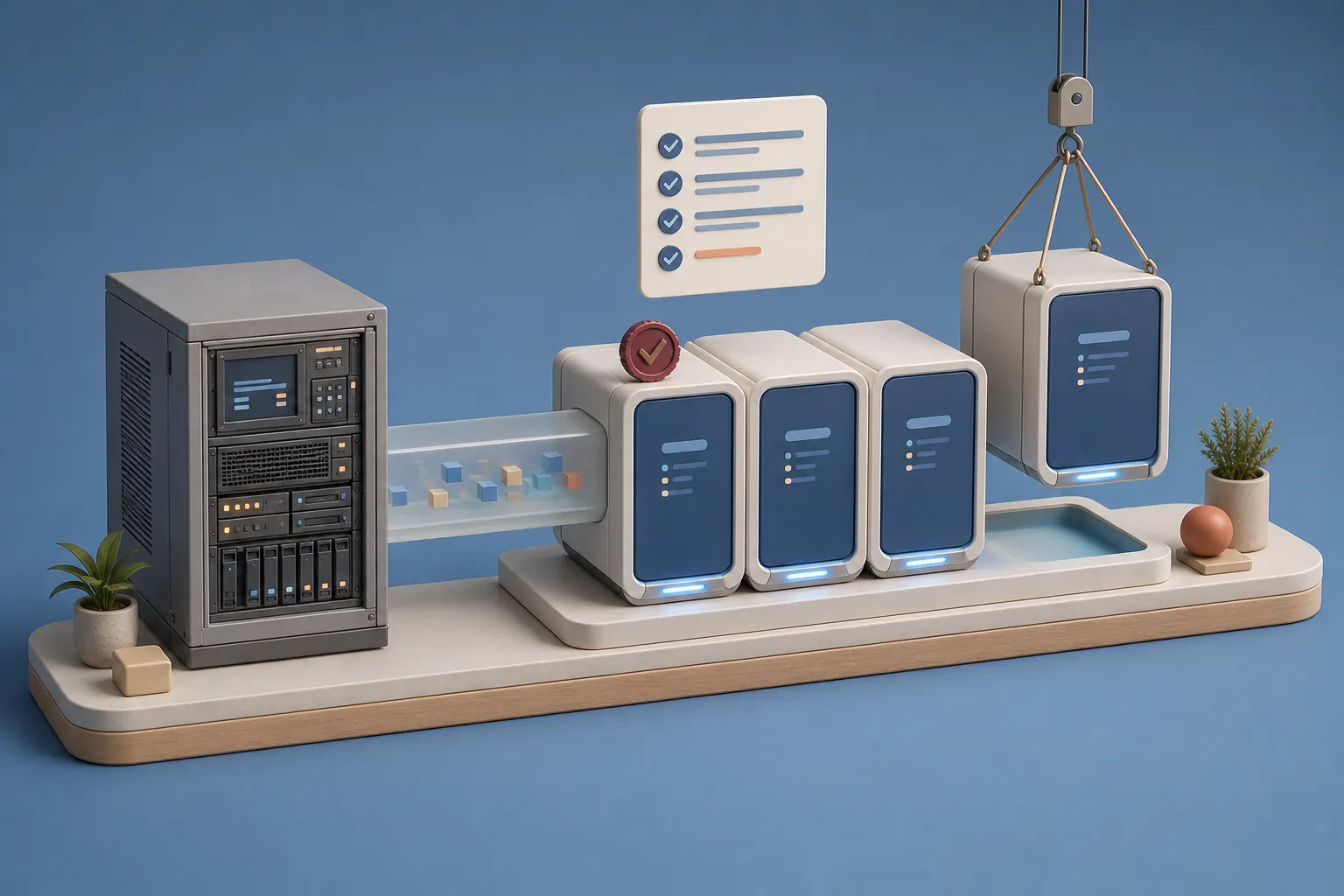
Before
Workarounds everywhere
Next to the official tool, your teams keep files that do the real work.
A tool that imposes its logic
The software makes you bend your rules to how it works, instead of following the way you sell or produce.
Change that feels risky
Nobody really knows what the current application does, so every change gets postponed.
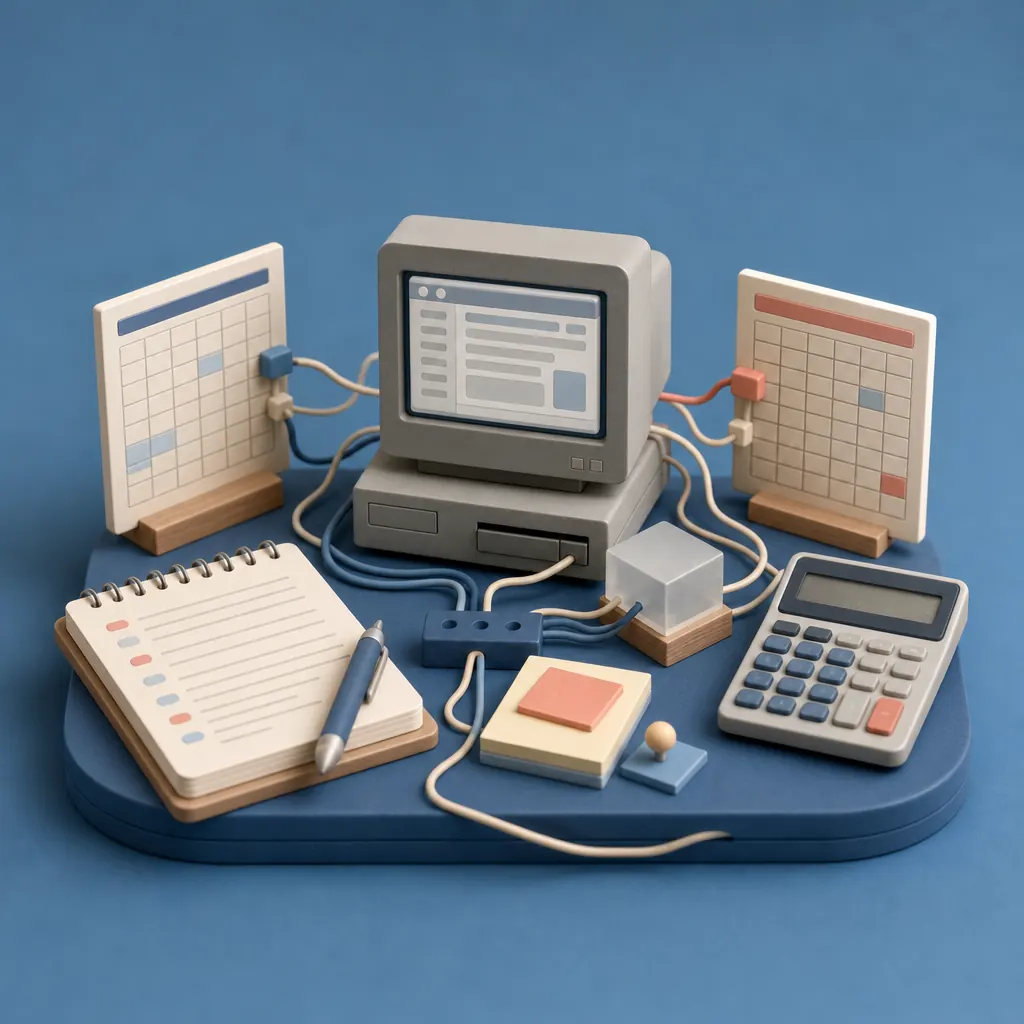
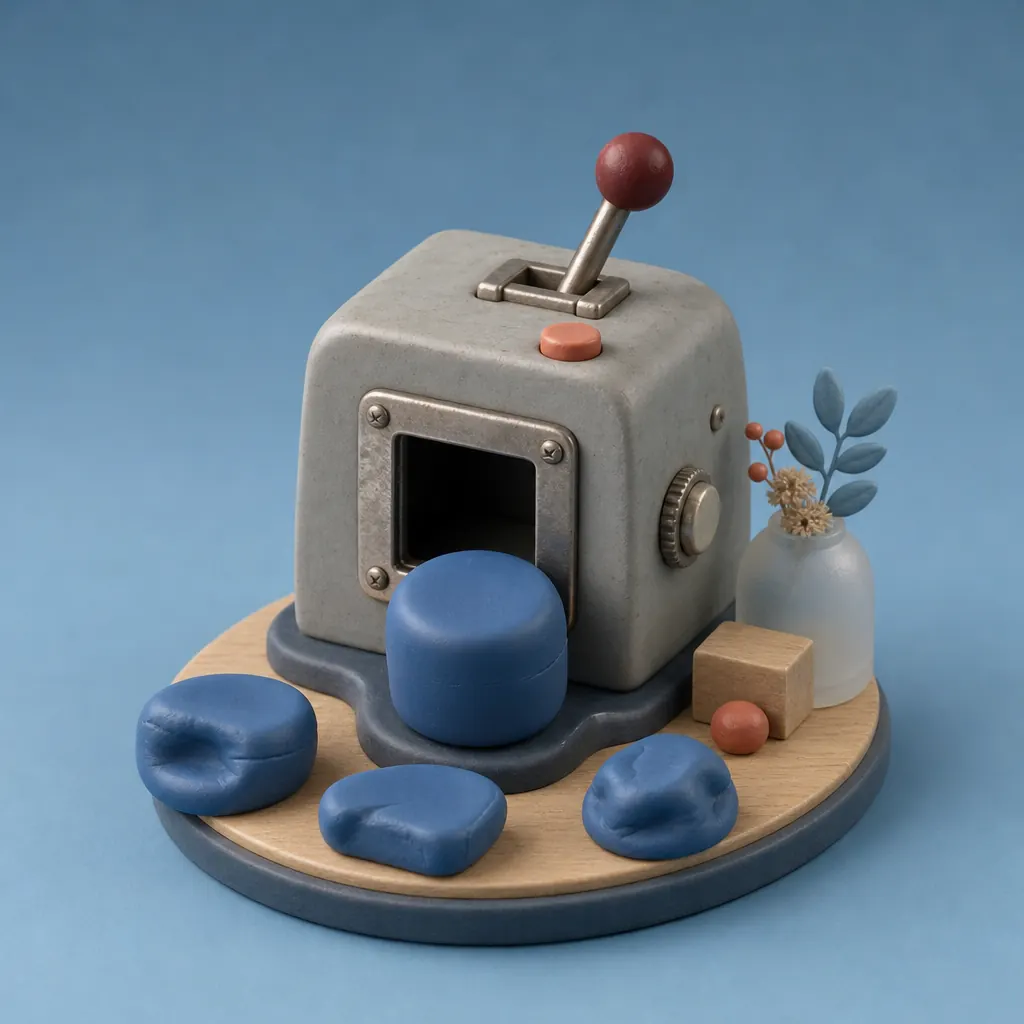

Improve, extend or replace.
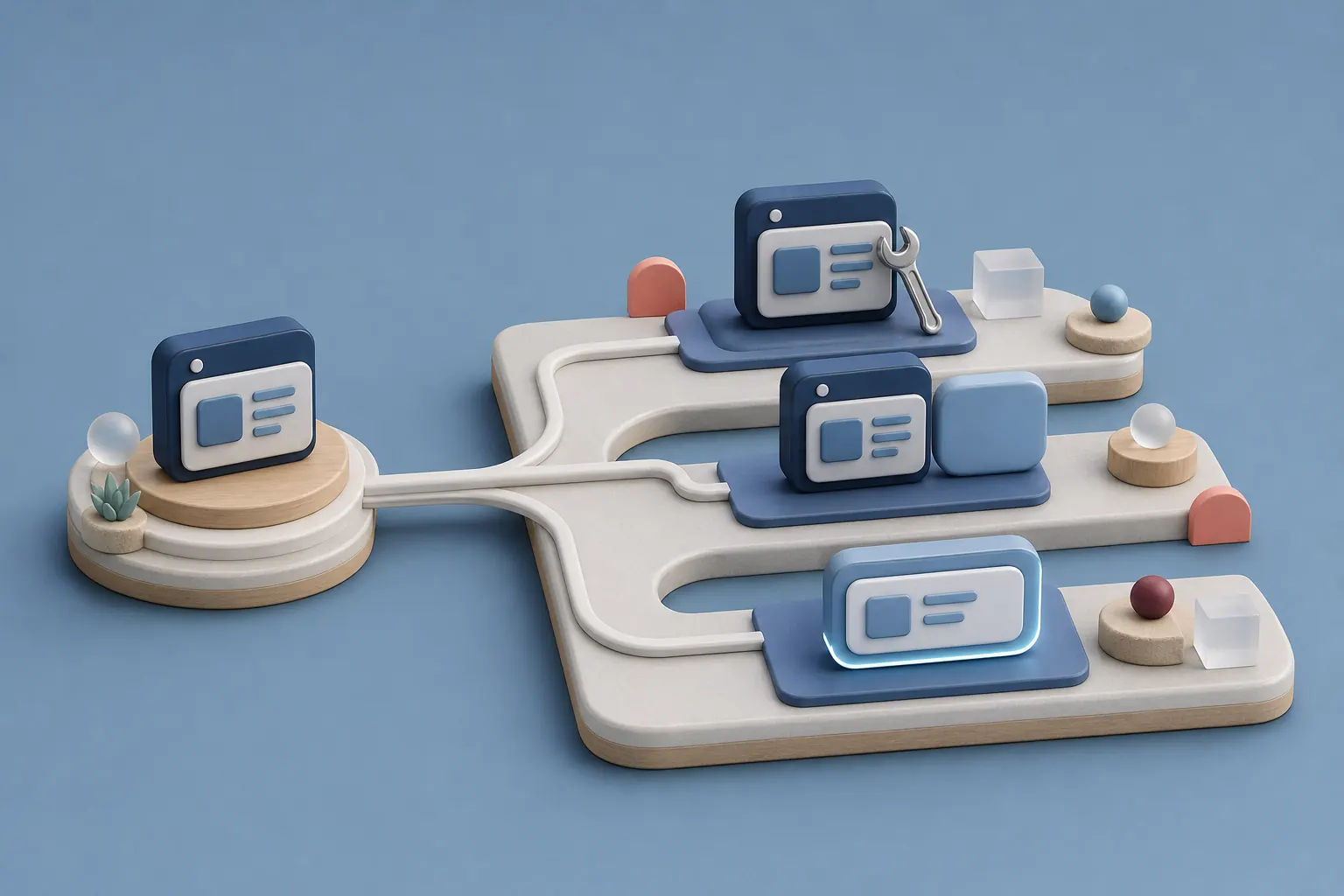
Your current tool
Improve what exists
When the tool still fits, we fix what gets in your teams' way and connect it to your other systems.
Extend it
When the tool does part of the job well, we build the missing module alongside it.
Replace it
When the tool blocks your business rules, we compare an off-the-shelf product with a custom build.
After
A transition organised module by module.
Written rules
We write down with your teams the rules the new system must apply, with their acceptance criteria.
Module order
We set the delivery order by dependency, starting with what unblocks the rest.
Data migration
We migrate the data from the old tool and check with you that it's complete.
Acceptance
Your teams test each module on the real system, then sign it off before the next one.
Switchover
The old tool stays in service until the module replacing it is signed off.
Our work, from diagnosis to maintenance.
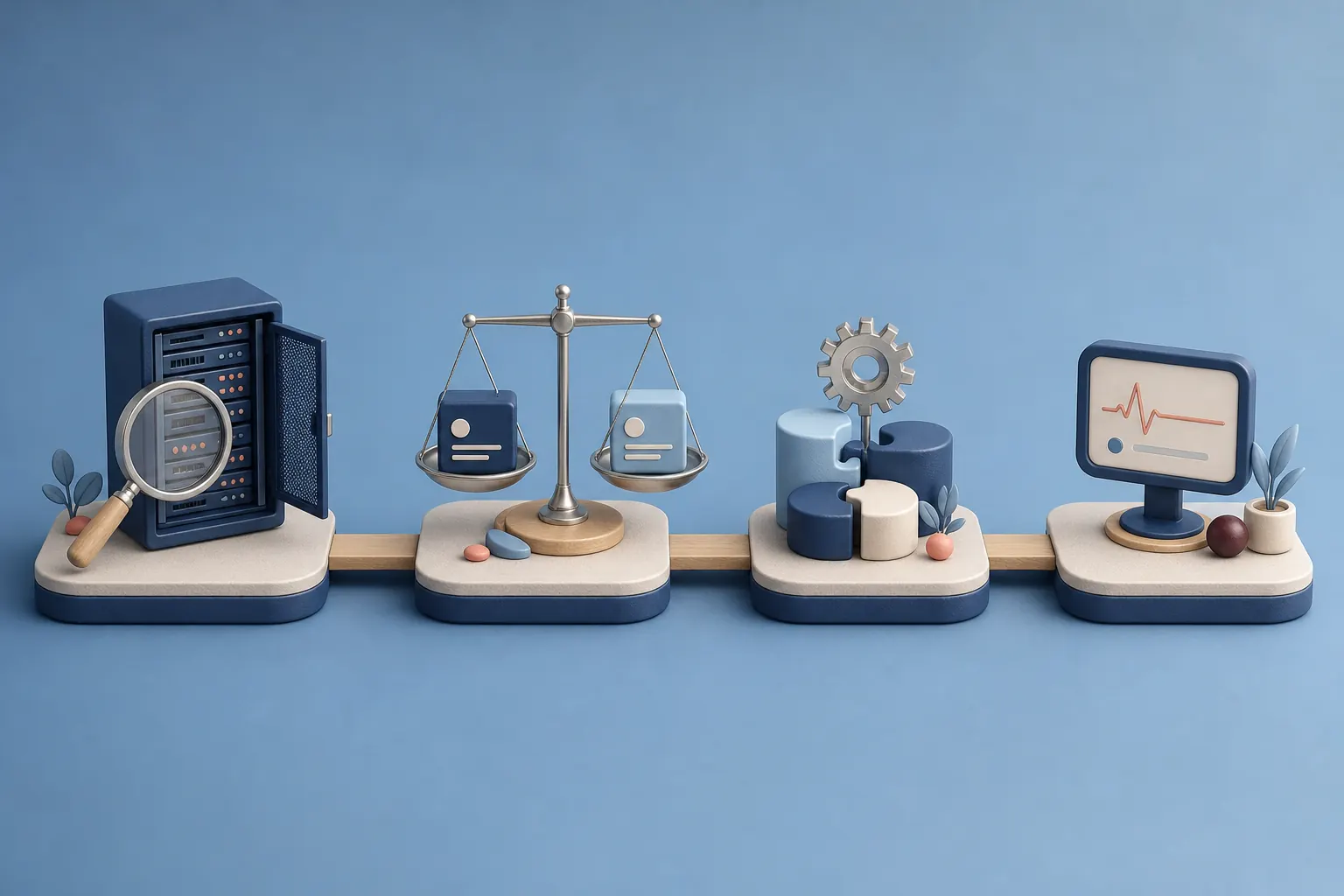
Diagnosis
We examine the current tool, its real limits and the ways your teams work around it.
Comparison
We compare the options against your rules, your deadlines and what each will cost you to maintain.
Build
We develop the chosen modules and connect them to the tools you keep.
Follow-up
We handle maintenance and changes, within a scope agreed with you.
What you need to bring.
A new system is only as good as the rules it applies. So we need the people who know those rules, and their time to test each module before signing it off.
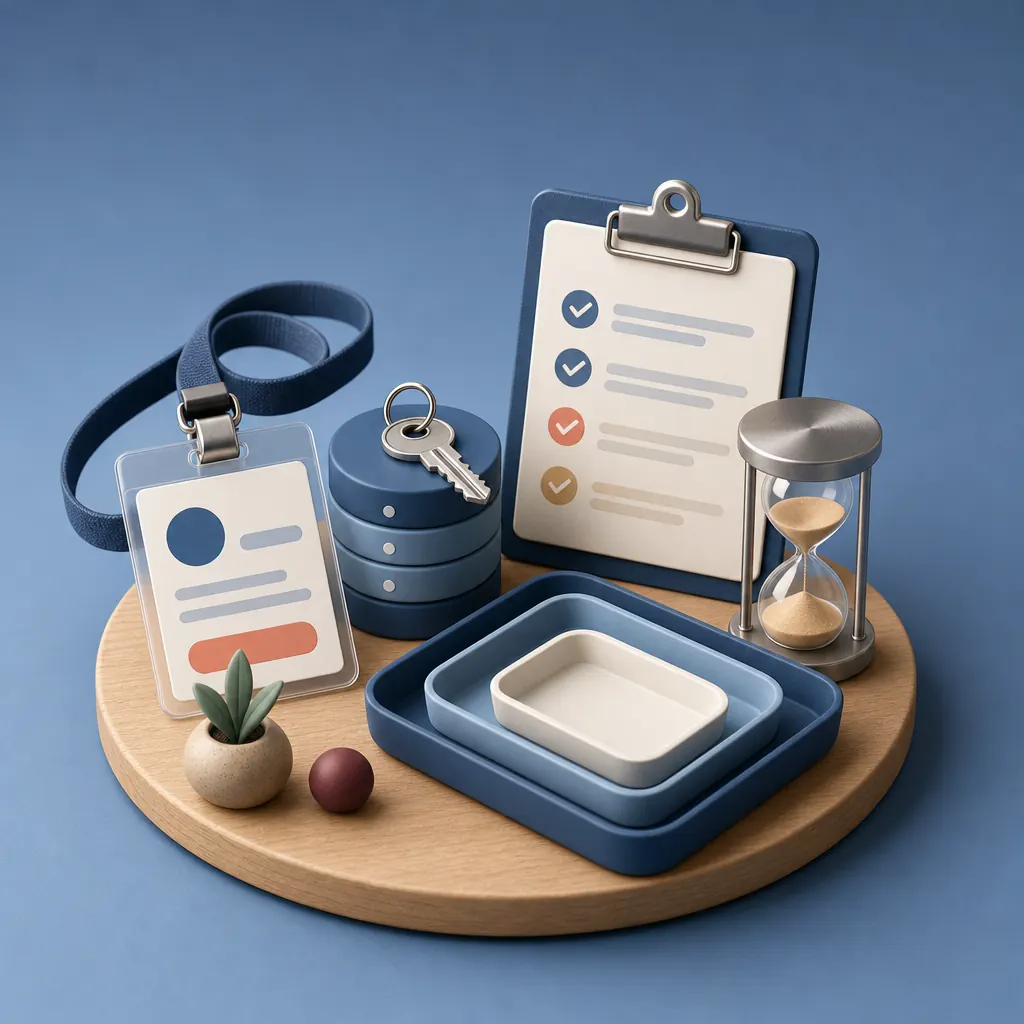
Business leads
One person per area, such as stock or finance, who settles the rules.
Access to data
Exports or access to the old tool, to prepare the migration.
Time for acceptance
A few hours per module, to test on real cases before signing off.
A priority order
The modules that matter most to you, to set the delivery order.
How we measure the result.
We track the efficiency of the processes involved, the system's reliability, the time spent maintaining it and user adoption. These indicators are recorded on the old tool and then on the new one, so you see the gain in your own figures.
- Process efficiency
- System reliability
- Maintenance time
- User adoption
Our work
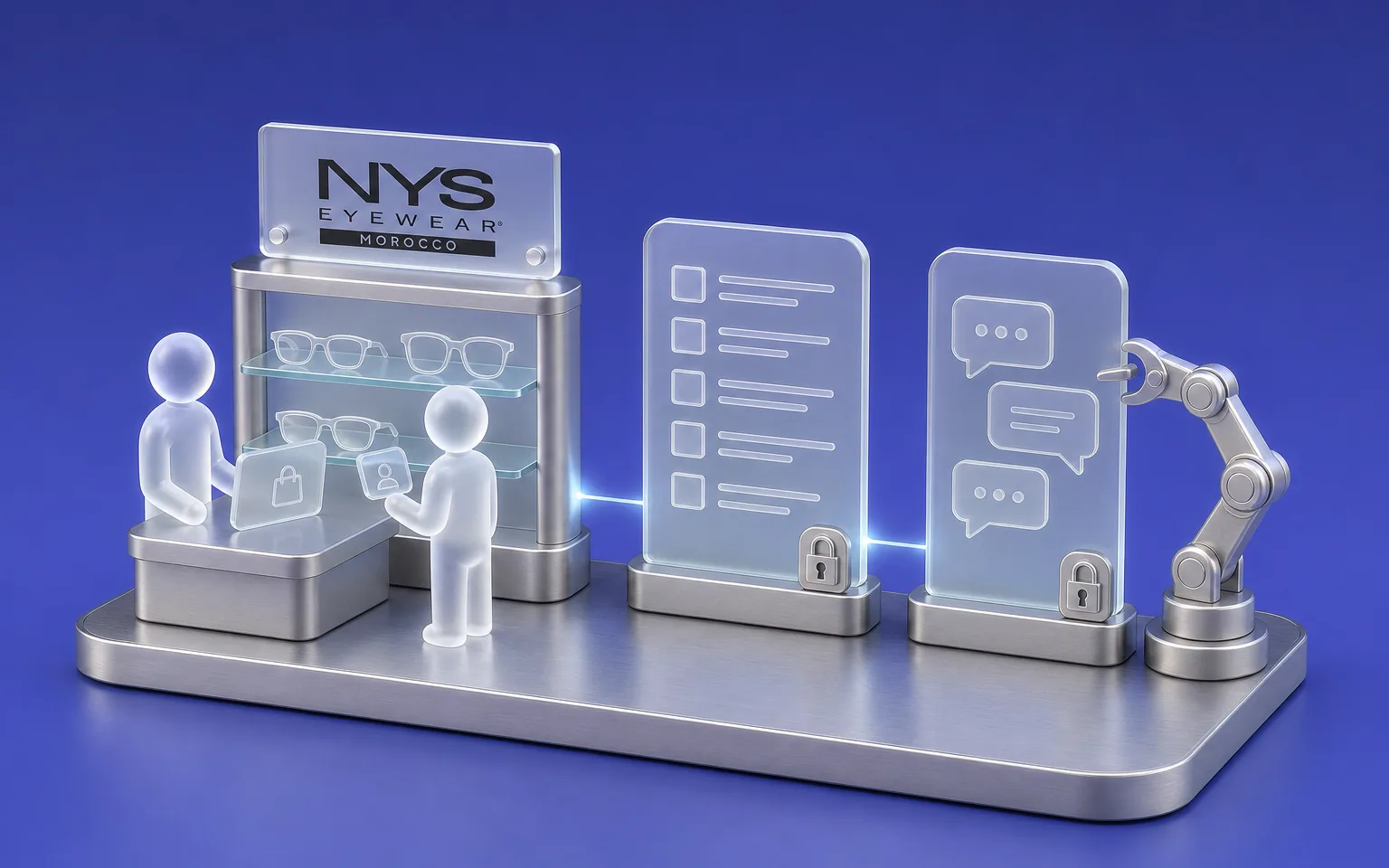
NYS
Store network
- Challenge
- Tracking every item across a network of more than ten stores and an online shop.
- What Claro built
- A retail ERP designed and built module by module, with a French-language AI copilot that answers within each user's access rights.
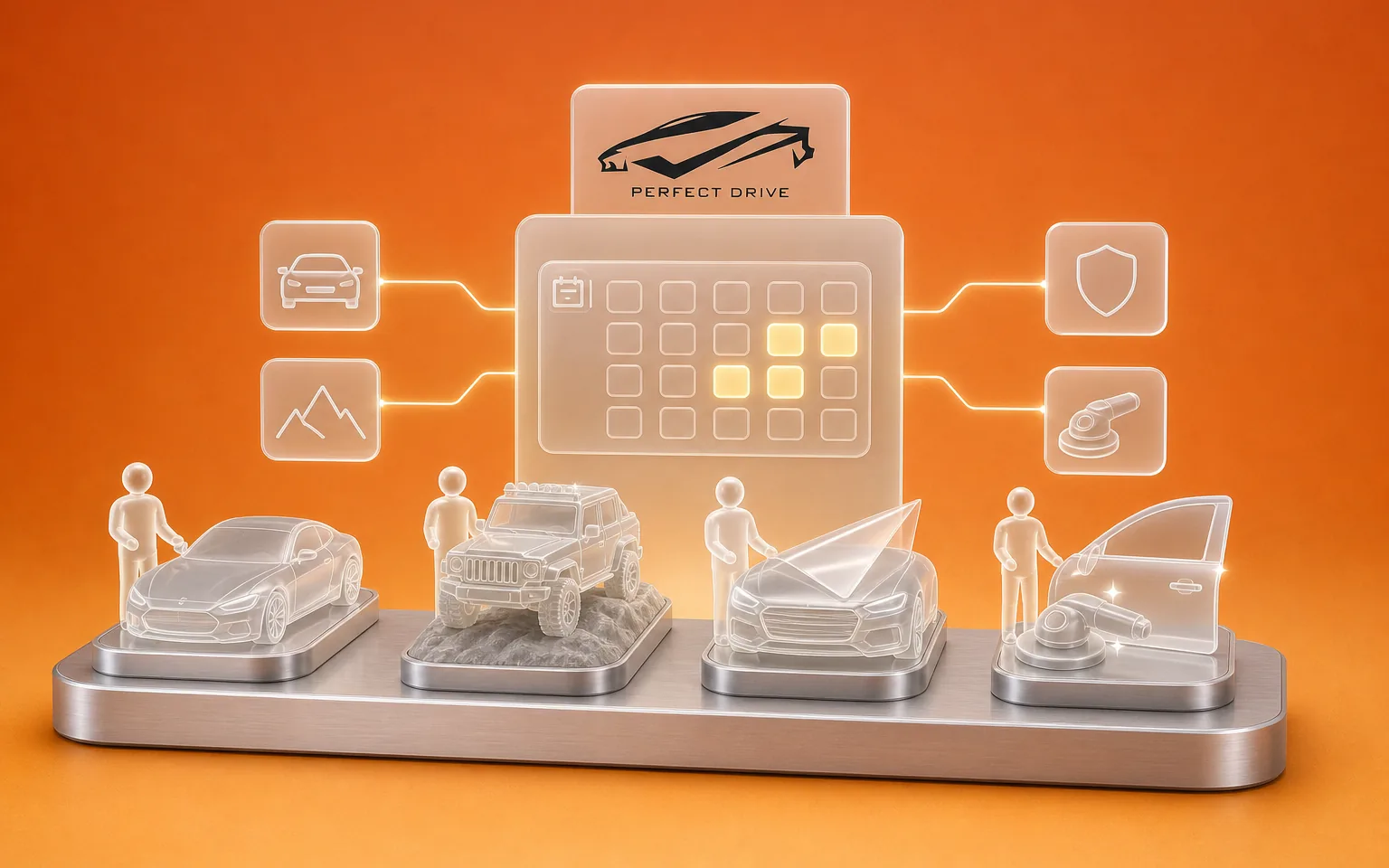
Perfect Drive
Automotive, Nador
- Challenge
- Running four businesses, from car rental to detailing, in a single tool.
- What Claro built
- A single platform that runs all four of the company's businesses.
HER
Handling equipment
- Challenge
- Presenting a technical catalogue and receiving enquiries from business customers.
- What Claro built
- A site and a back office for products and enquiries.
FAQ
Frequently asked questions
Do we have to rebuild everything?
Rarely, and we never assume it at the start. We compare improving the current tool, adding a module and replacing it, then recommend the option that respects your rules at the most reasonable maintenance cost, and keeping what exists is one of the options.
How do we avoid interrupting the business during the transition?
We deliver module by module, and the old tool stays in service until the module replacing it is signed off. Your teams test each module on real cases before the switchover, which limits surprises on the day.
What happens to our existing data?
We migrate it from the old tool, by export or direct access, then check with you that it's complete before the switchover. Where data is inconsistent, we decide together whether to correct it, archive it or leave it aside.
Who will own the new system?
You will own it. The source code belongs to you and is handed over at the end of the project, so another team can take over maintenance if you wish.
How much does a modernisation cost?
The investment depends on the option chosen, the number of modules, the data migration and the connections with the tools you keep. Improving a current tool usually takes less work than replacing it. So we set the amount after the diagnosis, module by module.
Let's discuss your priorities
Let's plan your systems' next step.
Tell us about the tool that's holding you back and how your teams work around it today. We'll tell you whether it's better to improve, extend or replace it, and in what order to move.
- The call lasts thirty minutes, by video.
- You speak directly with a Claro expert.
- Afterwards, we email you the next step we recommend.