
Put company knowledge to work
Give your teams direct access to your internal documents.
Your procedures, standard contracts and technical notes exist, but they're scattered across shared folders, inboxes and the memory of a few colleagues. We connect an assistant to the documents you authorise, so everyone gets an answer with its source.

Before
Documents nobody can find
The right version of a procedure exists somewhere, but finding which one applies takes longer than asking a colleague.
Know-how held by a few people
The same experienced staff get asked all day long, and everyone slows down when they're away.
Answers that vary
Two people give two different answers to the same question, for lack of a shared source.



Illustrative example: a question about an internal rule.
A salesperson wants to know whether a customer can have longer payment terms than usual. The rule is in a memo from the finance department, but they don't know which one, so they write to a colleague and wait for an answer.

After
Illustrative exampleThe answer, its source, and nothing beyond each person's access rights.
Question
They ask in plain language, from the tool they already use.
Search
The assistant only searches the documents this employee is allowed to open.
Answer
It writes an answer and cites the document and passage it relies on.
Missing information
If no document answers the question, it says so clearly and names the person or department to ask.

Technically, this architecture is called RAG: the assistant first searches the authorised sources, then writes its answer from what it found. So the employee can open the source and check before acting.
RAG & KnowledgeOur work, from documents to daily use.

Source inventory
We list the useful documents with you, their reference version and the person who keeps each one up to date.
Access rights
We carry over your existing rights, so an employee never gets an answer drawn from a document they can't open.
Build and test
We connect the assistant to your sources and test it on a list of real questions prepared with your teams.
Keeping it current
We set up how new documents are added and outdated versions removed, so the answers follow your rules.
What you need to bring.
An assistant answers from your documents, so an outdated procedure will produce an outdated answer. The first step is therefore often to name the version that applies for each topic.

Up-to-date documents
One reference version per topic, and someone who keeps it current.
Defined access rights
Who can see what, already applied in your folders or defined with us.
Real questions
A list of questions your teams actually ask, to test the answers.
A hosting choice
Your infrastructure, a server we manage or a managed cloud, depending on how sensitive the documents are.
How we measure whether the assistant helps.
We track the time it takes to find a piece of information, how useful users rate the answers, the share of questions for which a source was found and whether access rights are respected, checked by tests. These indicators are recorded before and after go-live, which separates the measured result from the target.
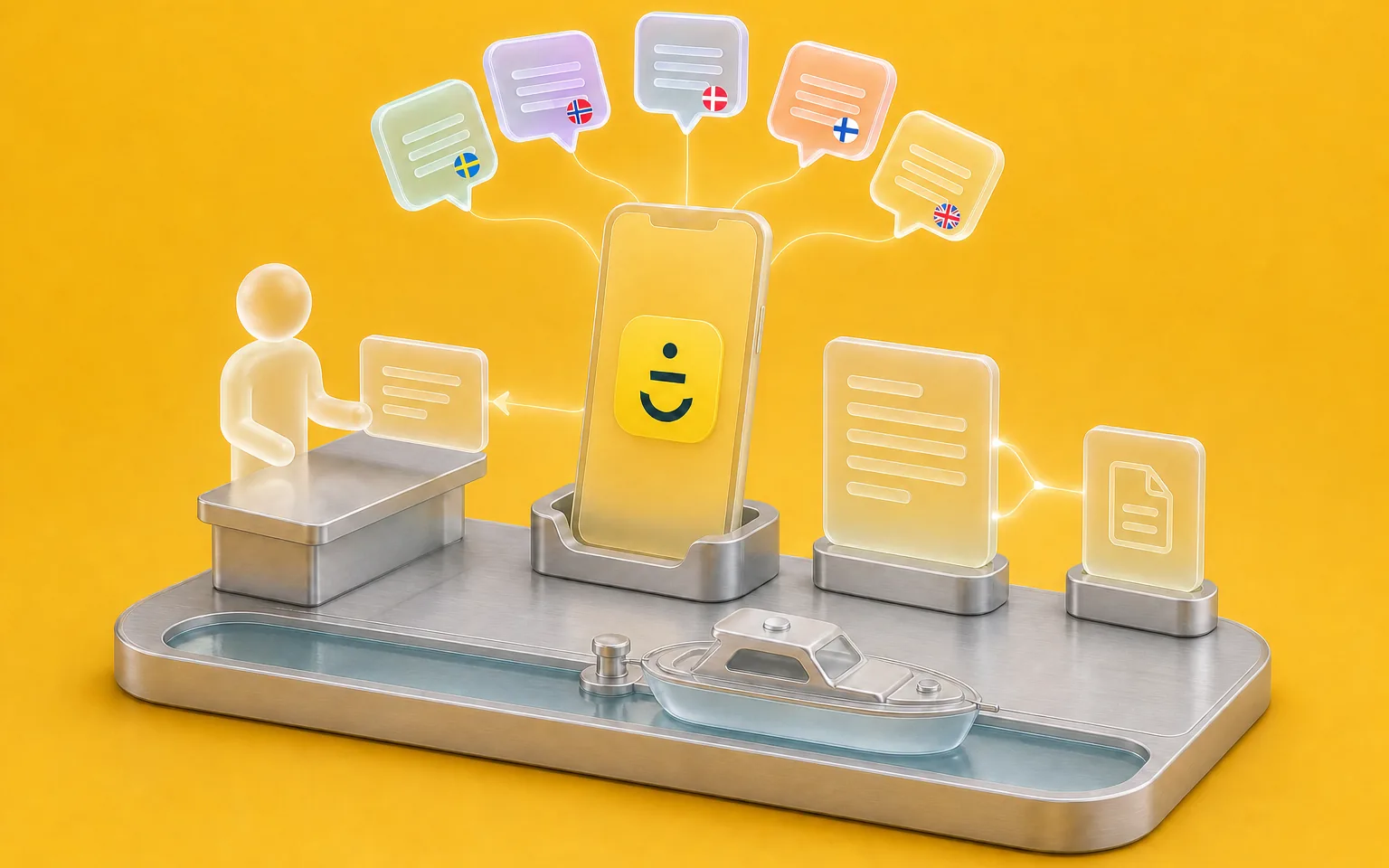
Skippo
Boating app, Sweden
- Challenge
- Answering questions asked in five languages.
- What Claro built
- An agent that answers from their knowledge base and passes the questions that need a person to the team, in its support tool.
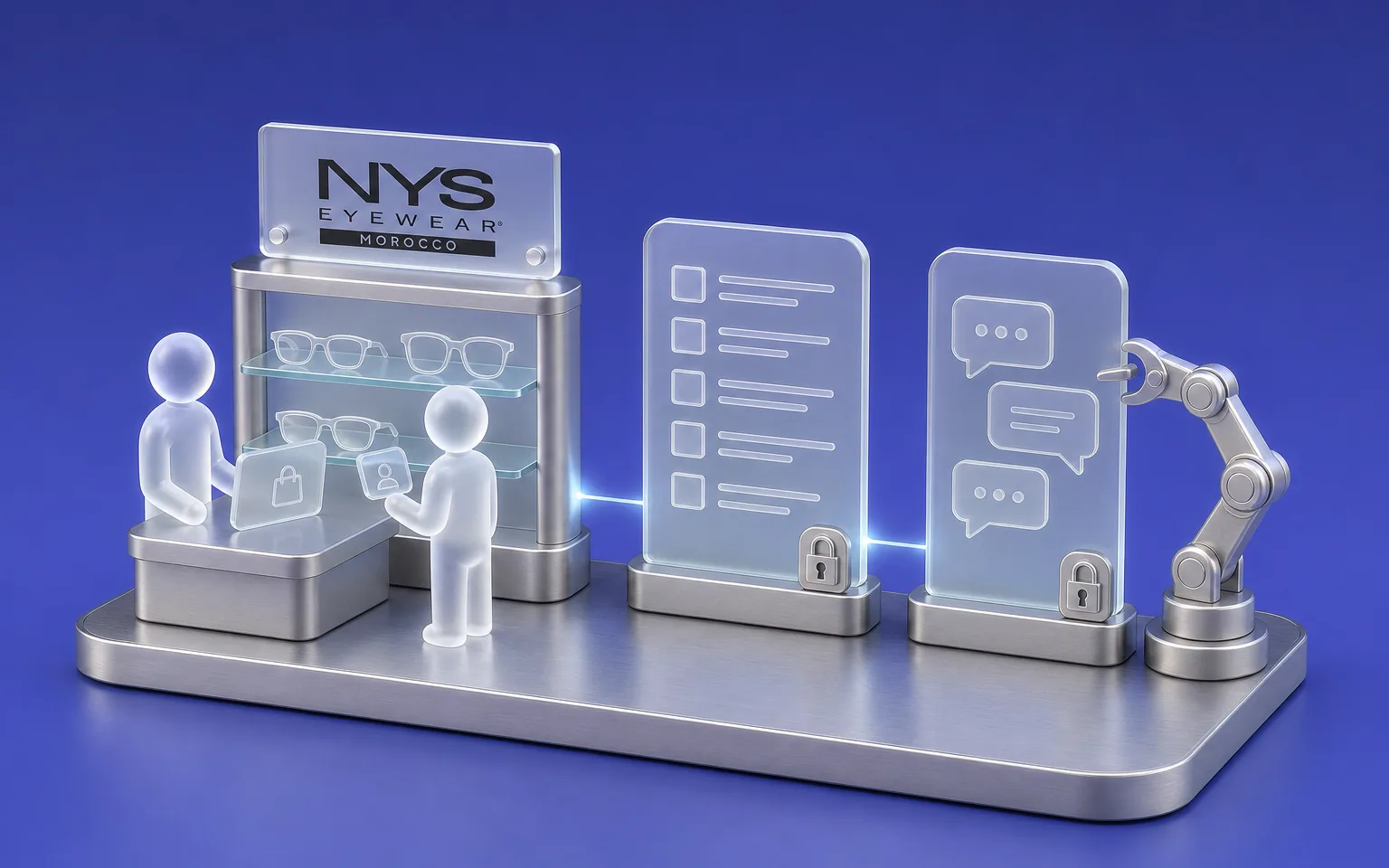
NYS
Store network
- Challenge
- Giving teams an answer about their sales and stock without going through a report.
- What Claro built
- A French-language AI copilot that answers within each user's access rights.
FAQ
Frequently asked questions
Which documents can be connected to the assistant?
We connect text documents, PDFs, intranet or knowledge-base pages, and information from your tools when they offer an API. We check what each source allows during the inventory, because a poorly scanned document sometimes needs reworking before it can be used.
Can the assistant make up an answer?
We design it to answer from the documents it finds and to flag missing information clearly. The risk is never zero, which is why the source is shown with every answer and we test the assistant on your real questions before opening it to the teams.
Who can see which documents?
The assistant applies each employee's access rights. Someone who can't open a document gets no answer drawn from it, and we check that rule with tests before go-live.
Where are our documents hosted?
We choose the hosting with you for each project, between your own infrastructure, a server we manage and a managed cloud. When documents must not leave your premises, the AI model can run on site too.
How much does an assistant connected to our documents cost?
The investment depends on the number and condition of the sources to connect, how complex the access rights are, the hosting chosen and the volume of questions. Model usage and hosting come on top, billed by their providers, either in your name or recharged at cost. So we set the amount after the source inventory.
Let's discuss your priorities
Let's organise access to your knowledge.
Tell us where your procedures and reference documents sit today, and which questions come up most often. We'll work out together which sources to start with.
- The call lasts thirty minutes, by video.
- You speak directly with a Claro expert.
- Afterwards, we email you the next step we recommend.