

NYS
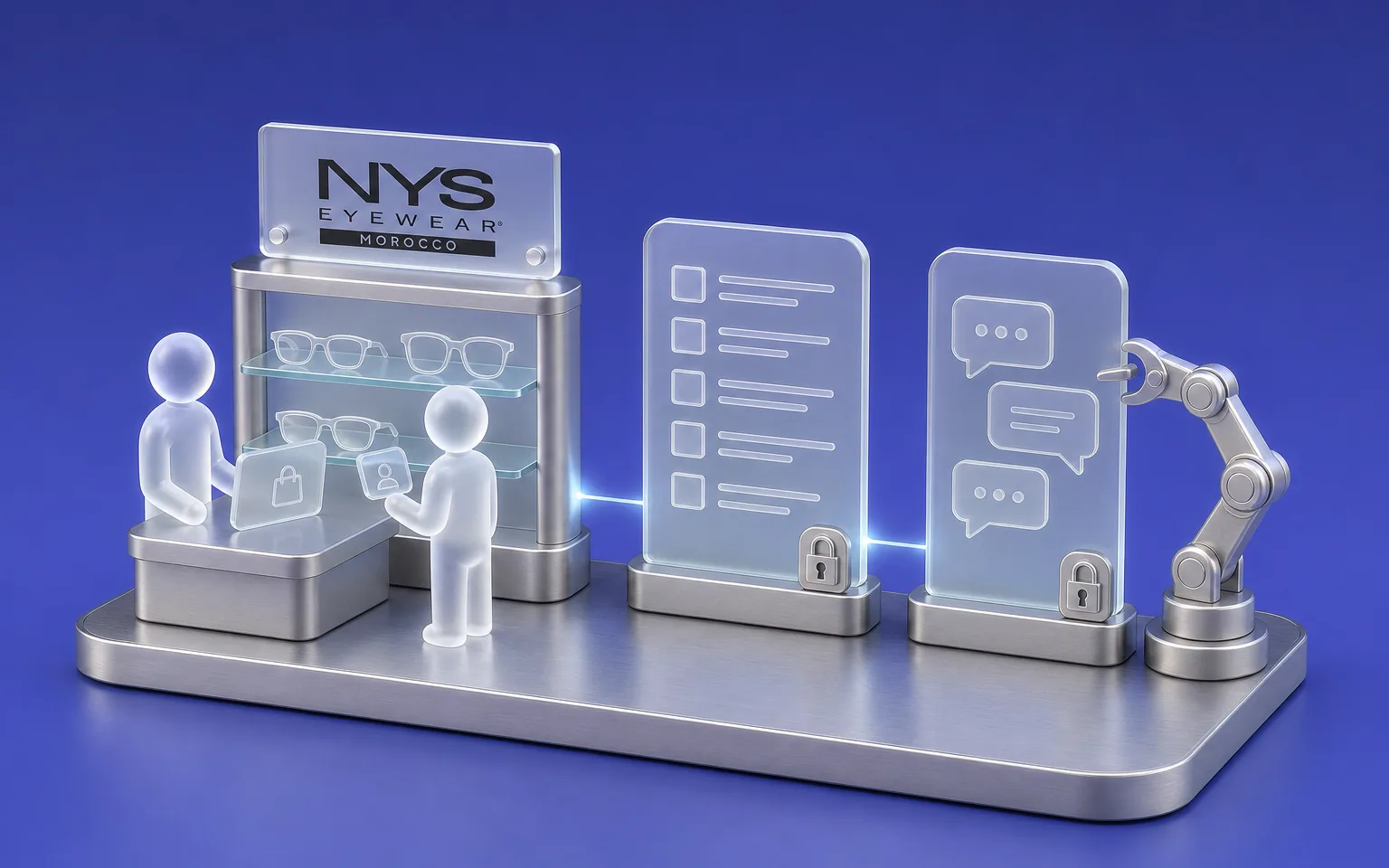
NYS runs more than ten stores and an online shop. We designed and built their retail ERP, with a French-language AI copilot that answers within each user's access rights.
Retail & Distribution
An item moves between your stores, your warehouse and your website, and every movement has to land in the right place. We design and connect the tools that track those movements, from the till to the weekly report, starting from your own sales and stock rules.
Your priorities
The online shop shows an item as available that the store sold that morning, because the two tools don't share the same stock.
An item sent from one store to another drops out of the figures until someone confirms it has arrived.
Each store's sales arrive in separate files, and someone pulls the network's figures together every week.
Use Cases
Every sale, transfer or stock count is recorded with the item's barcode, and a transfer only enters stock once its arrival is confirmed.
Business Applications & ERPThe till applies your selling rules, and voiding a sale needs a manager's code and a reason.
Business Applications & ERPAn app or a site linked to your catalogue, with the order confirmation and delivery tracking sent to the customer.
Mobile appsGovernance
A retail project touches the till, the stock software or ERP, the online shop and sometimes the delivery apps. We first check what each one can exchange, then agree with you which system is the reference for stock and which one is the reference for prices.
Stores also have constraints of their own, such as teams that change often or stock counts that have to happen without closing the shop. So the tool has to stay simple to use at the counter, and we test it with the sales staff before rolling it out.
Our approach
We first work with your stock, till and finance teams to write down your rules: how a transfer is approved, who can void a sale, how a commission is calculated.
Those rules then become the basis for acceptance testing, so each module is signed off on your real system before we move to the next one.
Our work
We track operational indicators, such as stock-count gaps or the time to close the till, separately from customer indicators, such as online orders or delivery times.
NYS runs more than ten stores and an online shop. We designed and built their retail ERP, with a French-language AI copilot that answers within each user's access rights.
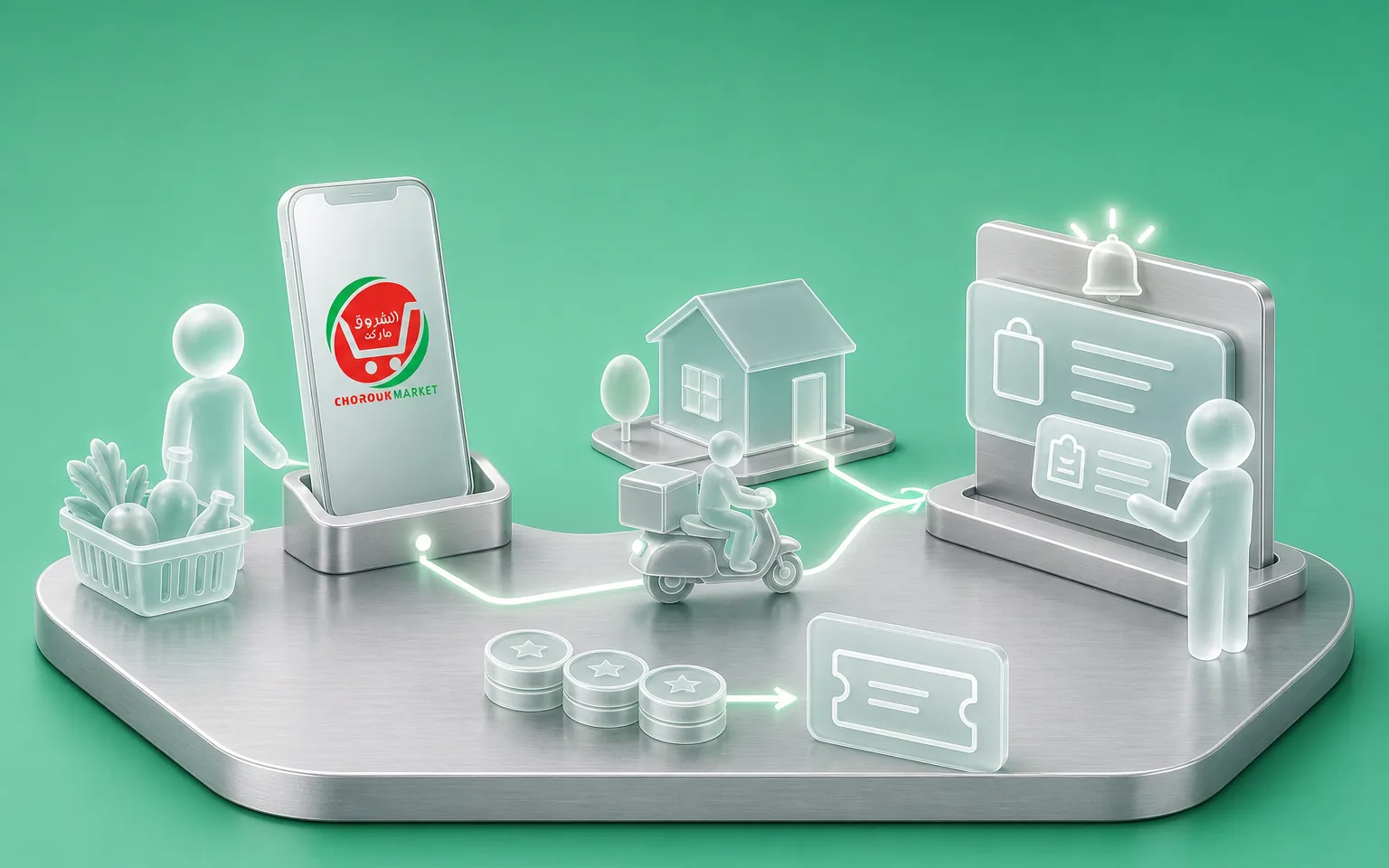
This supermarket wanted its customers to order from their phones. We built the iOS and Android app, the site linked to the catalogue and the back-office for products, prices and discounts.
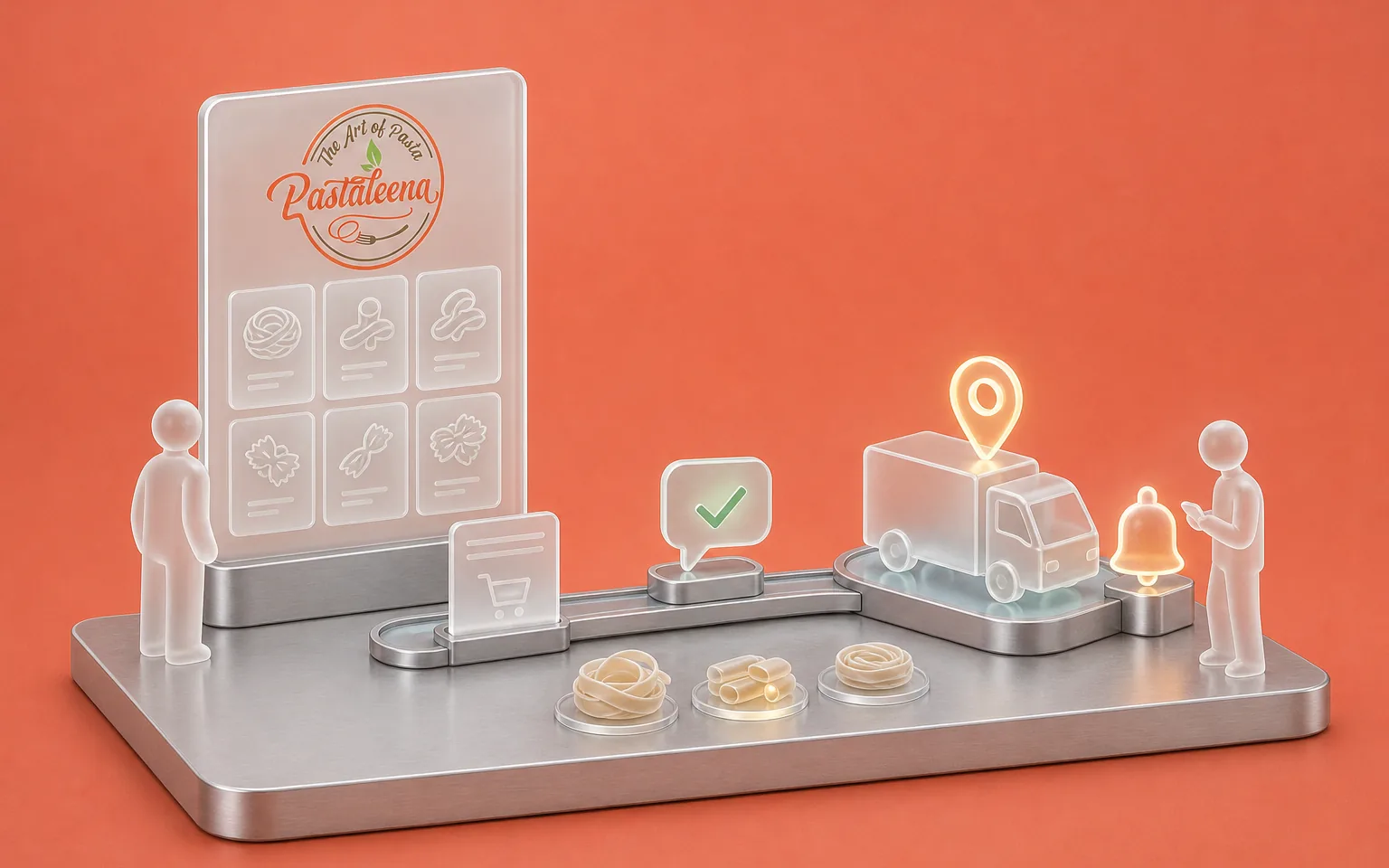
The brand sells its artisan pasta online. We built the site and configured the order automation, from the WhatsApp confirmation through to the reminder before delivery.
FAQ
We connect a till or an online shop as soon as it offers a usable API or export. So we check each tool's limits in its own documentation before recommending an architecture, and before committing.
It depends on what your software allows. So we compare your current tool, an off-the-shelf product and a custom build against your sales and stock rules. That comparison can lead to a custom system, as it did for NYS, or to keeping your tool and extending it.
The investment depends on the modules you choose, such as stock, tills or invoicing, the number of tools to connect and the migration of your existing data. The number of stores matters less than how varied your rules are. So we set the amount after scoping, module by module.
We deliver module by module, and each module is tested on the real system with your teams before it goes live. Sales staff and managers get a getting-started guide illustrated with screens from the actual tool.
You do. The source code belongs to you and is handed over at the end of the project, so another team can take over maintenance if you wish.
Let's discuss your priorities
Tell us how many points of sale you run and where the figures stop matching. We'll tell you where to start.