
AI Employees & Agents
Hand defined, repetitive tasks to an AI agent.
What we call an AI employee is a software agent. It reads a request, looks up the information in the systems you give it access to and prepares a reply or an action, which your team approves according to the rules you've agreed. It doesn't replace a role, and it only acts within the limits you set.

Tasks an agent can take on.
Chasing missing information
Every morning, the agent checks which files are still waiting for a document or a reply, then drafts reminders to the right people. The person in charge reviews and sends them, so delays show up before they hold the work back.
Sorting incoming documents
The agent receives invoices, purchase orders or receipts sent by email, recognises their type and extracts the useful fields. It files them in the right folder and flags incomplete or inconsistent ones to the person in charge, before anything is entered.
Finding an internal procedure
An employee asks about a procedure, a billing rule or a standard contract. The agent looks for the answer in the documents you've approved, cites its source and says clearly when the information isn't there.
A task suits an agent when it comes up often, follows repeatable steps, relies on accessible information and belongs to an identified person. Not every process meets those conditions, and we'll tell you at the assessment stage.
Illustrative workflow
From incoming email to reply sent.
Take an order-tracking request received by email. The agent reads the message, identifies the customer and the order, then checks the ERP read-only to see where the delivery stands. It drafts a reply and places it on an approvals board, along with the information behind it. A team member approves, edits or rejects it, and the email only goes out once they agree, because sending is one of the actions that needs approval. If the order can't be found, if two sources disagree or if the request falls outside the agreed scope, the agent doesn't reply and passes the case to the right person, with what it has already found.
Step 01Read-only
Receive
A customer email arrives in the team's shared inbox.
Step 02Read-only
Retrieve
The agent looks up the order in the ERP, read-only.
Step 03Drafts
Prepare
It drafts a reply and attaches the information it used.
Step 04Human approval
Approve
A team member approves, edits or rejects the reply.
Step 05After approval
Act
The approved reply goes to the customer.
Step 06Hands over to a person
Escalate
An incomplete or out-of-scope request goes to a colleague.
Not allowedChange an order in the ERP
What we deliver to put an agent into service.
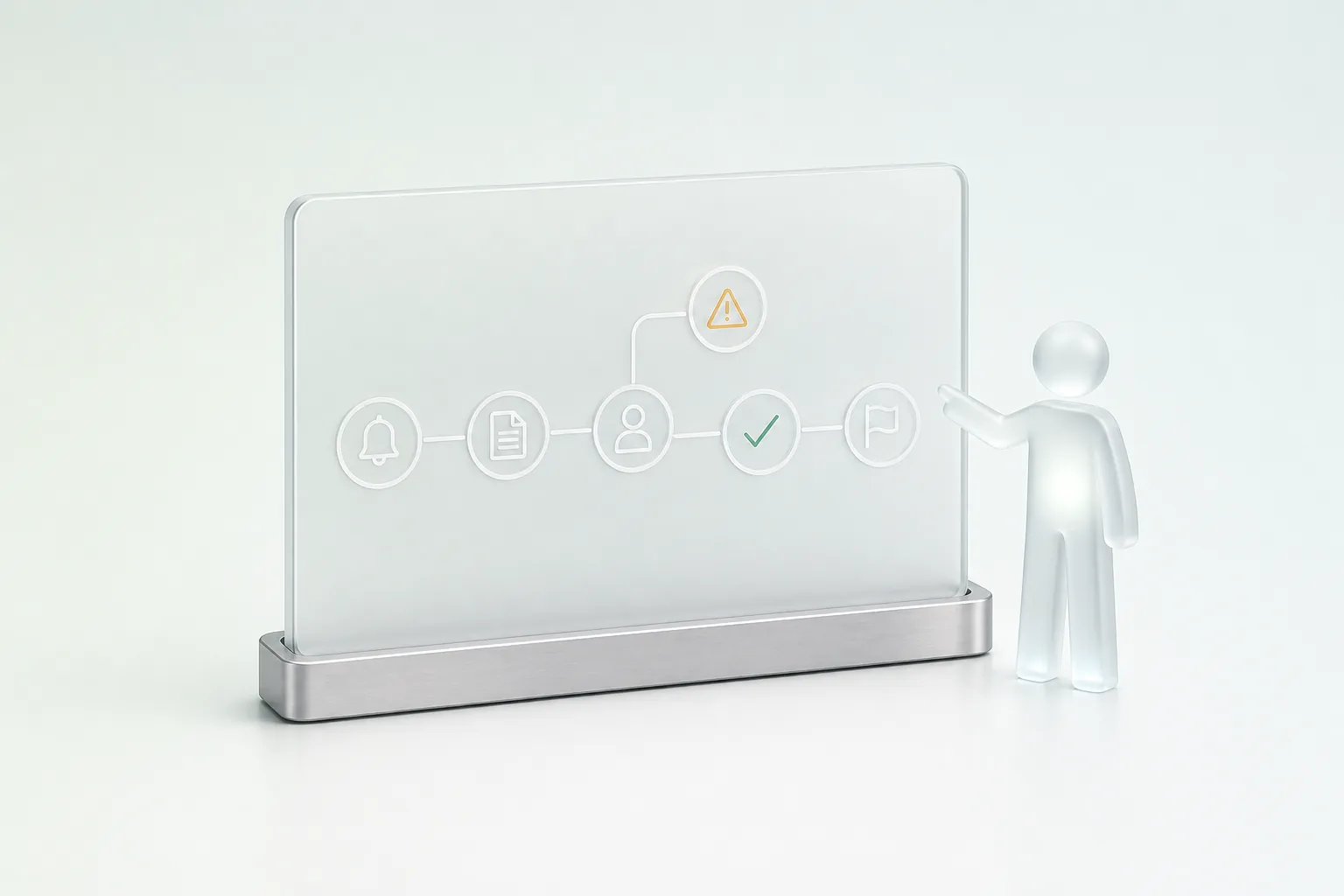
Task specification
It describes what the agent handles, the information it uses, what it produces and what it must leave to a person. The other deliverables build on it.
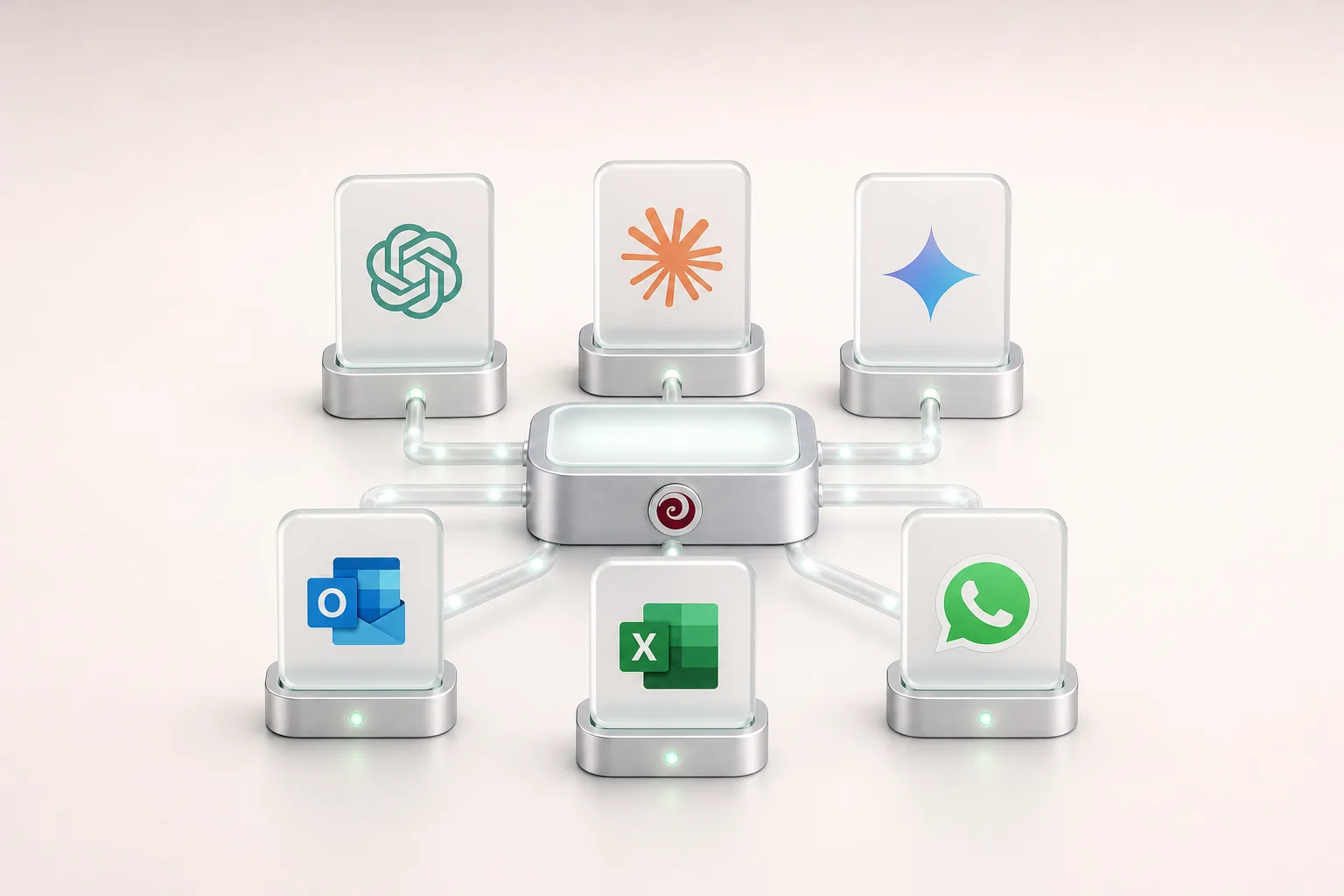
Connections to your tools
We connect the agent to your existing systems, such as your email, your ERP or your documents, with only the access it needs. Each connection is checked with your IT team.

Permission rules
They set out, action by action, what the agent does alone, what it proposes for approval and what it may not do. They also name the people allowed to approve.

Test scenarios
A set of real and difficult cases is used to test the agent before go-live. It covers incomplete, conflicting or out-of-scope requests, and how the agent hands them over.
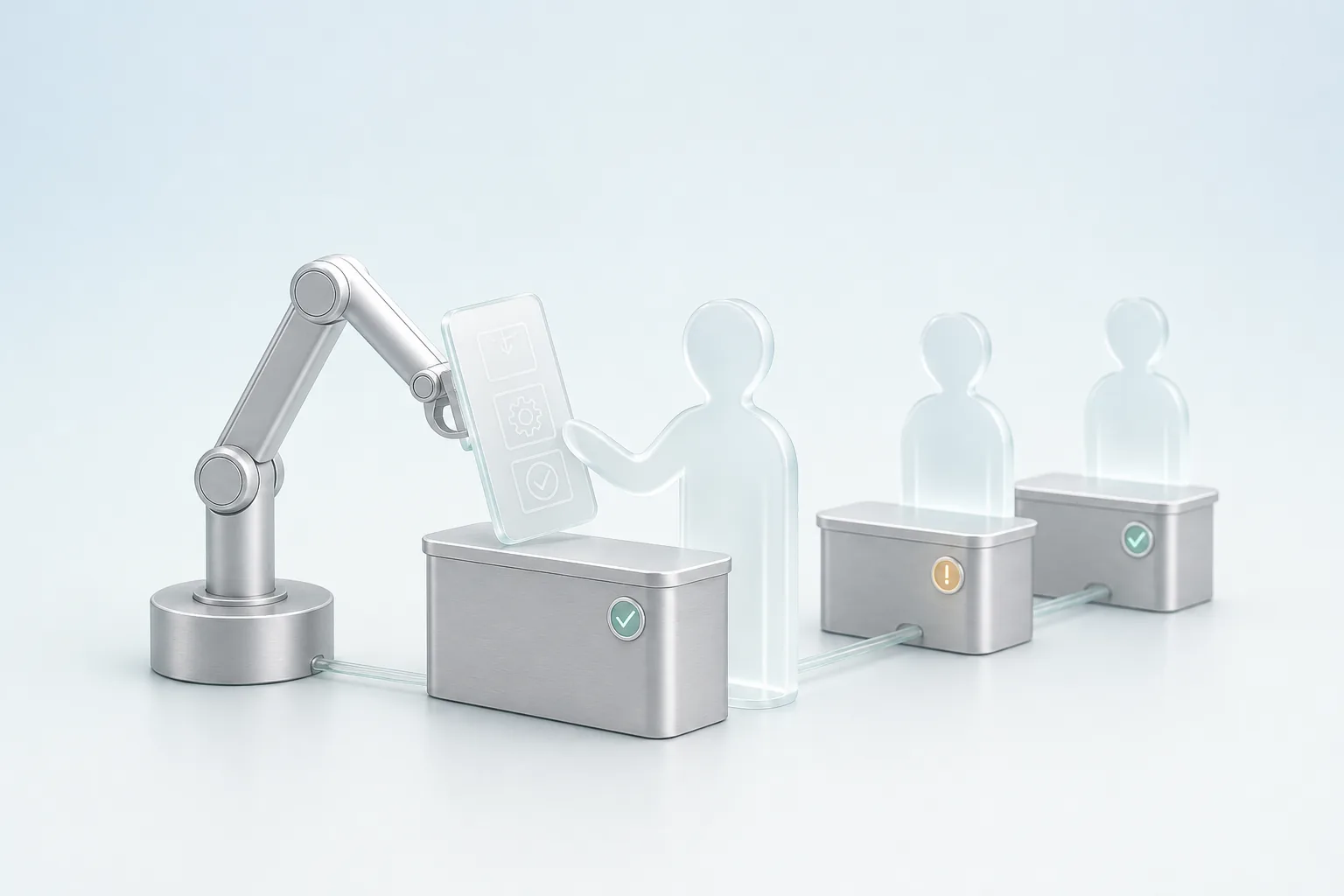
Operating guide and owner
Users get instructions for day-to-day use, and someone on your team becomes the agent's owner. They follow up exceptions and ask for adjustments.
After go-live, monitoring and adjusting the agent falls under our Maintenance & Evolution offer, per ticket or as a monthly arrangement with a written report.
A person stays in control of what matters.
Human approval
A person approves every sensitive action before it's carried out, whether that means sending a message, changing a record or triggering a payment.
Case handover
When the agent can't finish a task, for lack of information or because it falls outside its scope, it hands it to a colleague along with what it has already found, so nobody starts from scratch.
Action log
The agent's actions are logged, with the information used and the name of the person who approved.
Pausing the agent
A named owner on your team can pause the agent, remove an access or take a case over by hand, then restart the work once the cause is dealt with.
The level of approval and the detail of the log are set with you, according to how sensitive each action is.
An agent tested before it goes live.
Before go-live
We test the agent on a set of cases agreed with you, drawn from real requests.
- The task is done correctly
- Replies are useful
- Doubtful cases are passed on
- No unauthorised action is attempted
The same indicators are then tracked in service.
Every result we report states
- Period
- Volume
- Method of measurement
What drives the investment
Our work
- Request volume
- Number of systems to connect
- Level of human approval
- Follow-up after go-live
Billed by the providers
- AI model usage
- The hosting chosen
Both are billed in your name or recharged at cost, separately from our work.
FAQ
Frequently asked questions
How is an agent different from a chatbot?
A chatbot answers questions in a conversation. An agent goes further, because it can check your systems, prepare a document or propose an action, within the permissions you've agreed. If all you need is to answer your customers' questions, our AI Chatbot page covers that option.
Can it work with our existing systems?
Usually yes, as long as those systems offer some form of access, through an API, a database or an email inbox. We check each connection with your IT team during the assessment, before committing. When a tool offers no usable access, we tell you and suggest another route, such as a regular export.
When does a person need to approve?
A person approves whenever an action commits your company externally or changes your data, for example a message to a customer, an entry in the ERP or a payment. Looking things up and drafting can happen without approval. These rules are set action by action, and they can change with experience.
How is the agent maintained and improved?
After go-live, we track exceptions, rejected approvals and new kinds of request, then adjust the instructions, connections or rules. This follow-up falls under our Maintenance & Evolution offer. You stay in control of every change, since no new action is allowed without your agreement.
Let's discuss your priorities
Let's look at an agent for your team.
Tell us about a task that comes up every week, the team that handles it and the tools it uses. We'll work out together whether an agent suits it, and with which approvals.
- The call lasts thirty minutes, by video.
- You speak directly with a Claro expert.
- Afterwards, we email you the next step we recommend.