
Vision & OCR
Turn your documents into information ready to approve.
Vehicle registrations, insurance certificates, invoices or photos arrive every day in very different forms. So we build a system that recognises each document's type, extracts the fields you need and submits them to a person before anything enters your systems. When your documents must not leave your premises, the vision model runs on your own server.
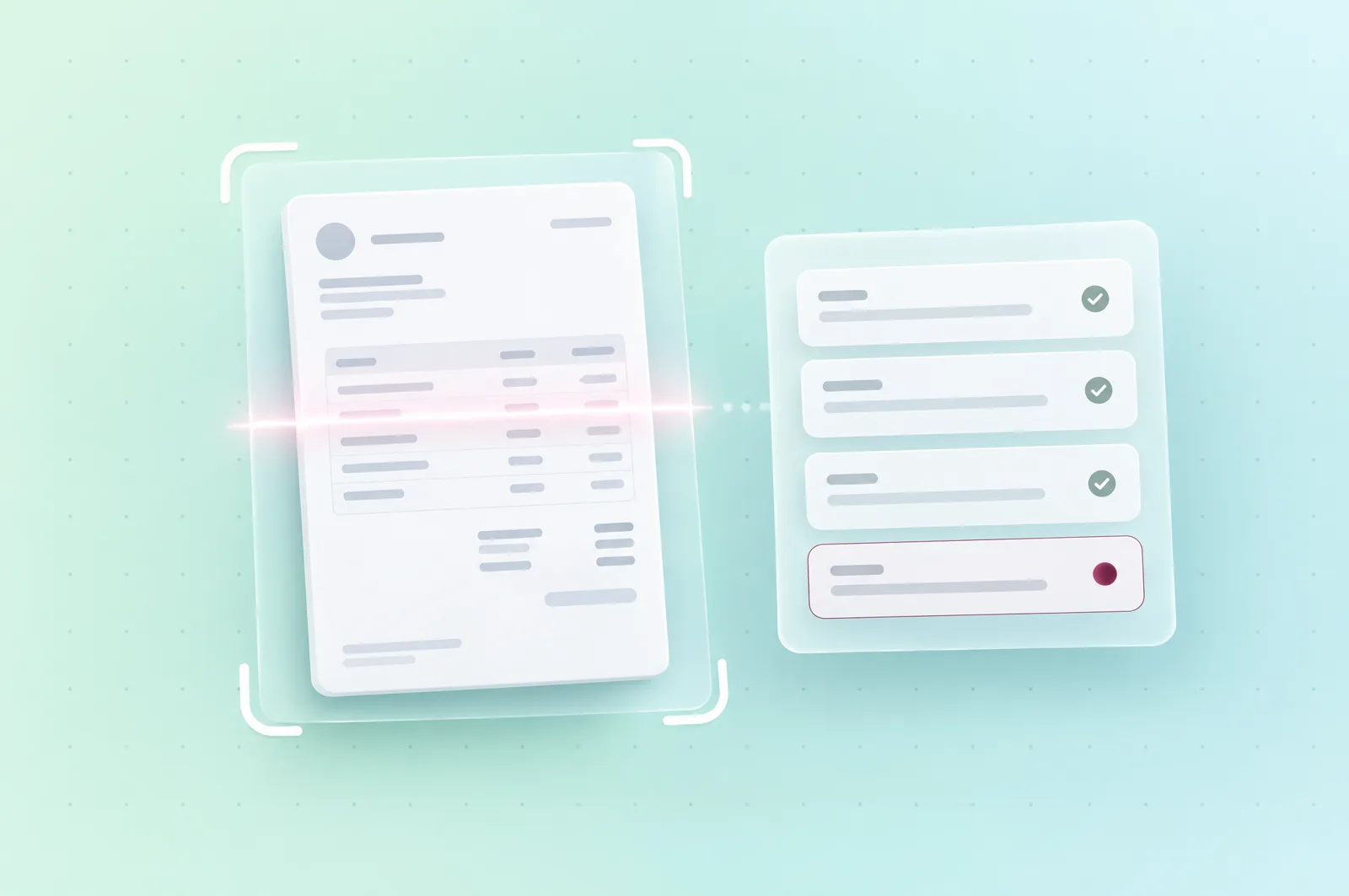
Documents that arrive in every form.
Reading invoices and delivery notes
Incoming invoices, delivery notes and receipts are read and matched to the order or file, then checked by the person in charge.
Building a file from its documents
ID cards, vehicle registrations or certificates in a file are recognised, then their fields are extracted and compared with one another before approval.
Reading a photo taken on site
A licence plate or a label photographed in the field becomes a filled-in field, which the agent confirms before it's saved.
The system reads printed documents and sharp photos. A handwritten document is kept as an attachment, without the system trying to guess it, and an unreadable document goes back to the person with the reason it was rejected.
Illustrative example
From the invoice received to approved fields.
Take a supplier invoice received as a photo, with an order reference that's half legible. The system recognises the supplier, reads the invoice number, the date, the amounts and the order reference, then compares these values with the purchase order and the delivery note. A field read with enough confidence and confirmed by the other documents turns green, while an uncertain or contradicted field is flagged, so the person approving looks at those first. Nothing enters your accounting software before approval, and every value kept records the document it came from.
Step 01
Receive
The invoice arrives by email, as a PDF or a photo.
Step 02
Recognise
The system identifies the document type and the supplier.
Step 03
Extract
It reads the fields needed, each with a confidence level.
Step 04
Compare
Amounts and references are compared with the purchase order and the delivery note.
Step 05
Approve
The person in charge confirms the flagged fields, then approves.
Step 06
Send on
The approved data enters your accounting software or your ERP.
| Field | Result |
|---|---|
| Supplier | Recognised, confirmed by the purchase order |
| Total amount | Read with high confidence, matches the purchase order |
| Order reference | Flagged, because it's half illegible on the photo |
| Destination | The accounting software, after approval |
What we deliver to read your documents.
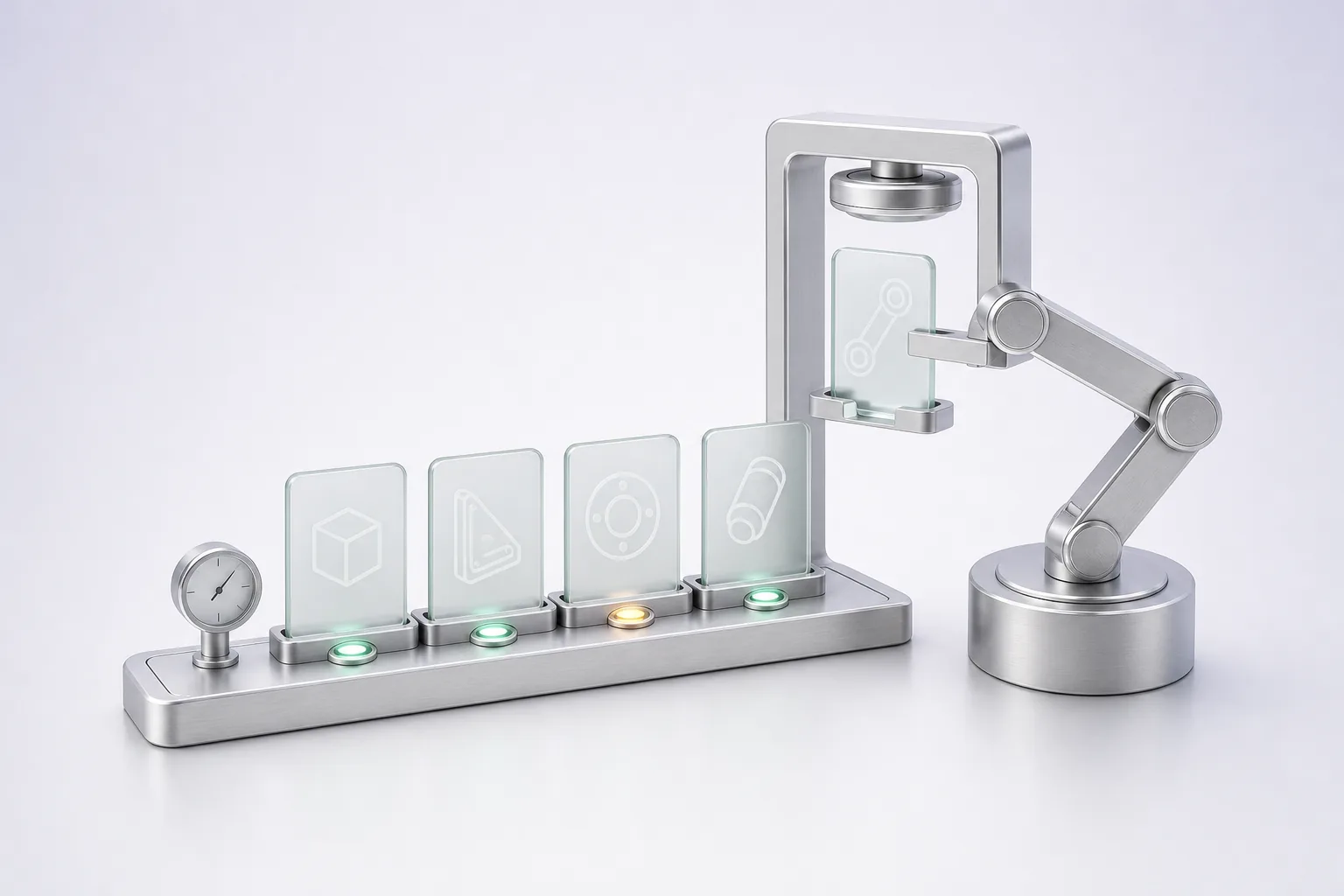
Test document set
We build with you a sample of your real documents, by type and capture quality, on which the system is measured before go-live.
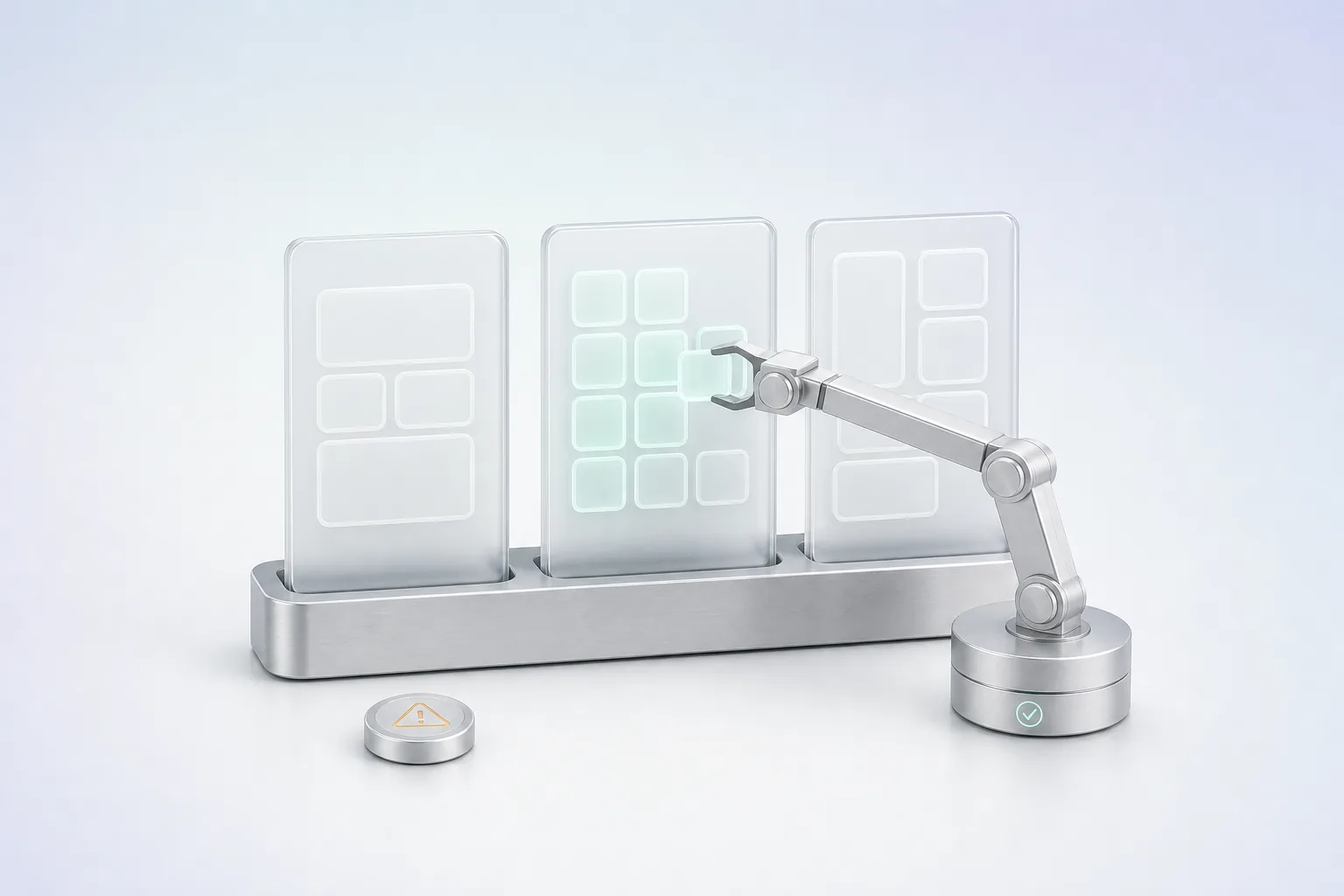
Extraction templates
They define, for each document type, the fields to read, their expected format and the checks that verify them, such as a valid date or a consistent total.
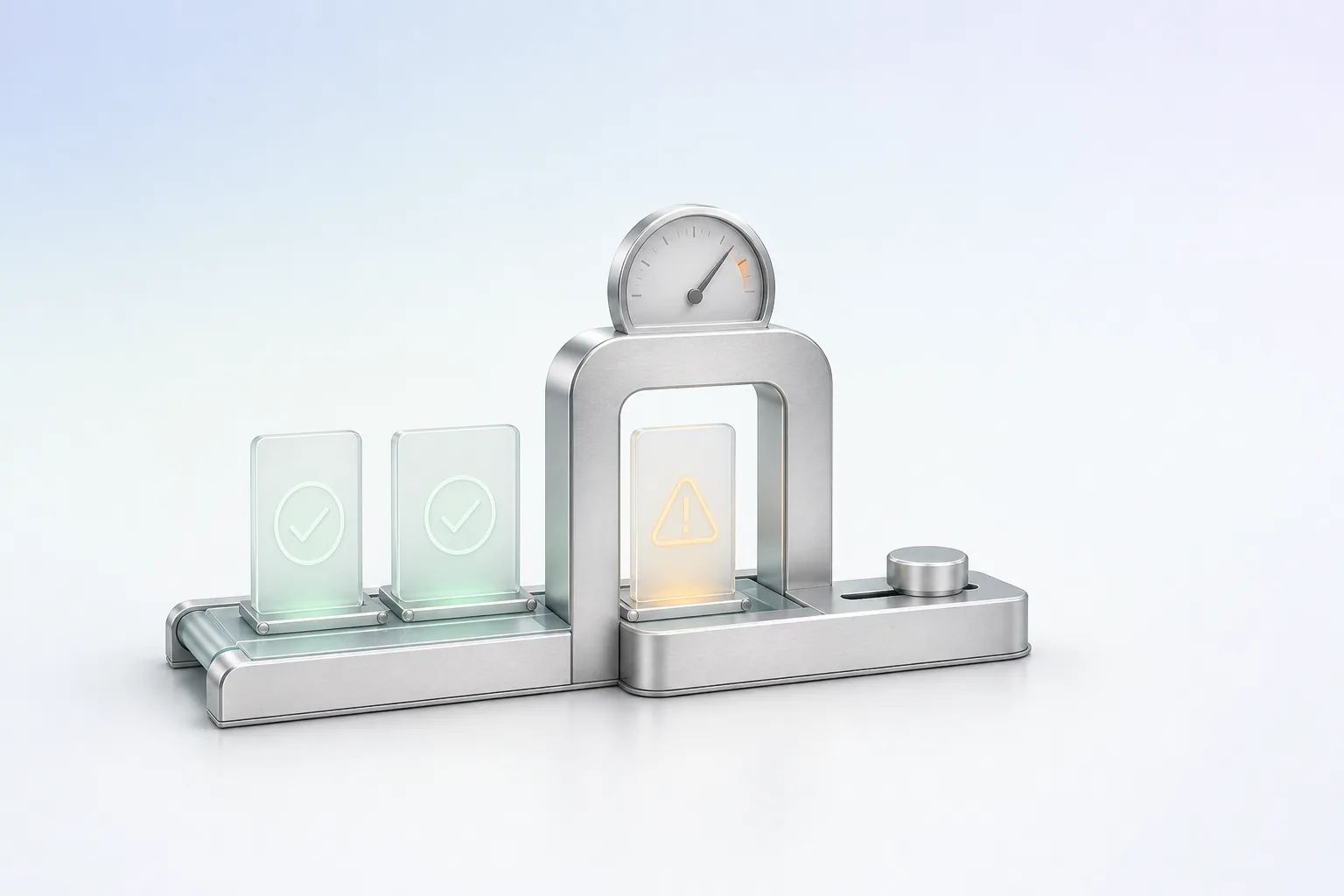
Confidence thresholds
They set, field by field, what goes through without a check and what goes to a person. We tune them on the test set, then in service.
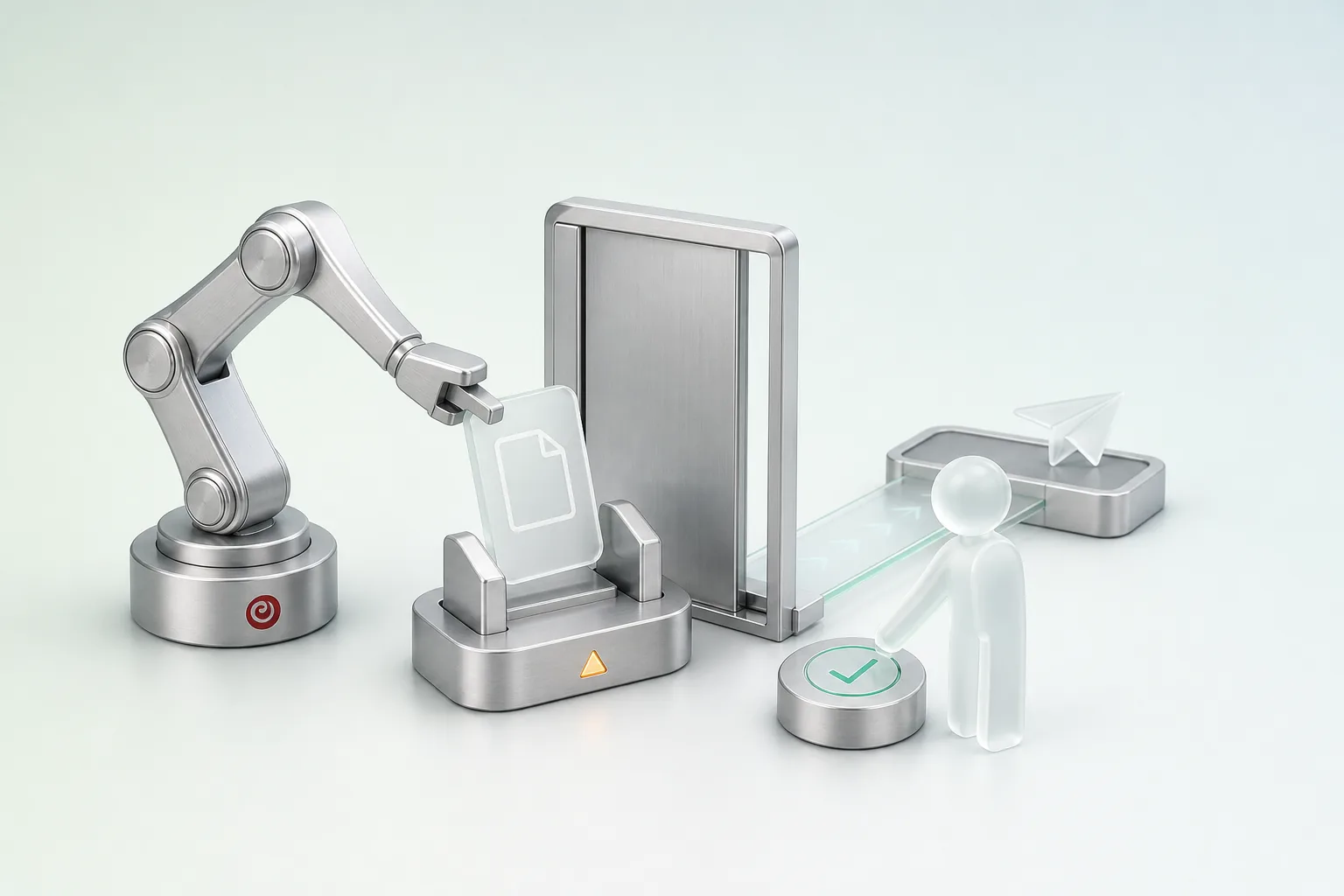
Validation screen
The person in charge sees the document next to the extracted fields, corrects the flagged ones and approves the file.
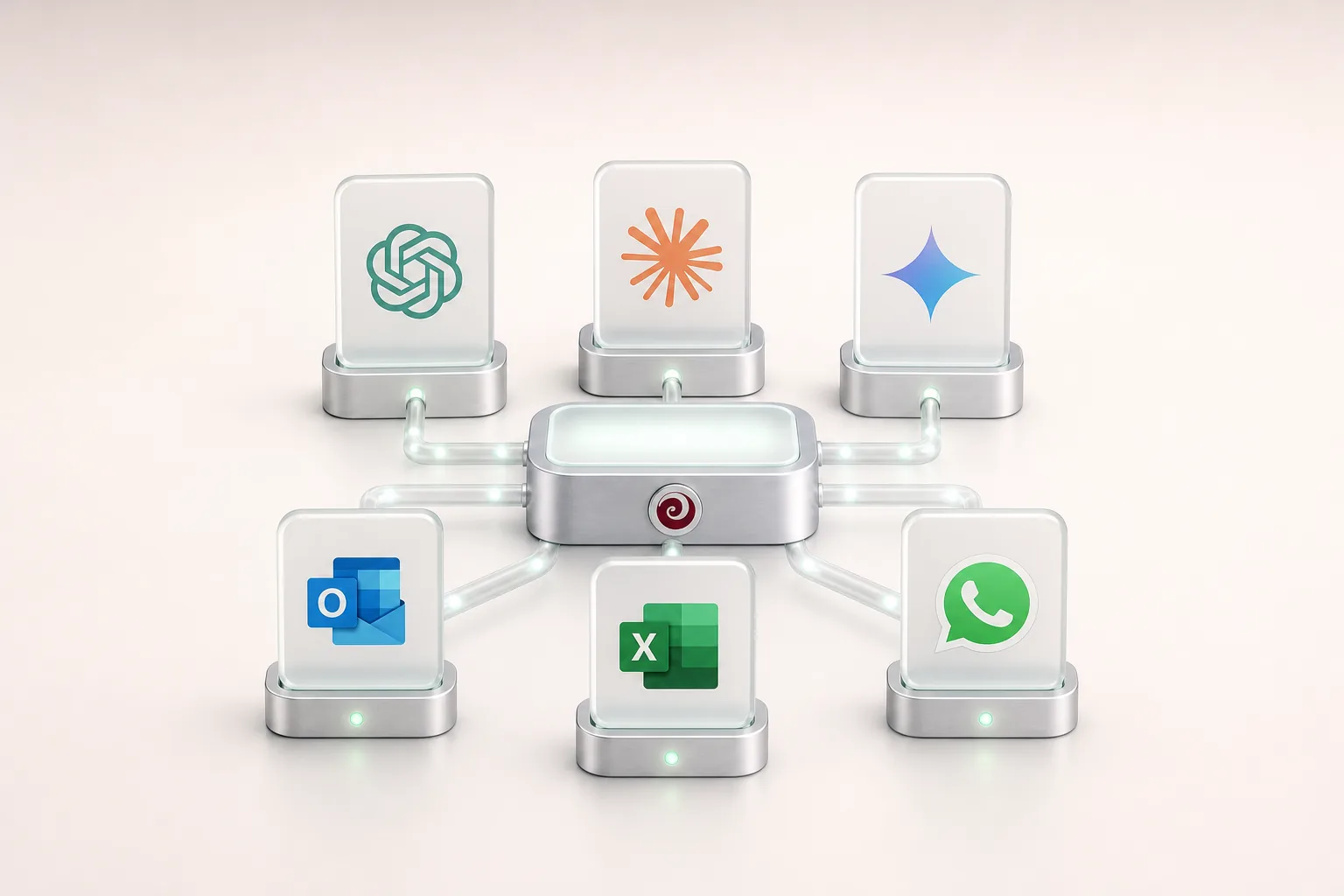
Connection to your systems
Approved data reaches your ERP or business software, with a trace of the original document.
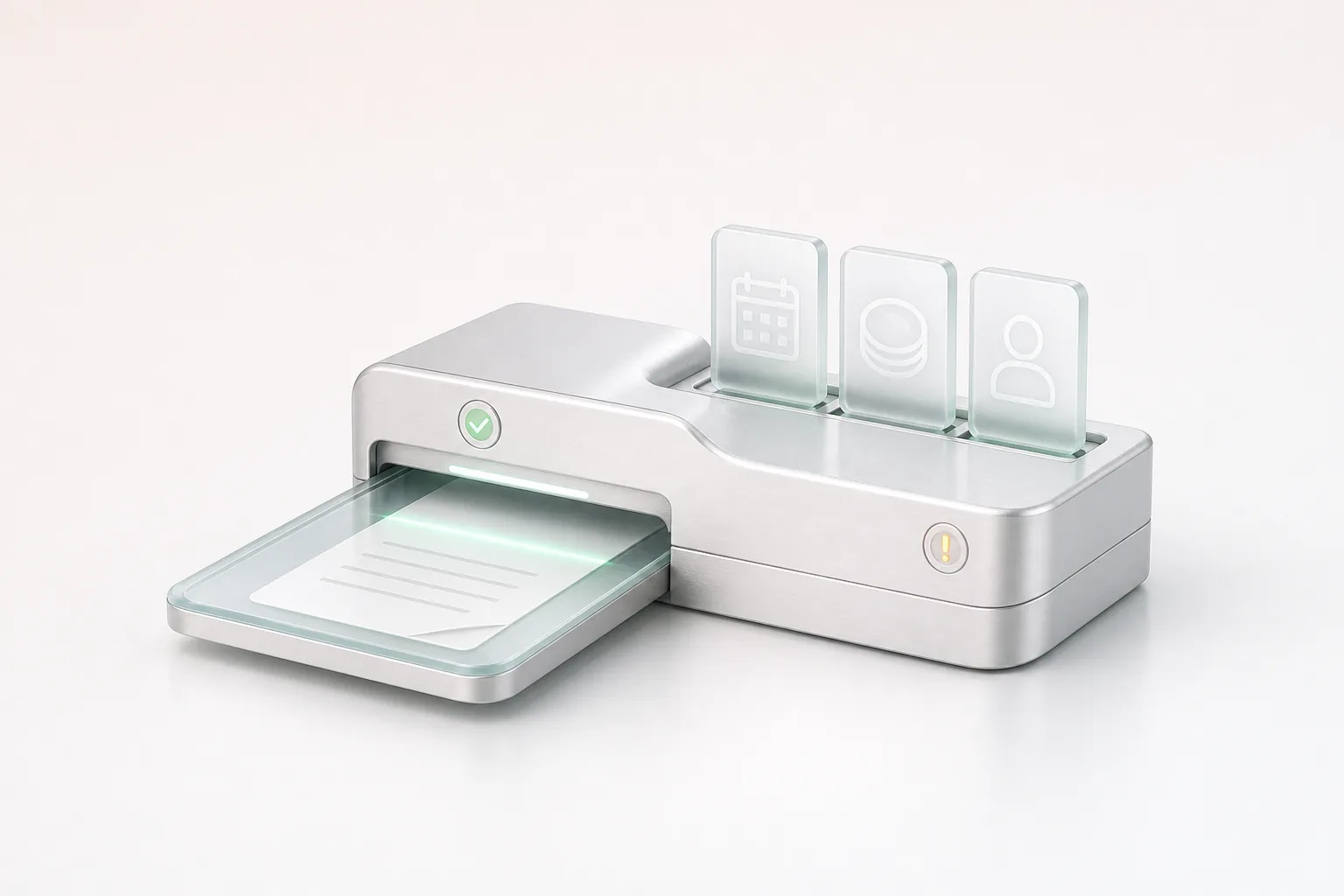
Capture station
We help you choose between a scanner, a tablet and a phone, because lighting and framing matter more to the reading than resolution.
After go-live, monitoring the reading and tuning it fall under our Maintenance & Evolution offer, per ticket or as a monthly arrangement with a written report.
A vision model that can run on your premises.
Some documents must not leave your company, such as ID documents or policyholders' files. In that case, we install the vision model on a server located on your premises, so no document is sent to an online service, neither for reading nor for technical monitoring. This choice therefore requires a machine sized for the model, which we specify with your IT team, and it's decided at the scoping stage, because it changes the system's architecture.
When your documents can be processed off your premises, a model hosted by a provider remains an option, after checking its terms. The choice is made project by project.
Reading measured on your real documents.
Before go-live, we measure the reading of each field on the test set, then replay those documents at every change of model or setting, because a setting that improves one field can degrade another. An extraction only goes into service once the agreed threshold is reached, and whenever we report a rate, we state the documents tested, their capture conditions and the method.
The system only reads the document types that have been tested, and a new type is added after its own test. Documents in Arabic and French are tested separately, because their layout and characters differ. Moroccan licence plates, which combine digits and an Arabic letter, also need their own check.
Applications in your industry.
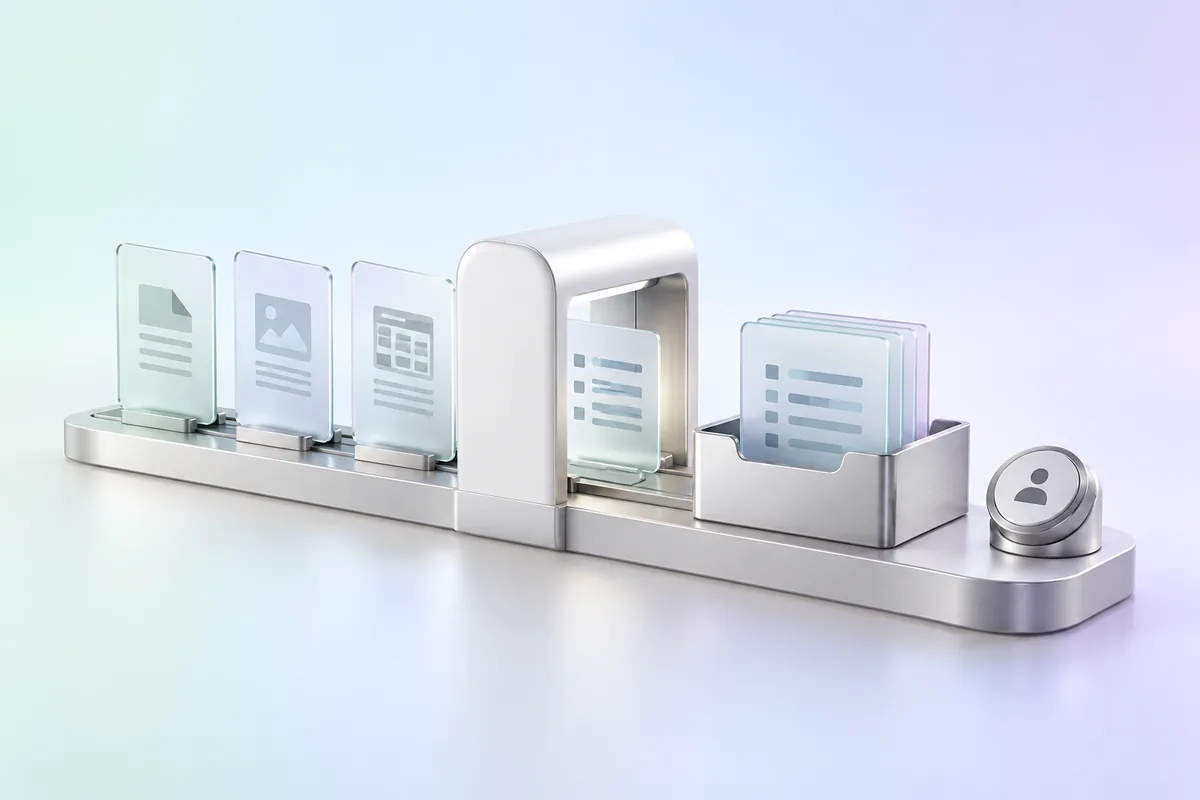
Receiving file documents
Documents sent by customers are read, sorted and matched to the right file, then a case handler checks the extracted fields before they're saved.
See the industry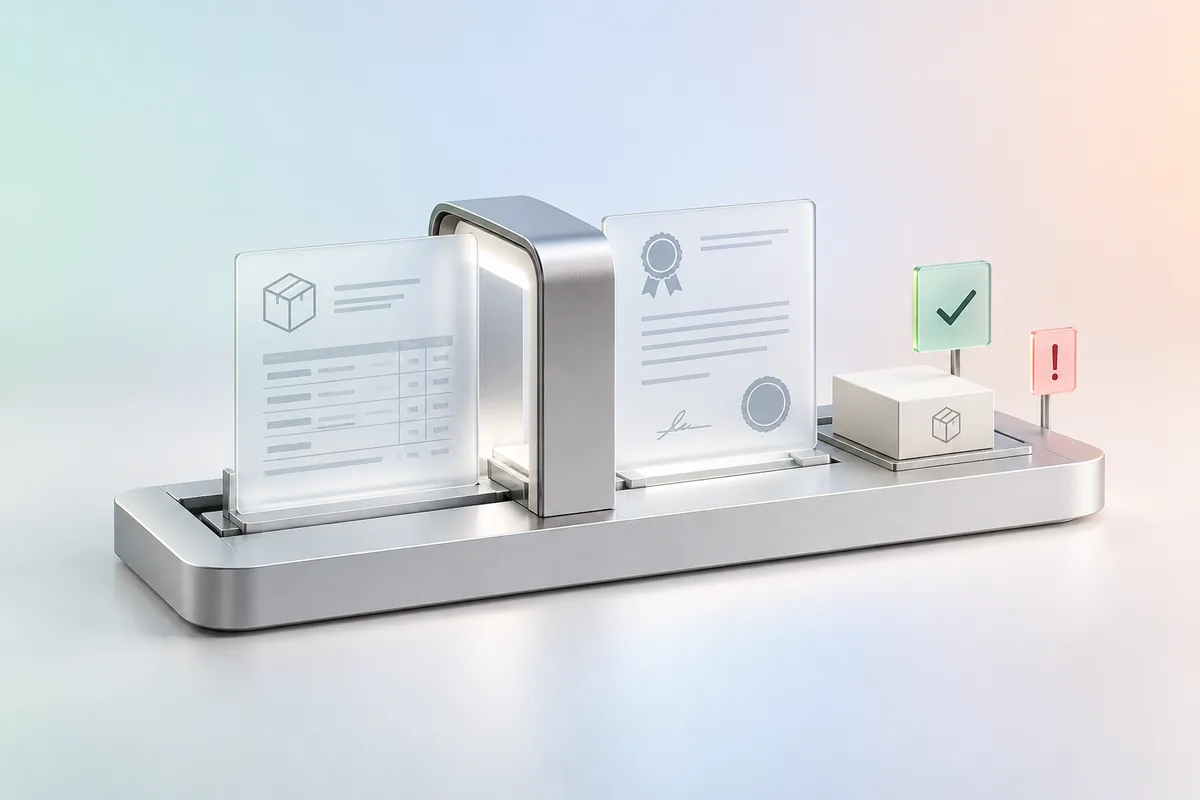
Reading delivery notes and certificates
Suppliers' delivery notes and certificates are read on arrival and compared with the order, and every discrepancy is flagged to the person concerned.
See the industry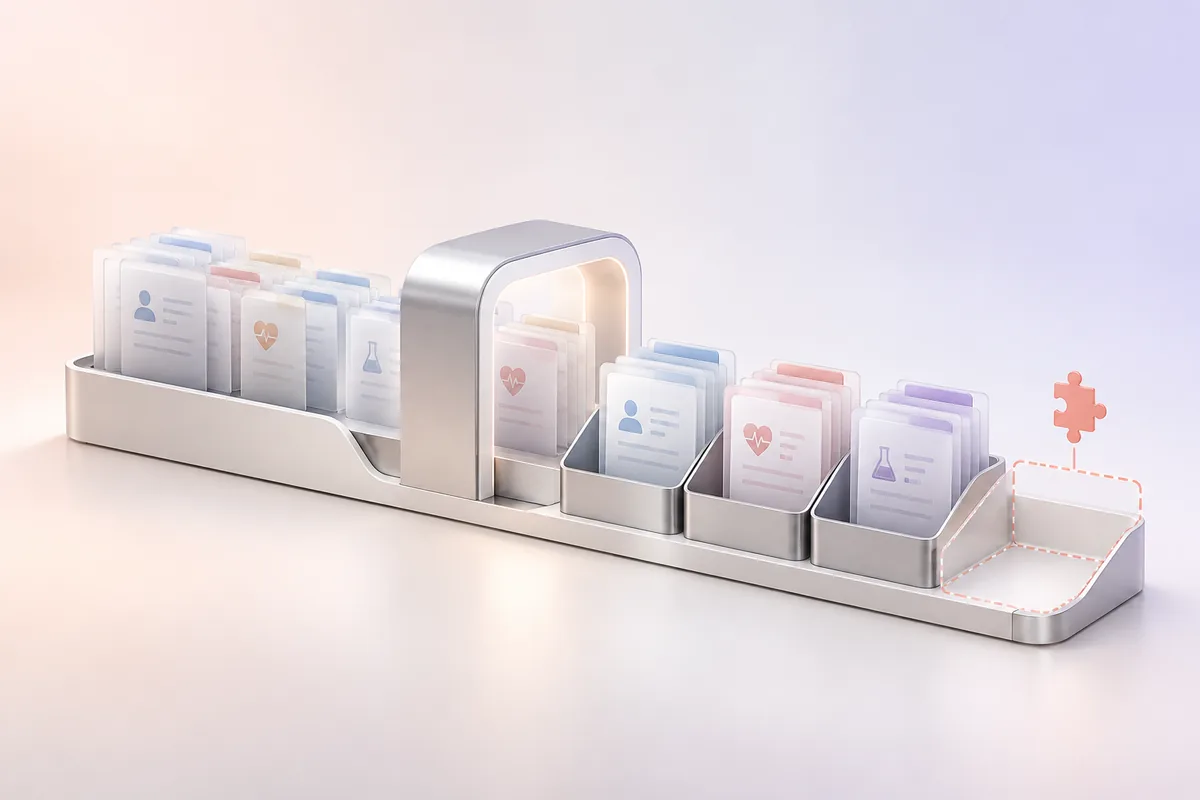
Sorting administrative documents
The documents in an administrative file are recognised and sorted on arrival, and the team sees at a glance which ones are missing.
See the industry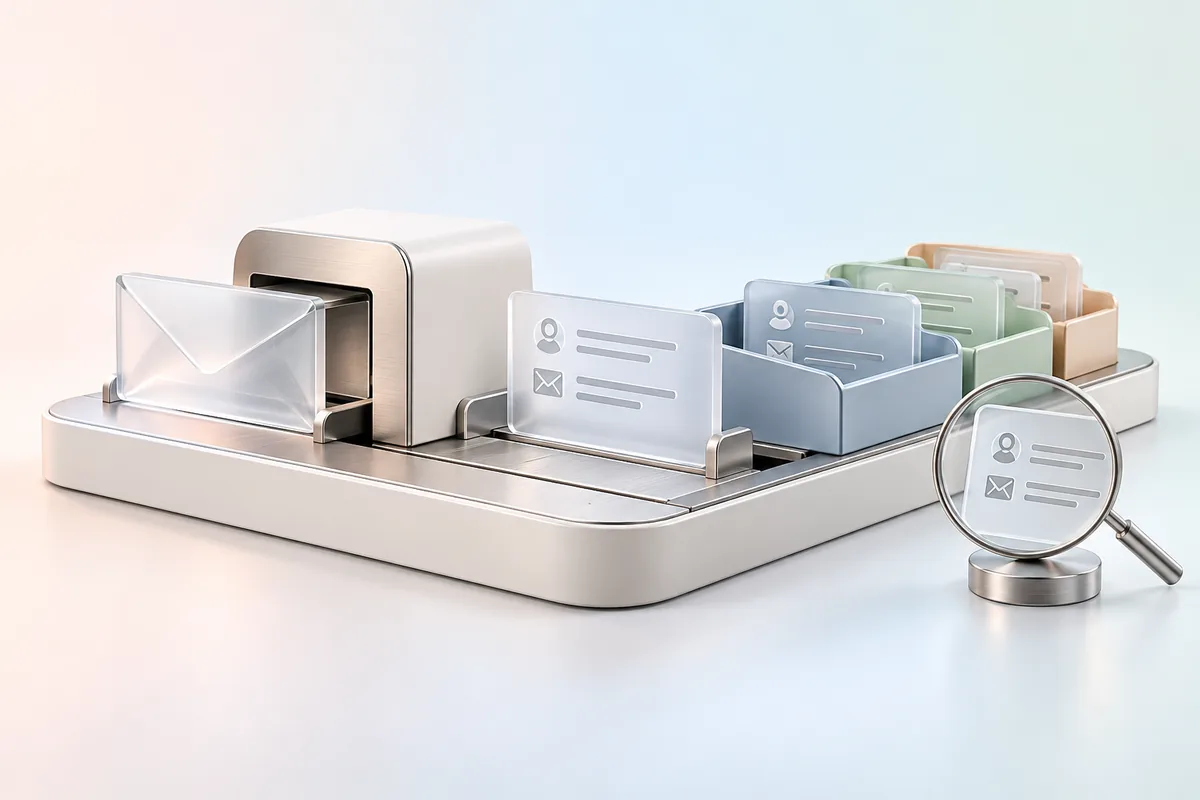
Registering incoming mail
Each letter received is read, registered with its subject and sender, then passed to the department in charge, which can find it again with a simple search.
See the industry
Our work
- Anonymised client
- Automotive and insurance
- Local AI
A vehicle glazing network prepares insurance-covered claim files for its customers, and each file brings together several documents. So we built a system that recognises those documents, extracts their fields and compares the same information from one document to another, such as the registration number, before submitting the file for human approval. Handwritten documents are kept without being read. The vision model runs on the client's server, and no document leaves it.
FAQ
Frequently asked questions
What is computer vision and what is it used for?
Computer vision lets a system read an image or a document and draw structured information from it. In a business, it's mostly used to recognise a document's type, extract its fields, such as an amount or a date, and read a photo taken in the field, such as a licence plate. The result is then approved before it enters your systems, because automated reading can get a damaged or badly framed document wrong.
Can your OCR read Moroccan documents in Arabic and French?
It reads printed documents in both languages, and we measure its reading on your own documents before committing, because quality depends on the type of document, its layout and how it was captured. So we don't publish a general rate. The rate we give you applies to your test set, under its conditions.
How much does a computer vision project cost in Morocco?
The investment depends on the types of documents or images to process, their quality, the volume, the human review step and the tools the extracted information has to reach. Regular, legible documents take less work than photos taken in varying conditions. So we set the amount after a test on a sample of your documents.
Do our documents have to be sent to an online service?
They stay inside your company if you wish, because the vision model can run on a server installed on your premises. That option requires a suitable machine, which we specify with your IT team. A hosted model avoids that purchase, but the documents then go to its provider, whose terms we check.
What technical prerequisites are needed to deploy computer vision?
You first need a representative sample of your documents, then a suitable capture station, scanner, tablet or phone, and access to the system where the data must arrive. If the model runs on your premises, you also need a server sized for it. We check these points with your IT team during the assessment, before committing.
Let's discuss your priorities
Let's assess your documents on a real sample.
Tell us which documents your teams key in today and the software their information needs to reach. We'll work out together what can be read reliably, what needs a check and what should stay manual.
- The call lasts thirty minutes, by video.
- You speak directly with a Claro expert.
- Afterwards, we email you the next step we recommend.