
AI Automation
Automate a process end to end, exceptions included.
A repetitive process usually mixes predictable steps with others that require reading a document or a message. The first follow simple rules, while AI handles the second, and your team approves whatever commits the company. We automate the whole process, from what triggers it to how exceptions are handled, inside the tools you already use.
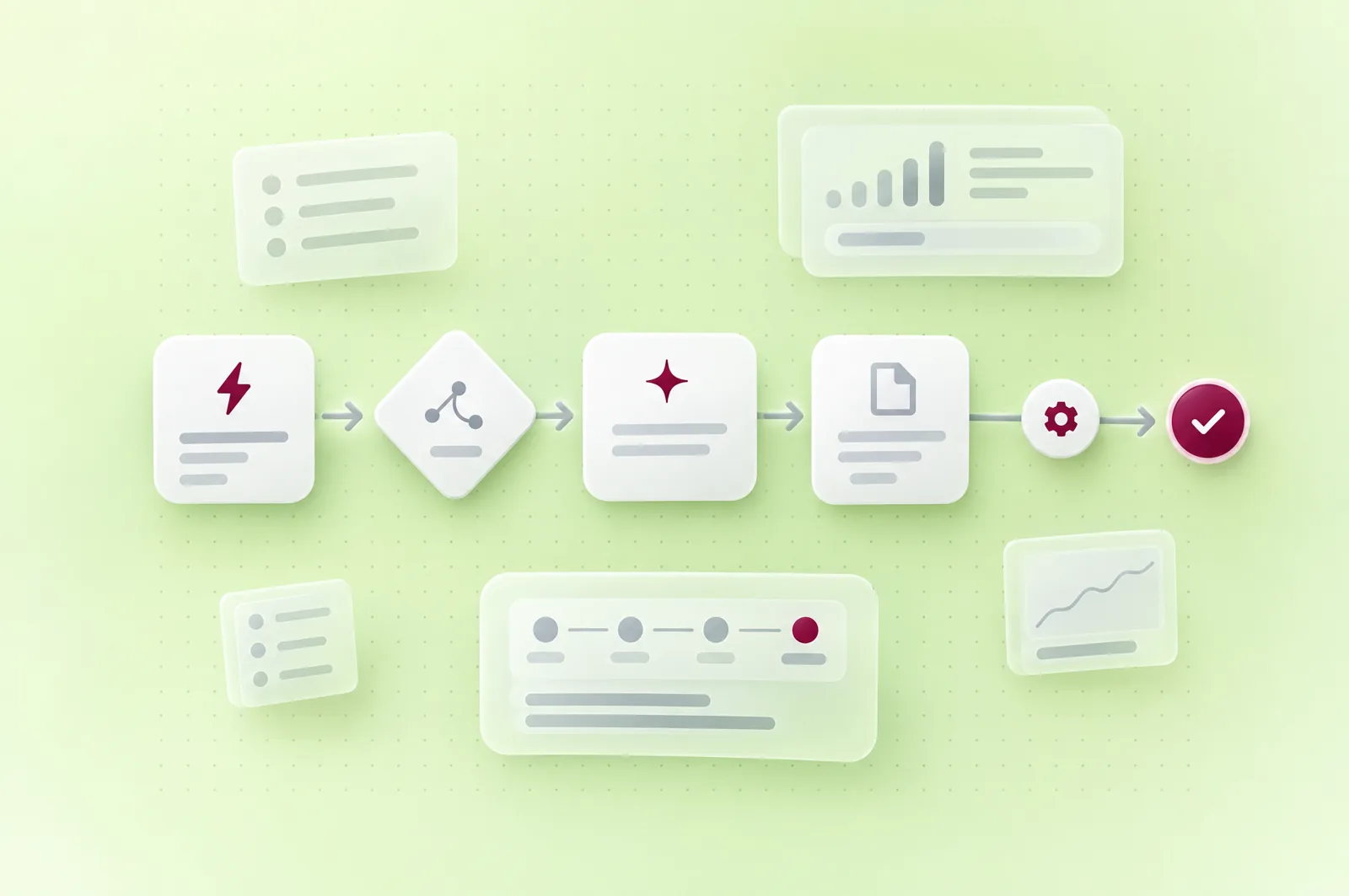
Processes that cross several tools and several people.
Matching incoming documents
Invoices and receipts are read and matched to the order or budget they belong to, and every discrepancy reaches the person in charge with its source.
Chaining the steps of a file
A step completed in one tool triggers the next one in another, whether a notification, an update or a reminder, with no re-keying in between.
Qualifying incoming requests
Each request is recorded with the form's answers, then passed to the right salesperson in the tool they already work in.
A rule is enough when a step can be described without exceptions, such as a due date or an amount threshold. AI becomes useful when the input varies, whether that's a freely written email, a scanned document or an ambiguous request.
Illustrative example
Chasing unpaid invoices today.
Take a company where chasing unpaid invoices rests on one person. Every week, they pull the overdue invoices, write the reminders one by one, read the customers' replies and update their follow-up file, so a single absence is enough to delay payments.
Pulling overdue invoices from the accounting software
Writing reminders one by one
Reading customers' replies
Updating the follow-up file
Noting the next reminder by hand
The same process, automated.
The system
Due date
A rule spots every overdue invoice in your accounting software and prepares the reminder planned for that stage.
The system
Sending
The reminder goes to the right contact, with the invoice attached, on the schedule you set.
AI
Reading replies
AI reads each customer reply and sorts it, whether they announce a payment, promise a date, dispute the invoice or point to the wrong contact.
The team
Approval
A dispute or a promise to pay goes to the accountant in charge, who decides what happens next.
The system
Follow-up
The follow-up file updates itself, the next reminder is scheduled and every step stays on record.
The reminder schedule and templates are simple rules, which we write with your accountant. AI only steps in where the customer replies in their own words, and it settles nothing, because a dispute stays a matter for a person.
This process depends on your accounting software, which needs to offer API access or a regular export, and on the quality of the contacts on file.
What we deliver to automate a process.
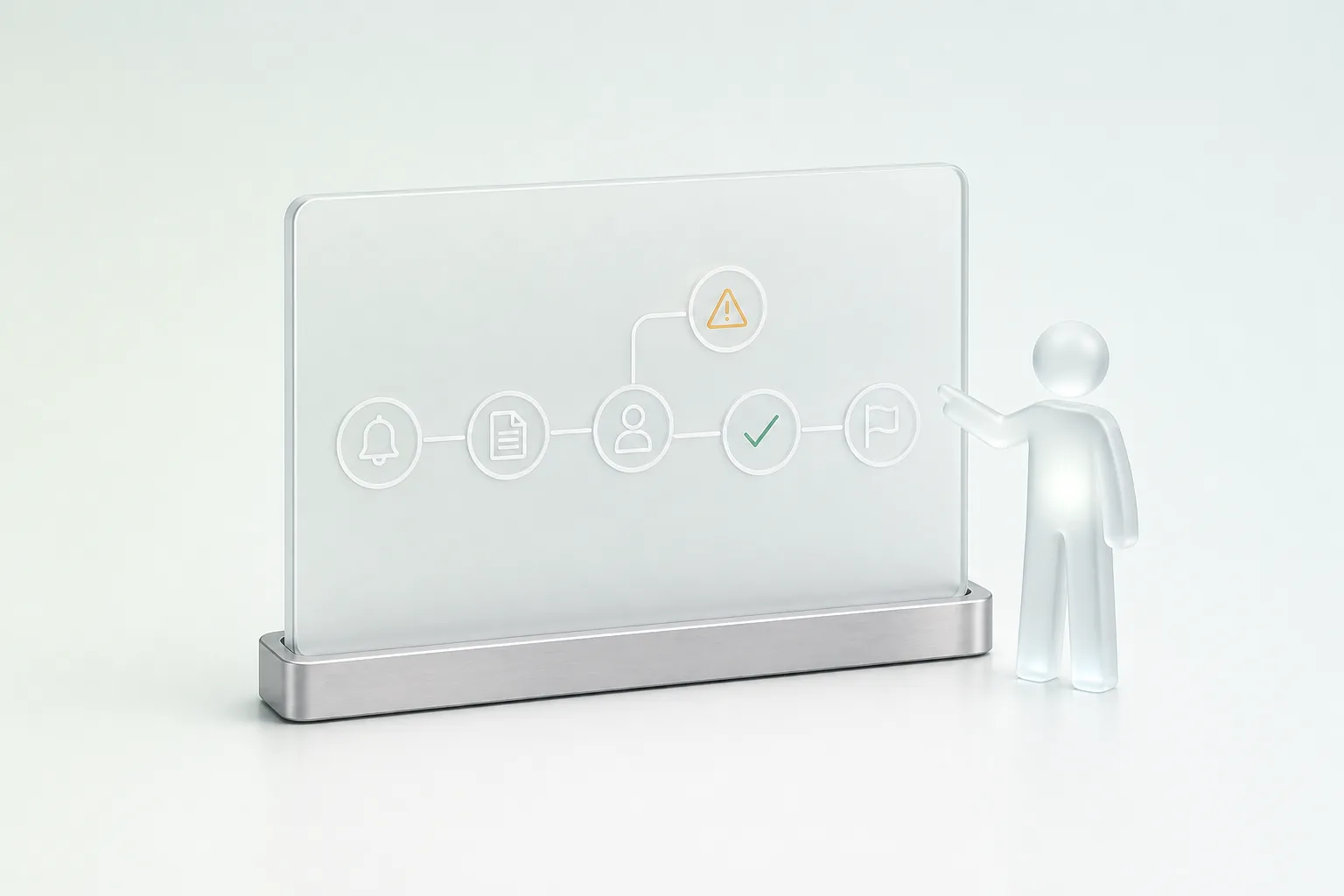
Process map
It shows every step with its trigger, its input data, the person who approves and the exceptions known today.
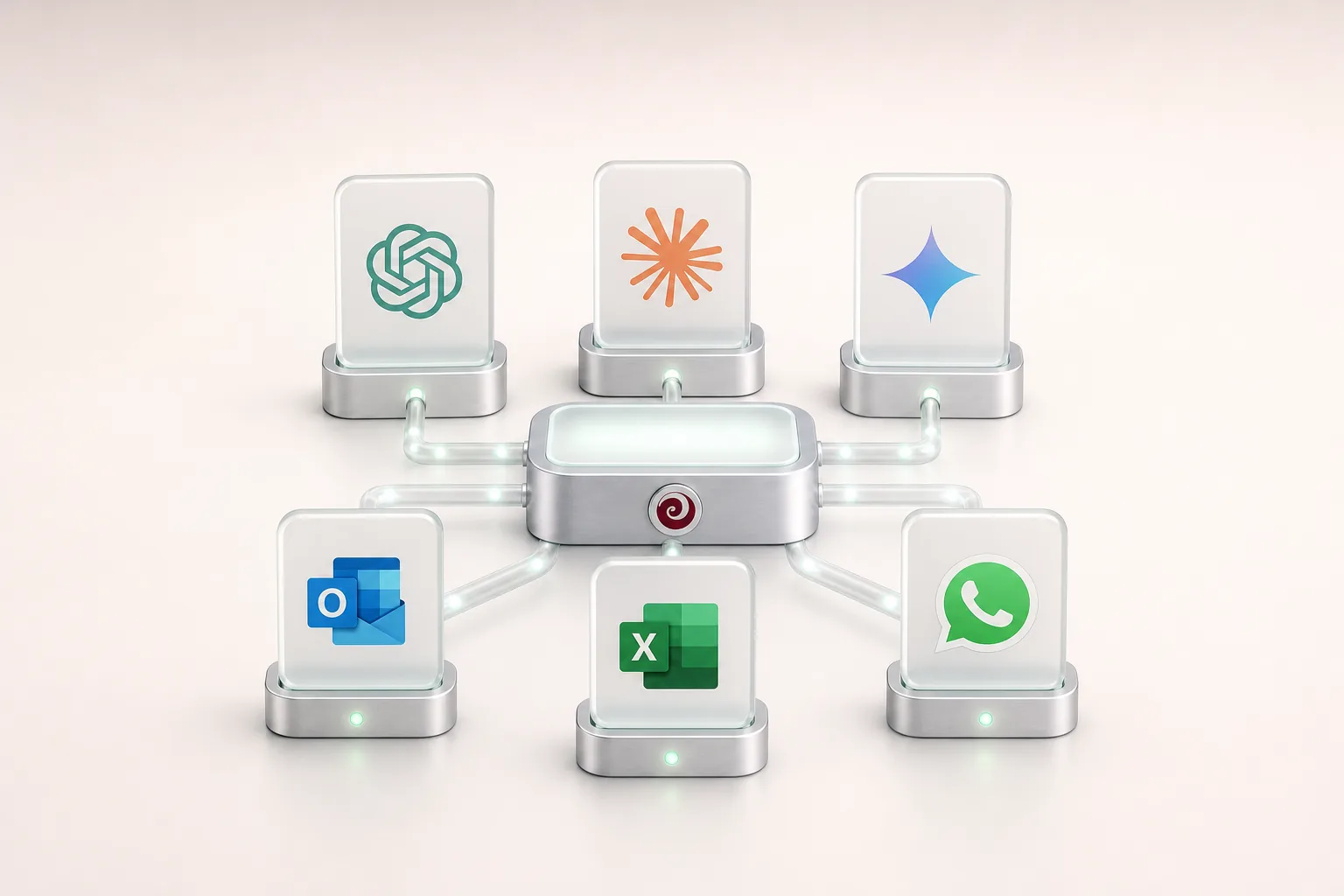
Connections to your tools
We connect the process to your existing systems, such as your email, your ERP or your accounting software, with only the access it needs.

Rules and thresholds
We write them with the people who approve today, and each one states what triggers it and what happens when there's an exception.

Exceptions queue
Any case the automation can't settle goes to a named person, with the documents involved and the reason it stopped.
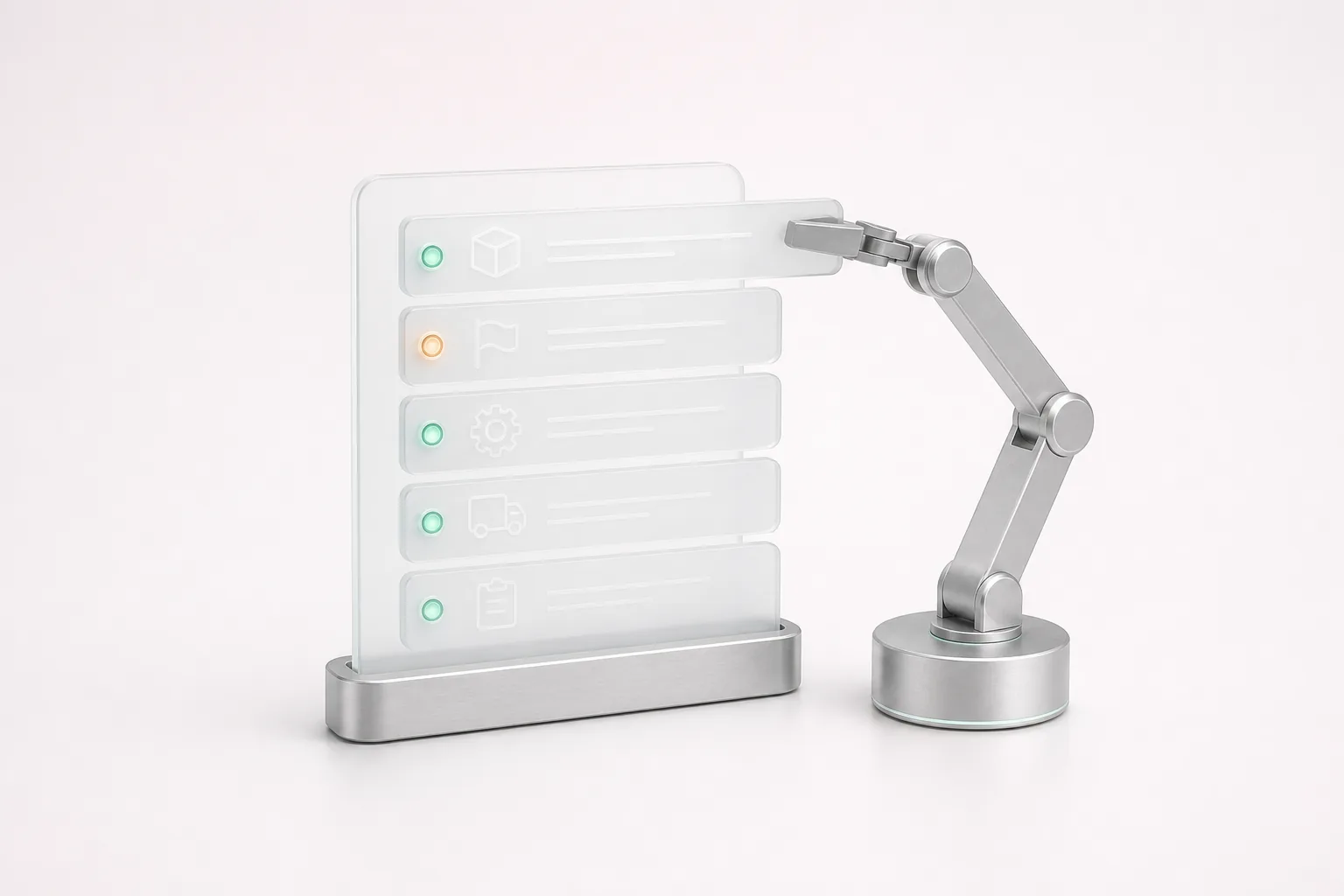
Log
Each step is recorded with the data used and the name of the person who approved, so any result can be traced back.
After go-live, monitoring the process and adjusting it fall under our Maintenance & Evolution offer, per ticket or as a monthly arrangement with a written report.
A gradual go-live.
We put the process into service in stages. It first handles part of the cases while the team carries on by hand, so results can be compared on the same files, then it expands once the differences are understood. We then track exceptions, rejected approvals and lead times, and whenever we report a result, we state the period, the volume and the method of measurement.
Automation also depends on your process and your systems. A tool with no usable access, rules that vary from one person to the next or data entered in several ways are dealt with before automating, and we flag them as soon as we review the process.
Applications in your industry.

Routing incoming requests
Each request is qualified, completed with the documents already checked and passed to the right department, which handles it without starting over.
See the industry
Linking emails to files
Emails about an order or a shipment join the right file, and the team approves each reply before it's sent.
See the industry
Confirming and reminding appointments
Patients get a confirmation and then a reminder, while the front desk stays in control of the schedule and of every change.
See the industry
Tracking incoming mail
Each letter is registered on arrival, passed to the department in charge and tracked until it's closed, so everyone knows where it's waiting.
See the industry
Our work

Film production logistics, Morocco
Cineride Log
Cineride Log handles transport for film shoots in Morocco, and each production's budget keeps moving throughout the shoot. So we built a platform for its budget team where documents received by upload or email are sorted, read and compared with that budget. AI proposes sourced adjustments there, which wait in an approval queue, and routines flag a discrepancy as soon as a document arrives.
FAQ
Frequently asked questions
Which business processes can actually be automated?
The best candidates come up often, follow repeatable steps and cross several tools, such as chasing invoices, qualifying requests or matching incoming documents. We first review the process with the people who run it, because not all of them deserve automating, and some are better simplified first. So you know from the review which steps to automate and which to leave with your team.
Do you need AI to automate a process?
AI isn't needed at every step, because a due date, a threshold or a fixed approval path can be programmed with rules, which are simpler to maintain and check. It earns its place when a step means reading free text, a scanned document or a request worded in many ways, and we then limit it to that step.
How much does setting up process automation cost?
The investment depends on the number of steps and tools involved, the quality of their APIs, how much free text there is to handle and the volume of cases. A rules-based process takes less work than one where AI reads emails. So we set the amount after the diagnosis, and AI model usage, where there is any, is billed by the providers, either in your name or recharged at cost.
Do your automations work with our software and our Excel files?
Usually, as long as the software offers some form of access, through an API, a database or a regular export. We check each connection with your IT team before committing. An Excel file can serve as a source as long as its structure stays stable, so a file edited by hand by several people gets stabilised first.
What happens if an automation breaks down?
A step that fails is retried automatically, then, if the failure persists, the case joins the exceptions queue and the person in charge is alerted. Files therefore don't sit blocked without anyone knowing, and the log shows at which step the problem occurred. We follow up these incidents after go-live, under our Maintenance & Evolution offer.
Let's discuss your priorities
Let's review a process your team repeats every week.
Tell us its steps, the tools it goes through and the people who approve it. We'll work out together which steps suit a rule, which need AI, and what your team should keep in hand.
- The call lasts thirty minutes, by video.
- You speak directly with a Claro expert.
- Afterwards, we email you the next step we recommend.