
Business Applications & ERP
Business applications built around your processes.
Your teams sometimes work around their tools with spreadsheets and double entry. We design applications that follow your business rules, from stock to invoicing, and connect to the systems you keep.
When a business application becomes worth it.
Your ERP no longer follows your rules
Commissions or transfers between sites are worked out outside the system, in spreadsheets that few people know how to keep up to date.
Your sites don't share the same numbers
Each store, branch or warehouse keeps its own figures, and management waits until month end for a consolidated view.
Your approvals happen over the phone
Discounts, cancellations and till discrepancies are approved verbally, with no written record of who decided and why.
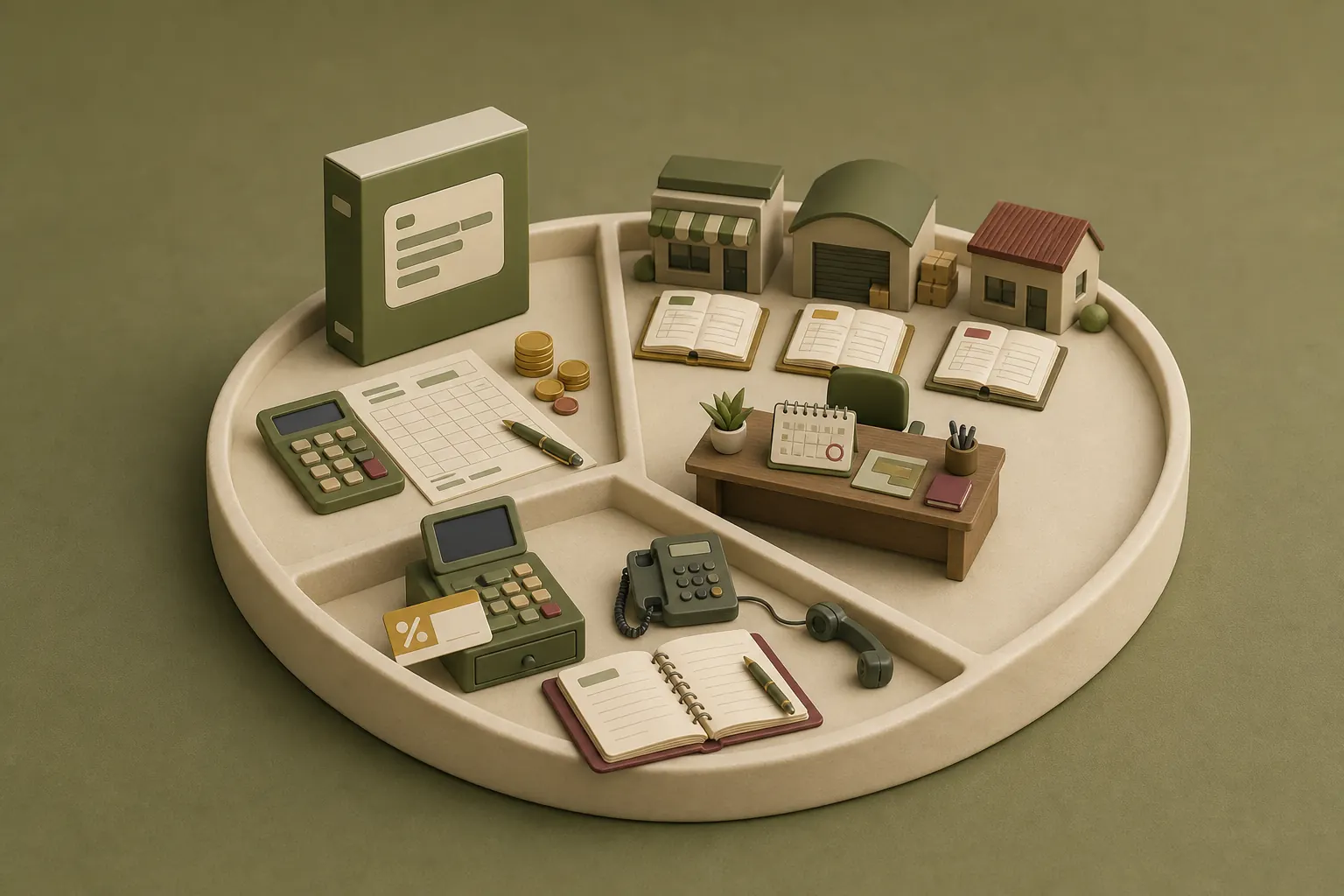
Commissions or transfers between sites are worked out outside the system, in spreadsheets that few people know how to keep up to date.
Each store, branch or warehouse keeps its own figures, and management waits until month end for a consolidated view.
Discounts, cancellations and till discrepancies are approved verbally, with no written record of who decided and why.
Example: a stock transfer between two stores.
Taken from the system built for NYS
Sending store
2418
Stock before and after
6 items sent
Stock ledger
Every movement written, never edited
Receiving store
914
Stock before and after
5 received, 1 declared missing
The sending store's manager creates the transfer and scans the items.
The movement is written to the stock ledger, and the sending store's stock goes down.
The receiving store takes delivery and counts the items.
Any missing items are declared one by one with a reason (lost, damaged or stolen) before the reception is closed.
Both stocks are up to date, and the history keeps every step.
Transfer timeline
Sending store
The sending store's manager creates the transfer and scans the items.
Stock ledger
The movement is written to the stock ledger, and the sending store's stock goes down.
Receiving store
The receiving store takes delivery and counts the items.
Receiving store
Any missing items are declared one by one with a reason (lost, damaged or stolen) before the reception is closed.
Stock ledger
Both stocks are up to date, and the history keeps every step.
Sending store
2418
Stock before and after
6 items sent
Receiving store
914
Stock before and after
5 received, 1 declared missing
Every movement written, never edited
Quantities given as an example.
Each stock movement is added to the ledger and never edited afterwards. You can therefore trace an item's history and see who declared each discrepancy.
What we deliver.
Depending on your scope, we deliver some or all of the following, and your teams approve each one before we move on.
Written business rules
Every rule is written, numbered and approved by your teams before development, together with the criteria used to sign it off.
An application delivered in modules
Stock, the till, transfers, stock counts or invoicing are delivered and signed off one at a time, on your live system.
Tracked access rights and approvals
Each user sees what their role allows. Sensitive approvals are recorded with who made them and why.
Migration of your data
We clean your existing data with you, then load it in steps that can be re-run, outside your working hours.
Connections to your other tools
The application exchanges data with the tools you keep, for example your online store or your bank statements for reconciliation.
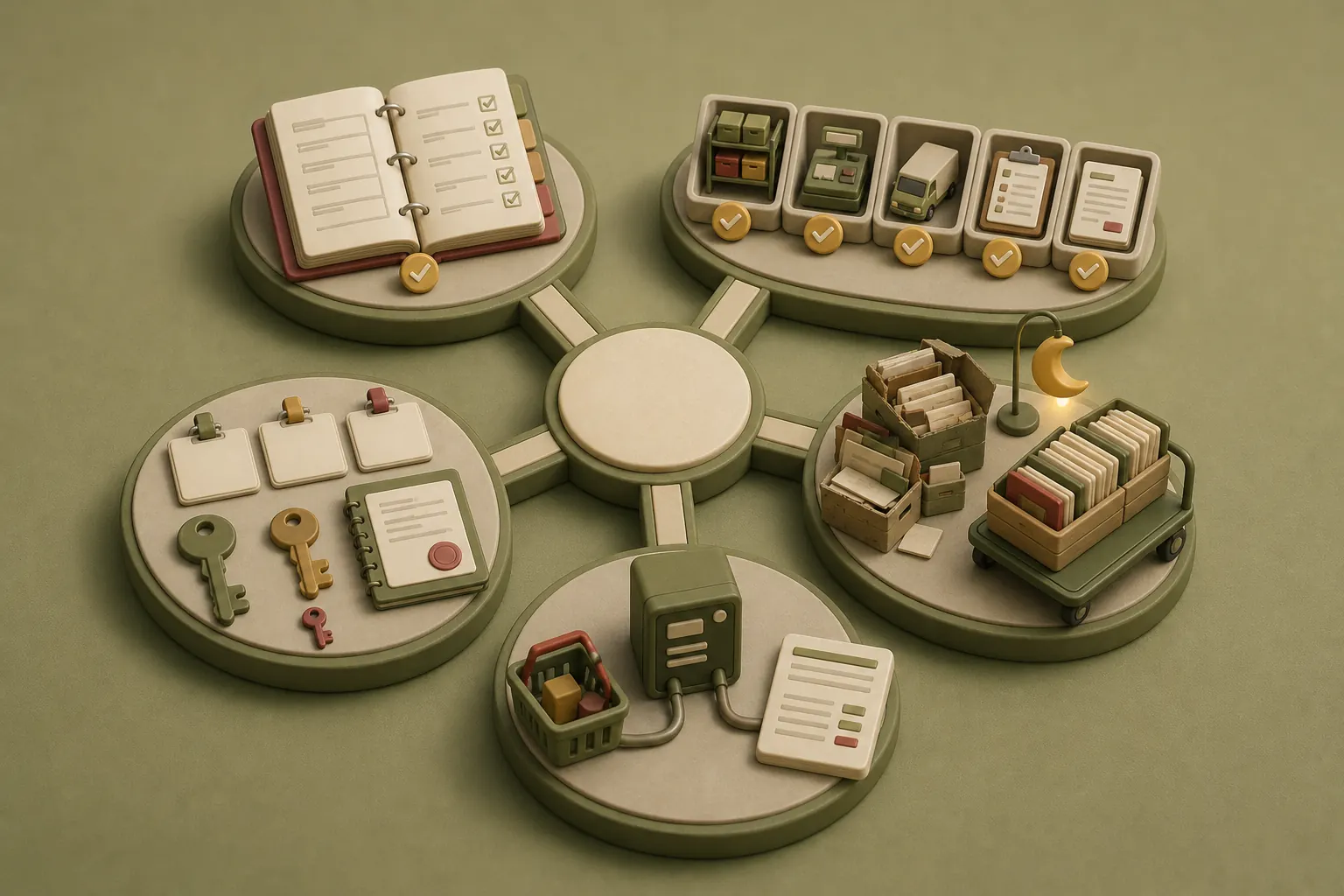
Every rule is written, numbered and approved by your teams before development, together with the criteria used to sign it off.
Stock, the till, transfers, stock counts or invoicing are delivered and signed off one at a time, on your live system.
Each user sees what their role allows. Sensitive approvals are recorded with who made them and why.
We clean your existing data with you, then load it in steps that can be re-run, outside your working hours.
The application exchanges data with the tools you keep, for example your online store or your bank statements for reconciliation.
Configure an ERP or build your own?
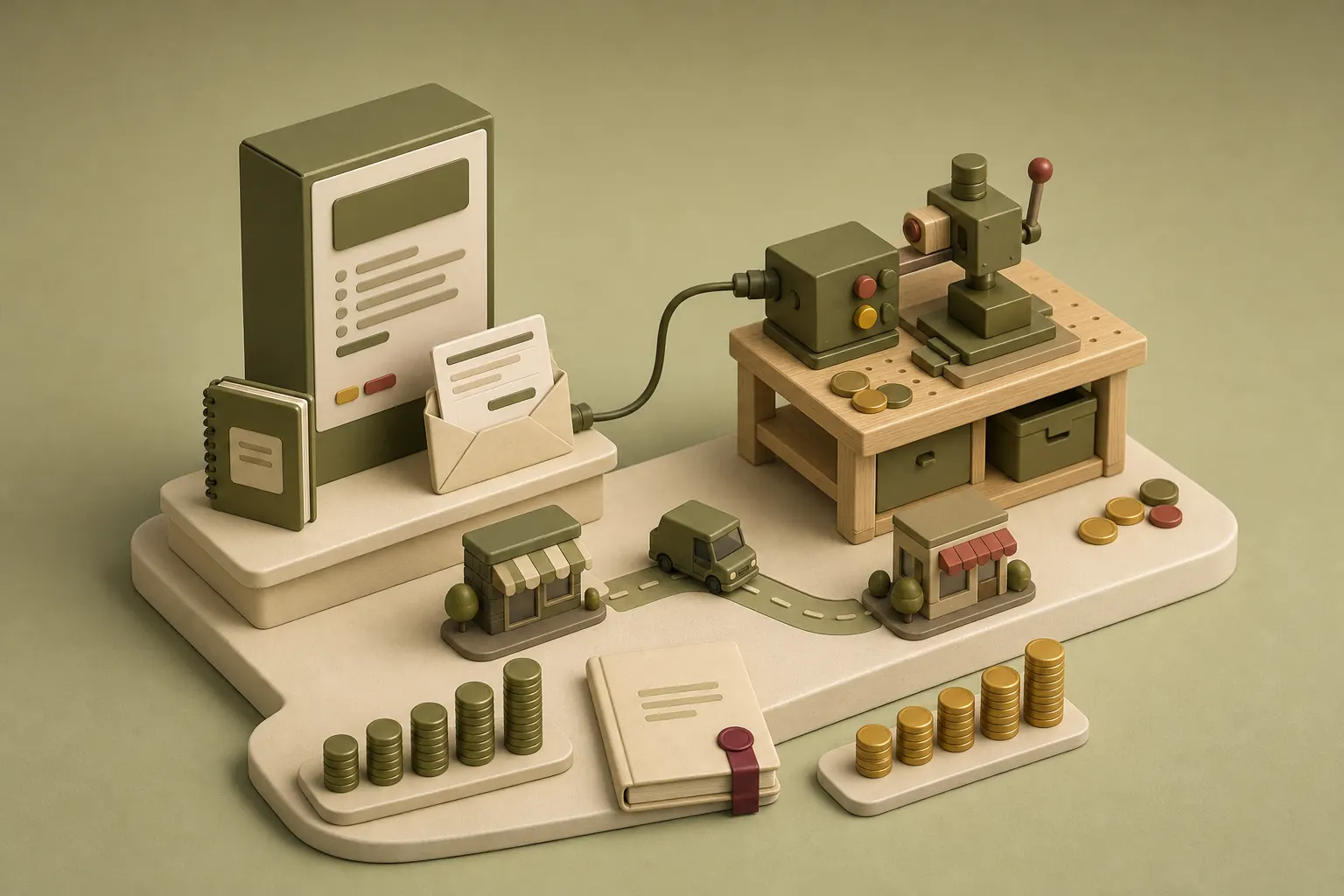
An off-the-shelf ERP handles standard functions well, such as accounting or payroll. We recommend one when your processes look like most companies', because licensing and maintenance cost less than custom development.
| Off-the-shelf ERPSoftware you configure | CustomAn application built for you | |
|---|---|---|
| Standard functions | Well covered, such as accounting or payroll | Connected to the ERP or the tools you keep |
| Your own rules | Often worked out outside the system, in spreadsheets | Written with your teams, then built as written |
| Flows between sites | They follow the vendor's model | They follow the way your stock moves |
| Licence and maintenance | Cheaper than development | A build to invest in, then maintenance agreed with you |
| When to choose it | Your processes look like most companies' | What sets you apart calls for a tool built for you |
| Both together | The two often sit side by side, with the ERP for accounting and a custom application for operations. | |
We compare both routes before writing any code, looking at the total investment for each option over several years. The decision is yours, and we document it so your teams understand the reasoning.
An HRIS built around your rules.
An HR information system brings together staff records, leave and absences, reviews and approval chains, which today are often spread across spreadsheets and messages. We can build it on the same principle as our other business applications, around your internal rules, then connect it to the payroll tools you keep. Access rights are set at the scoping stage, because staff data is sensitive.
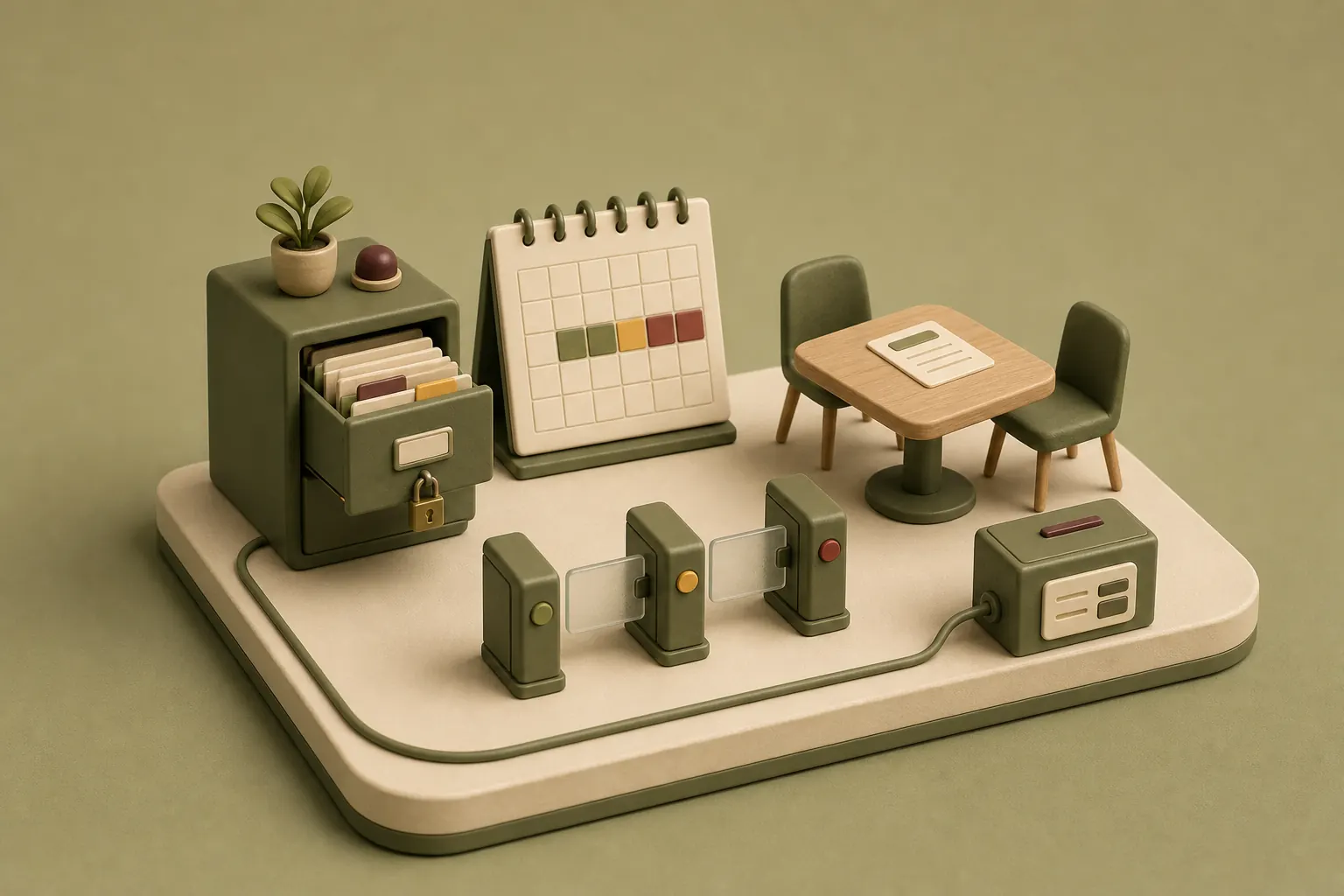
Access rights set at scoping
- Staff records
- Leave and absences
- Reviews
- Approvals
Your internal rules
Payroll tool kept
An application that stays under control after delivery.
Because a business application evolves with your company, we record every change request in a written note, with its effect on scope and schedule, before we build it.
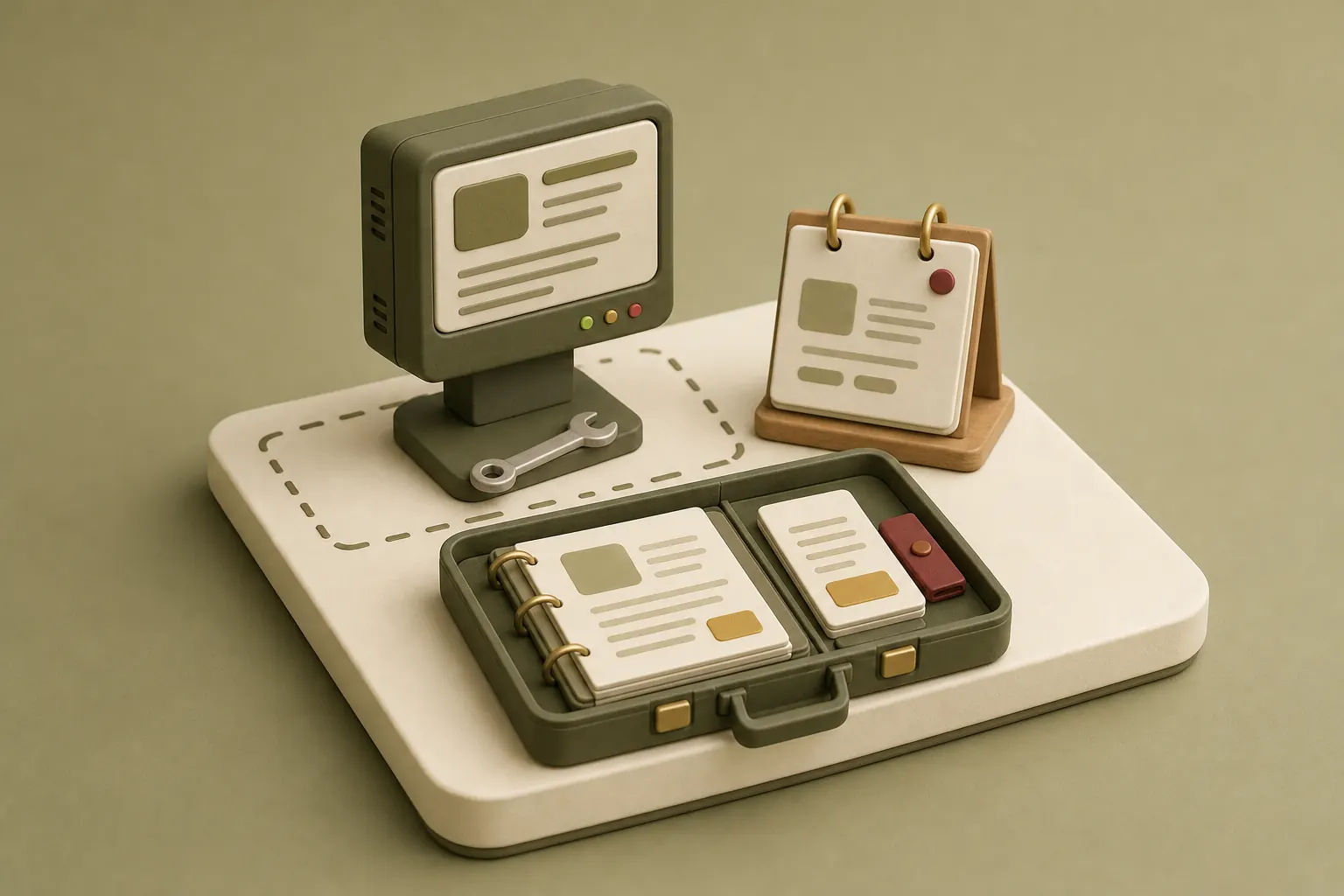
You receive the business rules and the documentation, so another team could take over the system. After go-live, support and new features run within a maintenance scope agreed with you.
Systems we have built.
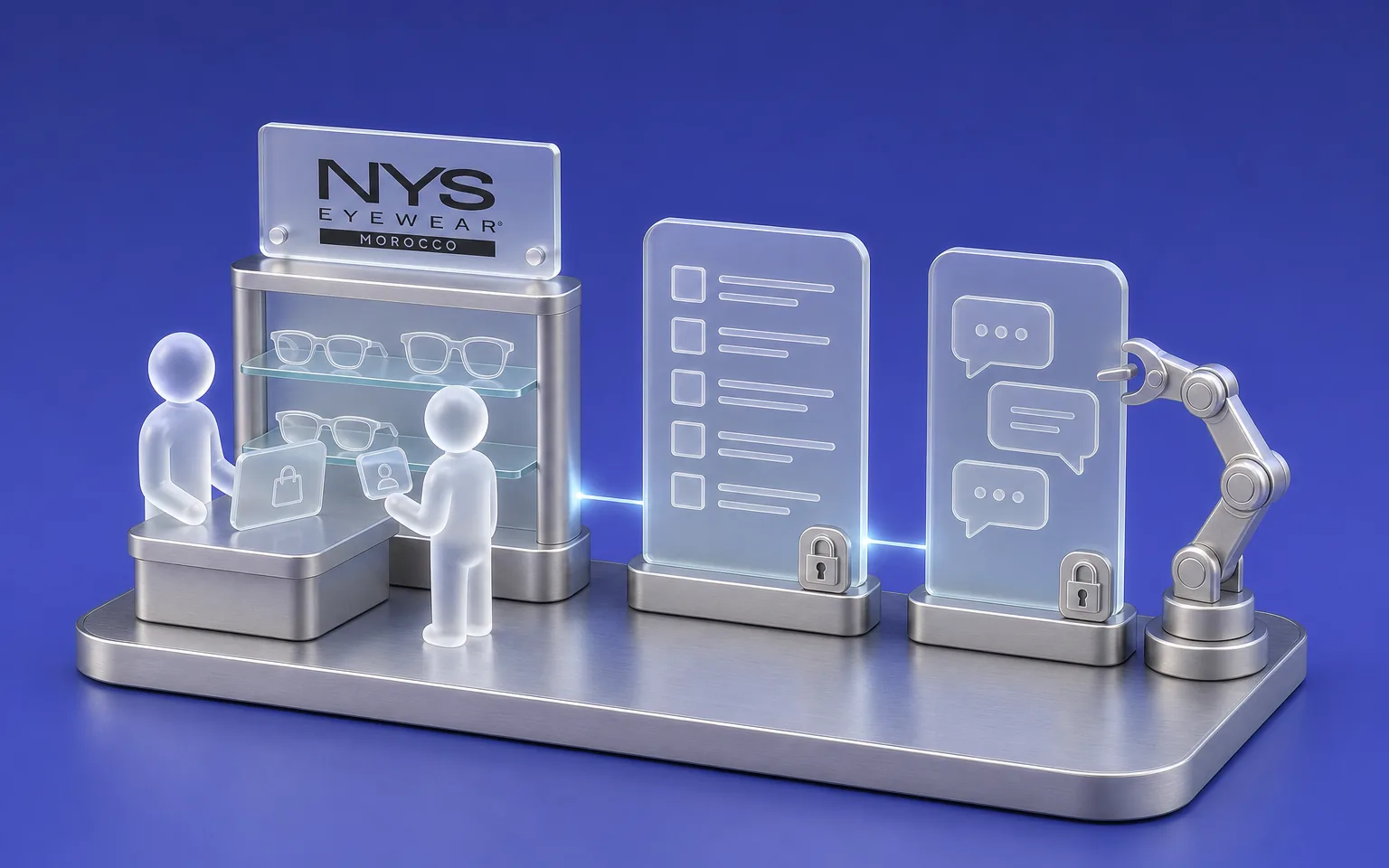
NYS
Multi-store retail
- Challenge
- Running stock, the till, transfers and invoicing for several stores in one system.
- What Claro built
- A custom retail ERP with an AI copilot: barcode stock, till with daily close, transfers, stock counts, commissions, time clock and invoicing with bank reconciliation.
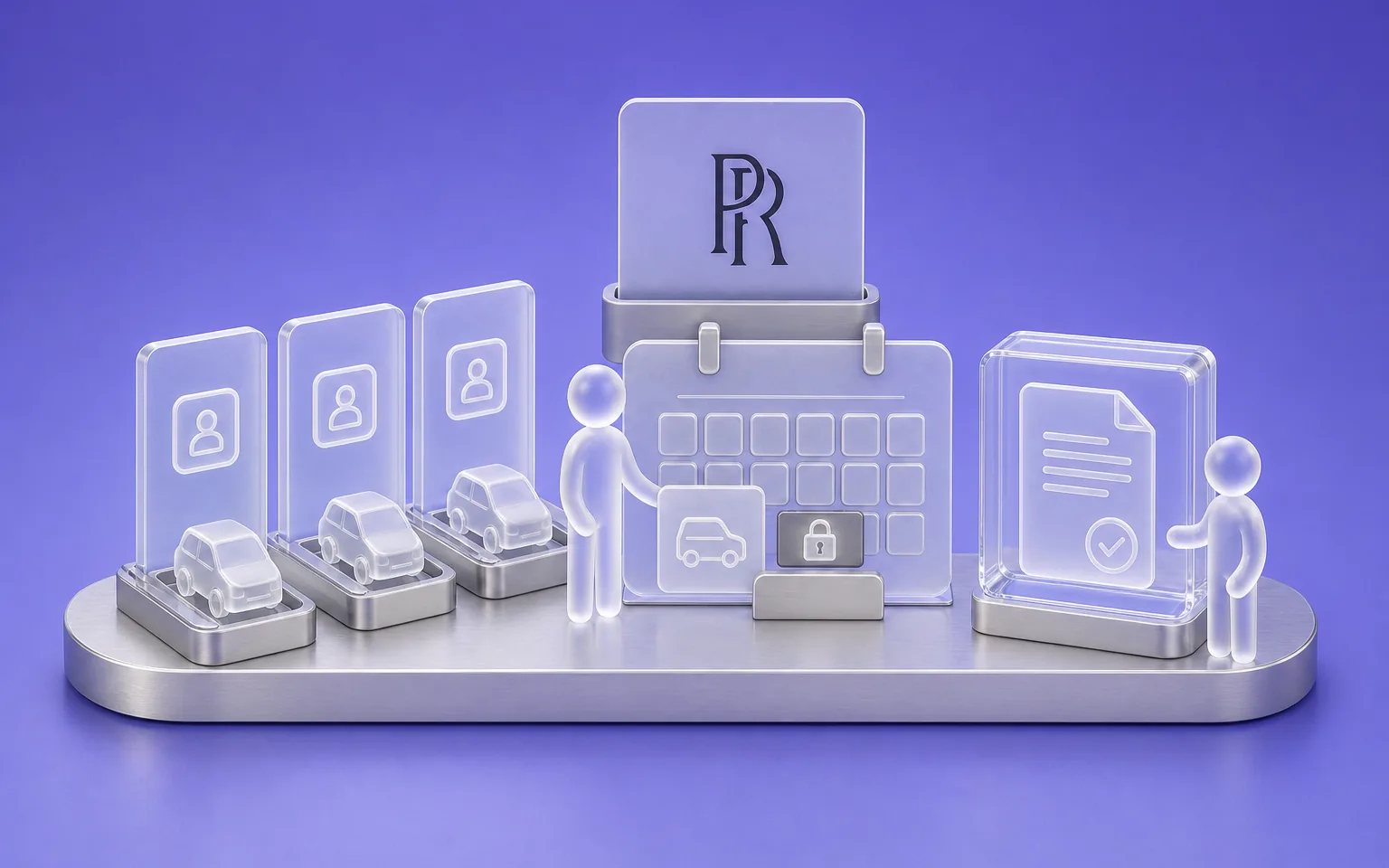
Perfect Rental
Vehicle rental
- Challenge
- Letting several agencies run their business on one platform, each with its own data.
- What Claro built
- A multi-agency online platform, designed and co-founded by Claro: data isolated per agency, logged admin console, hourly to monthly rates, interface in French, English and Arabic.
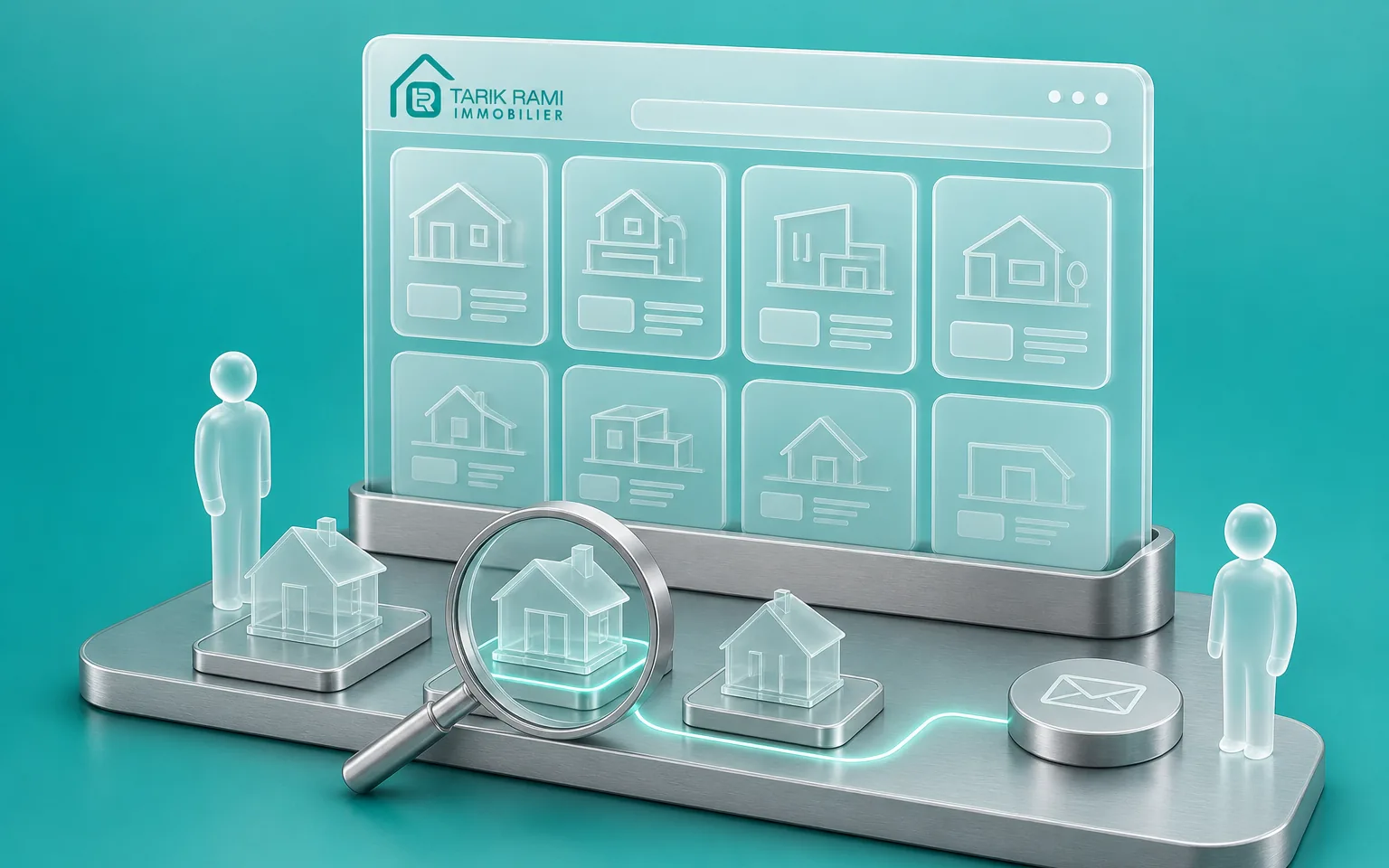
Tarik Rami Immobilier
Real estate
- Challenge
- Tracking a real-estate agency's properties and prospects.
- What Claro built
- A property portal with listings management and prospect enquiries.
FAQ
Frequently asked questions
What's the difference between a custom business application and a standard ERP?
A standard ERP covers functions shared by most companies, such as accounting or purchasing. A custom business application follows your own rules, for example your commissions or the way stock moves between your sites. The two often coexist, because the ERP remains the right fit for what is standard. We help you decide what belongs where.
How much does a business application cost?
The investment depends on four things: the number of modules, how complex your business rules are, the integrations with your existing tools and the migration of your data. We estimate it after writing the rules with you, so the amount matches a precise scope. You can also start with one module and extend from there.
How long does it take to build a business application?
The schedule depends on the number of modules and on how available your teams are for workshops and sign-off. We deliver in blocks, so your teams sign off a first module before the whole system is finished. The detailed schedule is set module by module, once the rules are written and approved.
Can you migrate data from our current ERP or our spreadsheets?
We extract your data, clean it with you, then load it in steps that can be re-run if an error appears. The switchover happens outside your working hours, for example after the stores close, so your teams' work is not interrupted.
Can you connect the application to our existing systems?
We connect the application to the tools you keep, through their APIs where they exist. We have done this with an online store, a freight-forwarding ERP and a payment gateway, for example. Before connecting anything, we agree which system is the reference for each piece of data, so you don't end up with two versions of the same number.
What happens if our needs change during the project?
Your needs will probably change, and the method allows for it. Each request is written up in a note stating its effect on schedule and investment. You then decide whether to include it now, move it to a later module or drop it.
Who owns the code and the data?
Your data and the source code belong to you, and the code is handed over at the end of the project. You also receive the documentation of the business rules, so another team could take over the system.
What happens after go-live?
Support runs within a maintenance scope agreed with you, covering updates and incidents as well as the changes you ask for. Depending on your needs, it is billed per ticket or as a monthly arrangement. The Maintenance and Evolution page explains what each option covers.
Let's discuss your priorities
Let's define your business tool.
Let's talk about your processes, the tools you use today and the tasks your teams still handle by hand. You'll leave with a first idea of the scope and the options available.
- The call lasts thirty minutes, by video.
- You speak directly with a Claro expert.
- Afterwards, we email you the next step we recommend.