
RAG & Knowledge
Find the answer in your documents, with its source.
Your procedures, standard contracts and product sheets already hold most of the answers your teams look for. We build a system that finds the right passage among the documents you approve, then writes a short answer and shows where it comes from. The method is called RAG, short for retrieval-augmented generation.
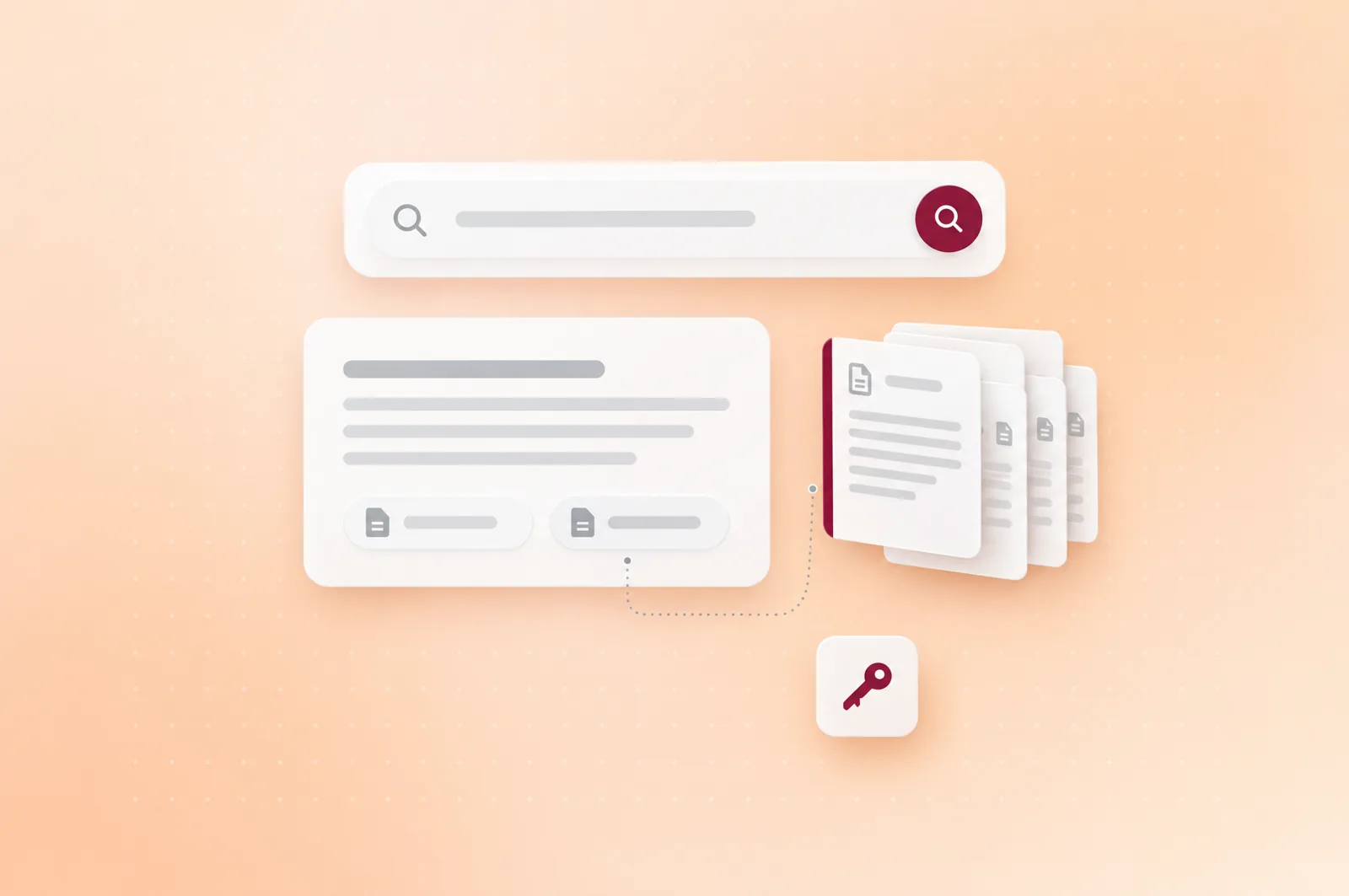
Questions whose answer is already written down somewhere.
Answering customers in their language
Answers draw on your help-centre articles, in the customer's language. A question that needs a person goes to your team, with the conversation history.
Finding an internal rule
An employee asks which procedure to follow or which clause applies. The answer draws on the documents they're allowed to see and cites the section it used.
Answering about a product
Before a meeting or a site visit, a salesperson or a technician checks your product sheets and manuals, without waiting for a colleague to be free.
RAG suits information that already exists in writing and that someone on your team owns. When the answer depends on data that changes all the time, such as stock levels or a balance, an agent connected to your systems is a better fit.
Illustrative example
From the question asked to a sourced answer.
Take a salesperson who wants to know what payment terms to give a new customer. The system searches the billing procedure and the terms and conditions, because this salesperson may see both documents, while signed contracts stay closed to them. It then writes a two-sentence answer and cites the section of the procedure behind it, so the salesperson can open the source before committing to anything with the customer. If the procedure doesn't cover the case, the system doesn't fill the gap with a guess. It replies that it can't find the information and names the person who owns the document.
Step 01
Ask
A salesperson asks the question in their own words.
Step 02
Search
The search stays within the documents this person may see.
Step 03
Answer
The system writes a short answer from the passages it found.
Step 04
Cite
The answer points to the document and section it comes from.
Step 05
Flag
If the documents don't hold the answer, the system says so.
| Item | In this example |
|---|---|
| Question | "What payment terms do we give a new customer?" |
| Answer | "Thirty days end of month, unless the finance department agrees otherwise in writing." |
| Source cited | Billing procedure, section "Payment terms" |
| Out of reach | Signed contracts, restricted to the finance department |
What we put in place around your documents.
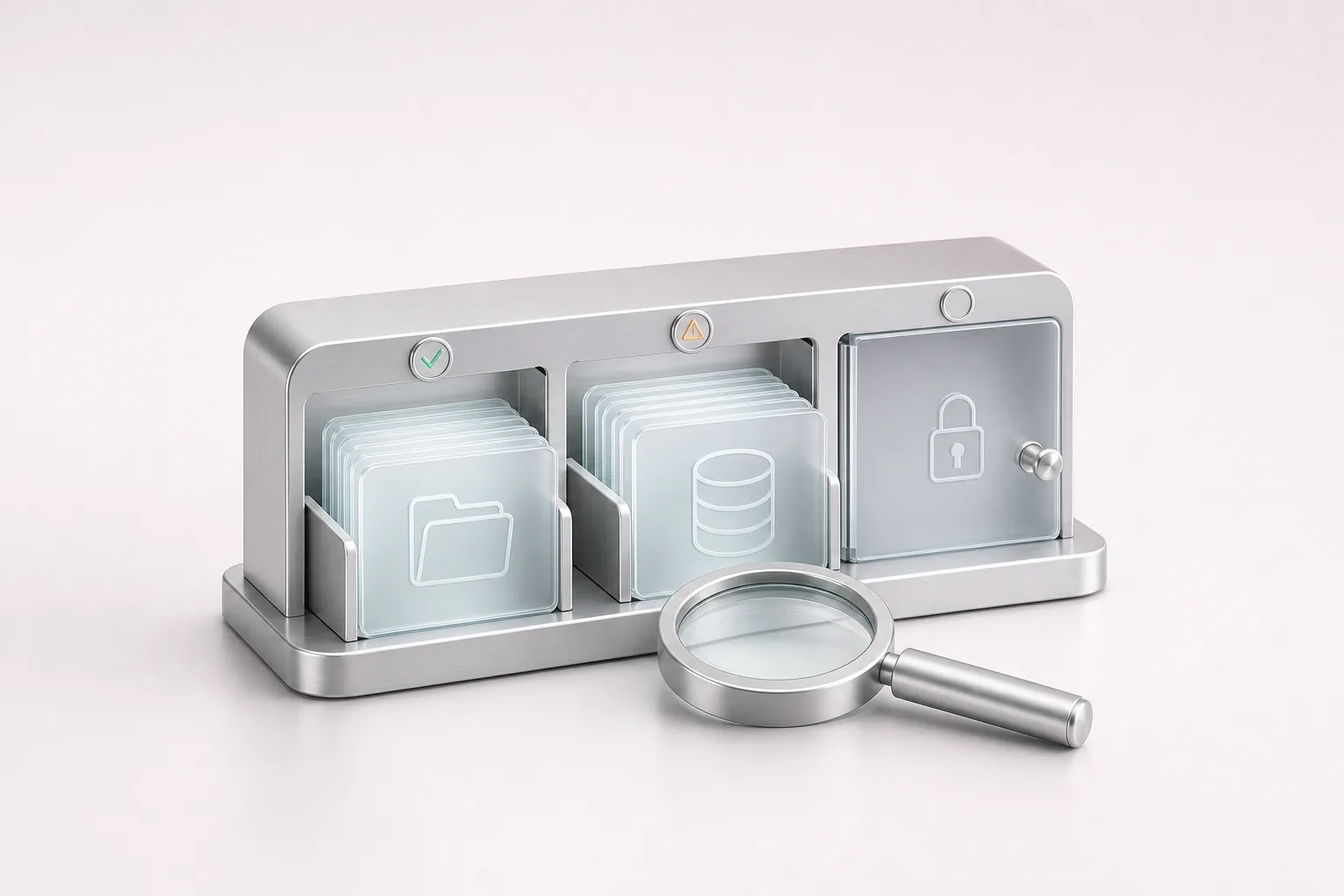
Source inventory
We list with you the documents to use, who owns them, their language and who may see them. Outdated versions and duplicates stay out.
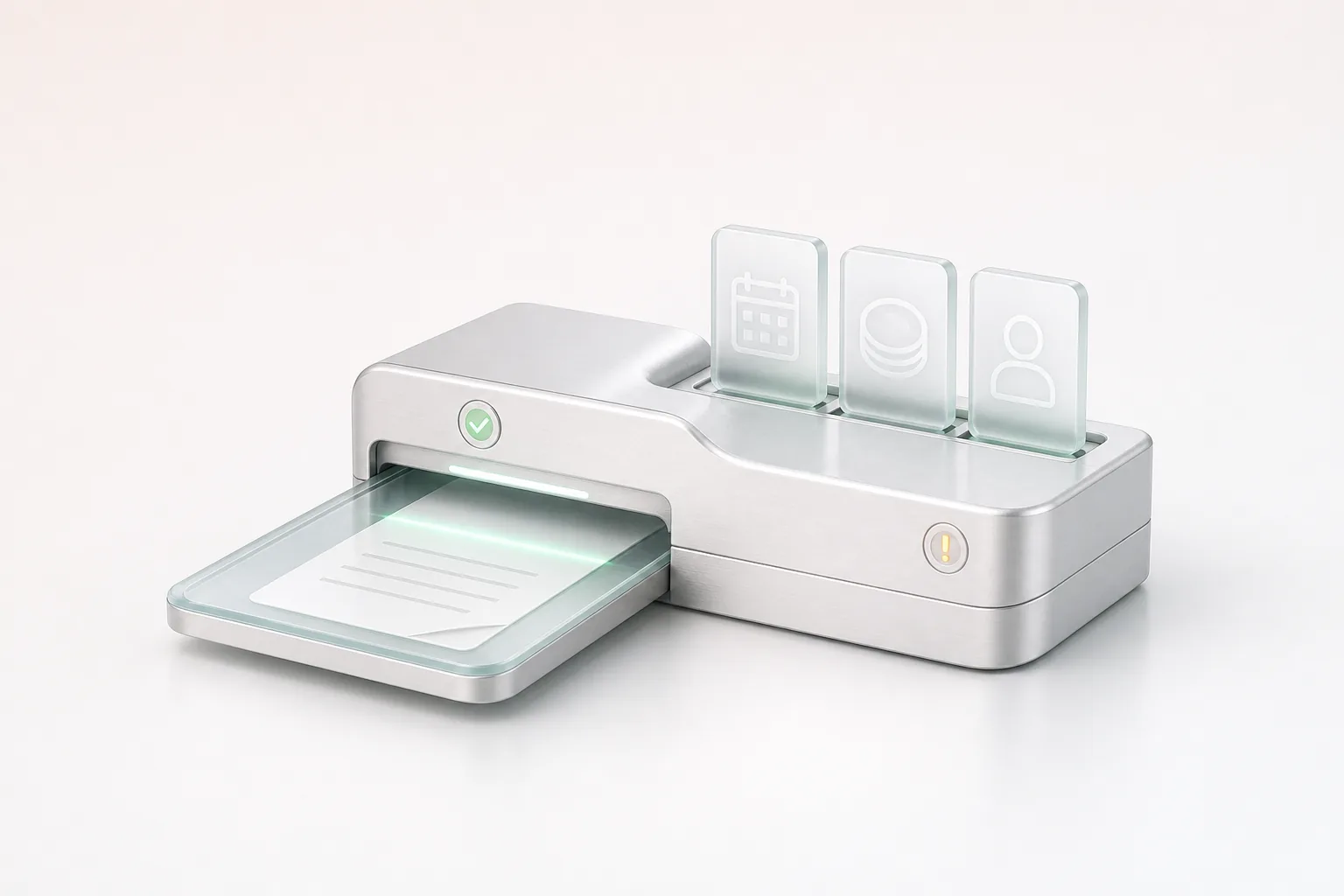
Import pipeline
It splits each document along its section headings, keeps the original title with every passage and adds it to the search index. A changed document is imported again on the agreed schedule.
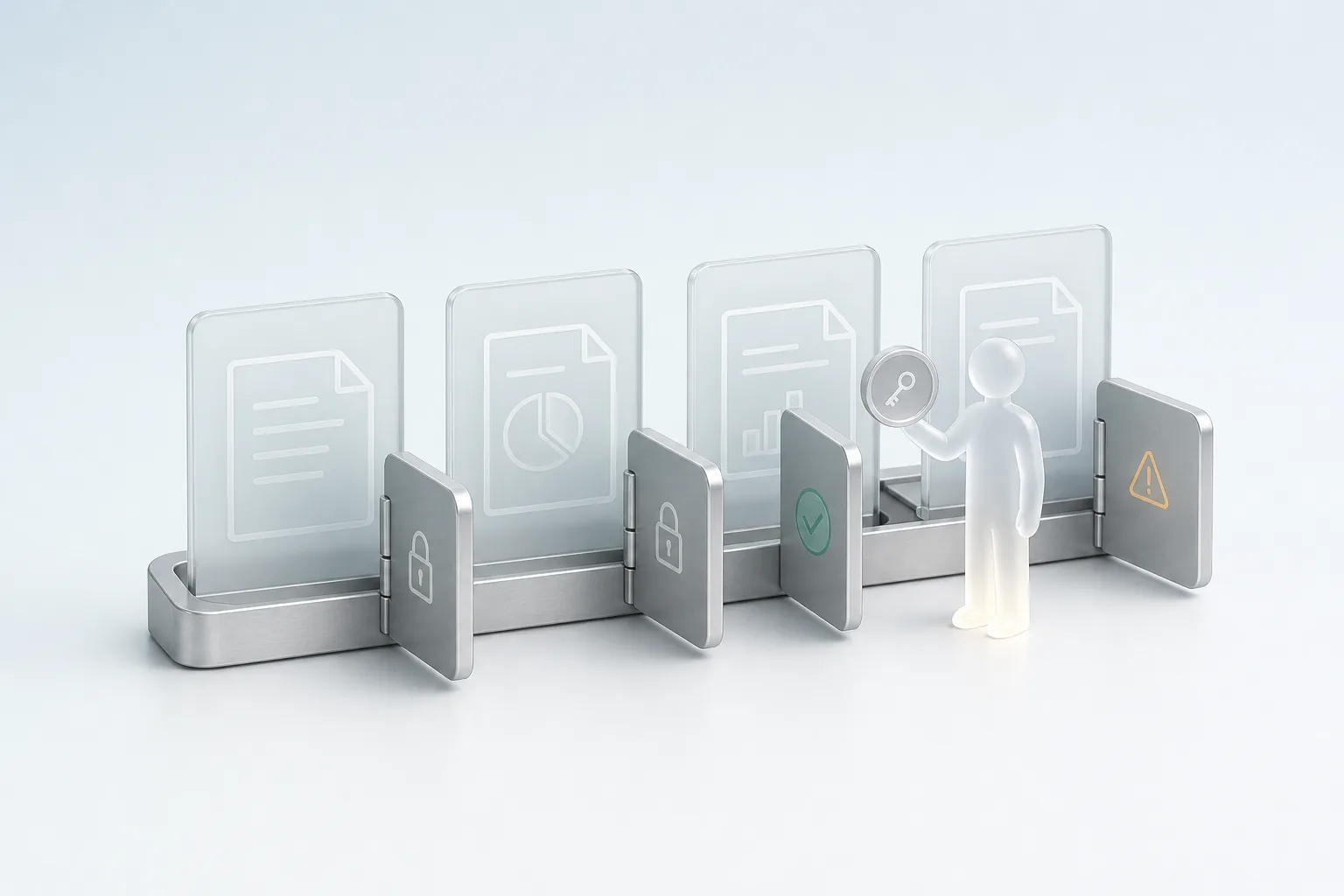
Access rules
Your existing access rights apply as they are, so each person only gets answers from documents they can already open. We check these rules with your IT team.
Where people ask
Your teams query the system from a tool they already use, such as your intranet, your messaging app or your help centre, or from a dedicated window.
Admin space
The document owner adds or removes documents there, approves new answers before they go live and spots the questions the system answered poorly.
After go-live, monitoring and adjustments fall under our Maintenance & Evolution offer, per ticket or as a monthly arrangement with a written report.
A system tested on your own questions.
Before go-live, we build with you a set of representative questions, drawn from what your teams actually ask, with the expected answer for each. We check that the system finds the right passage, that its answer stays true to the document and that it recognises the questions your documents don't answer. The same set is used again after every significant change, because a new batch of documents or a different model can change the answers. Whenever we report a result, we state how many questions it covers and which method we used.
An answer is never better than the document it comes from, so an outdated procedure gives an outdated answer. Nor does the system replace an expert's opinion on a case your documents don't cover.
Applications in your industry.
Checking product terms
Advisers find a product's terms or a cover rule, with the source of each answer and within the limits of their access rights.
See the industry
Finding a quality procedure
Shop-floor teams ask their question and get the relevant procedure or technical sheet, with the source document displayed.
See the industry
Searching the firm's files
Consultants find a similar analysis or proposal in the firm's files, limited to the ones they're allowed to see.
See the industry
Finding a text or a template
Staff find a circular, a procedure or a letter template in its current version, with a reference to the text cited.
See the industry
Our work

Boating app, Sweden
Skippo
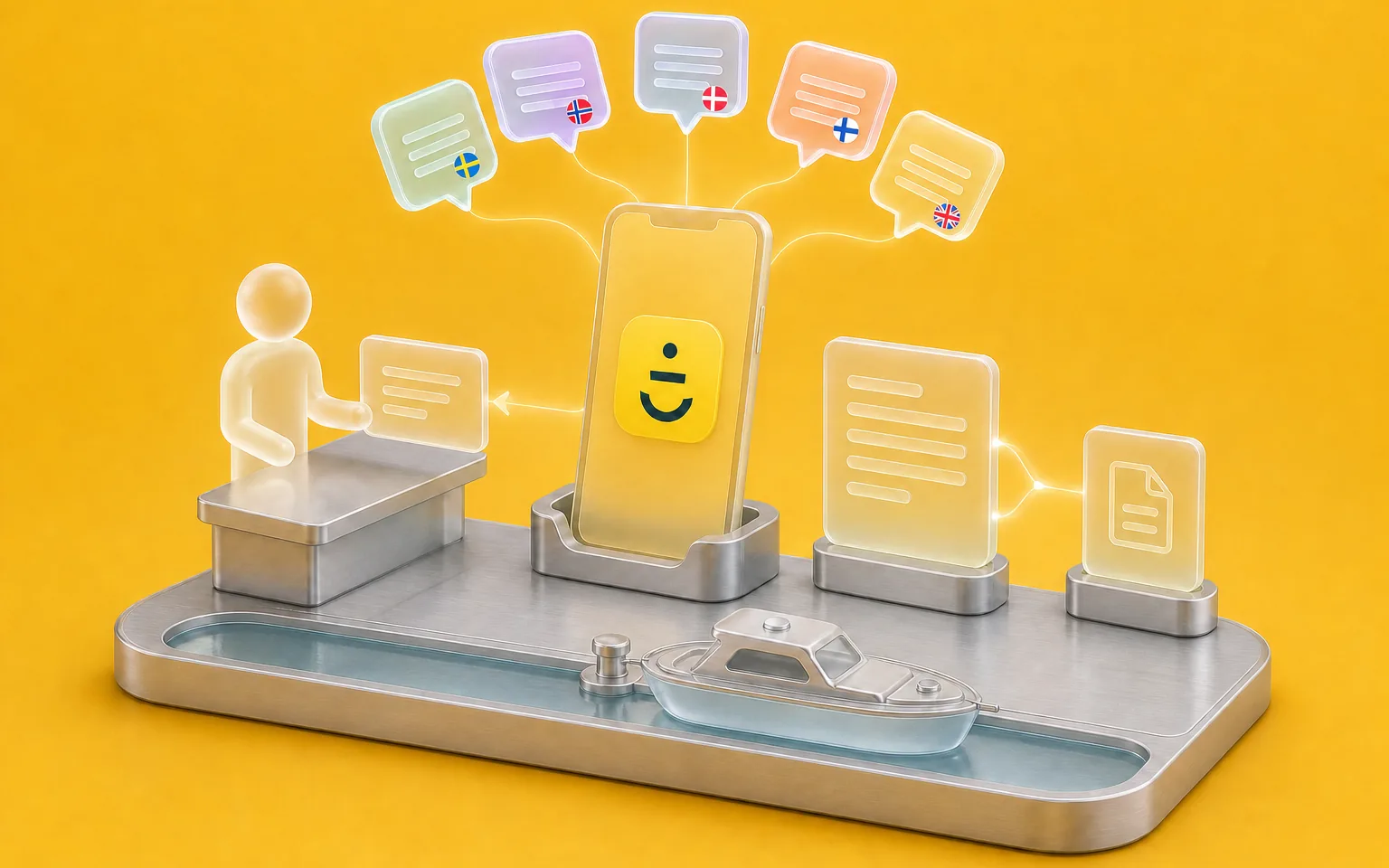
Skippo, a Swedish boating app publisher, supports its users in five languages. We built an agent that searches the help-centre articles written in the user's language, then ends every answer with a link to the article it came from. Questions that need a person go to the team, in its support tool.
FAQ
Frequently asked questions
What is RAG, and how is it different from a search engine?
A search engine gives you a list of files to open. RAG first finds the useful passages in your documents, then has a language model write an answer based only on those passages, with their source. Your teams therefore read an answer instead of a list, and every answer lets them open the original document to check it.
Does it work with documents in Arabic?
The system we built for Skippo already answers in five languages. For Arabic, we start with a test on a sample of your documents, because quality depends on their form, original text or scan, and on your industry's vocabulary. You see the result of that test before you commit.
Who keeps the documents up to date?
Each document keeps an owner on your team, as it does today. When that owner publishes a new version, it's imported again on the agreed schedule and the old one stops serving as a source. A wrong answer is therefore fixed in the document, without a developer, and the admin space flags the questions the system answered poorly.
How is the confidentiality of our documents protected?
The system only uses the documents you give it, and it applies your existing access rights. Hosting is chosen project by project, on your own infrastructure, on a server we manage or in a cloud, and we check each model provider's terms, retention and training included, before choosing it. Our AI Security & Governance page covers these choices.
How much does an enterprise RAG system cost?
The investment depends on the number and condition of the sources to connect, how complex the access rights are, the hosting chosen and the volume of questions. Model usage and hosting come on top, billed by their providers, either in your name or recharged at cost. So we set the amount after the inventory of your sources.
Let's discuss your priorities
Let's start from the documents your teams use most.
Tell us which documents your teams open every week and the questions that come up most often. We'll work out together what can serve as the basis, and with which access rights.
- The call lasts thirty minutes, by video.
- You speak directly with a Claro expert.
- Afterwards, we email you the next step we recommend.