
Systems Integration
Get information moving between your tools.

Your teams copy orders, stock or files from one application to another. We connect your ERP, your online store and your other tools through their APIs, so information entered in one place is available everywhere else.
Data, and actions too.
An integration moves data, such as an order or an invoice, and also actions, such as creating a support ticket from a customer request. So we start by listing these exchanges with you: which direction they go and when they need to happen.

Four questions to settle before connecting.
The reference system
For each piece of data, one system is the reference, and the others read from it or sync with it.
API access
We check what each tool allows, for reading and for writing, and the rights needed to access it.
Data mapping
A customer or a product doesn't look the same in every tool, so we write the mapping rules before connecting.
Errors
We agree with you what happens when an exchange fails: a retry, an alert or manual handling.

For each piece of data, one system is the reference, and the others read from it or sync with it.
We check what each tool allows, for reading and for writing, and the rights needed to access it.
A customer or a product doesn't look the same in every tool, so we write the mapping rules before connecting.
We agree with you what happens when an exchange fails: a retry, an alert or manual handling.
An example: bringing a file together.
A file's emails often land in an inbox while its data sits in another tool. So we link the two, and all of the file's information ends up in one place.
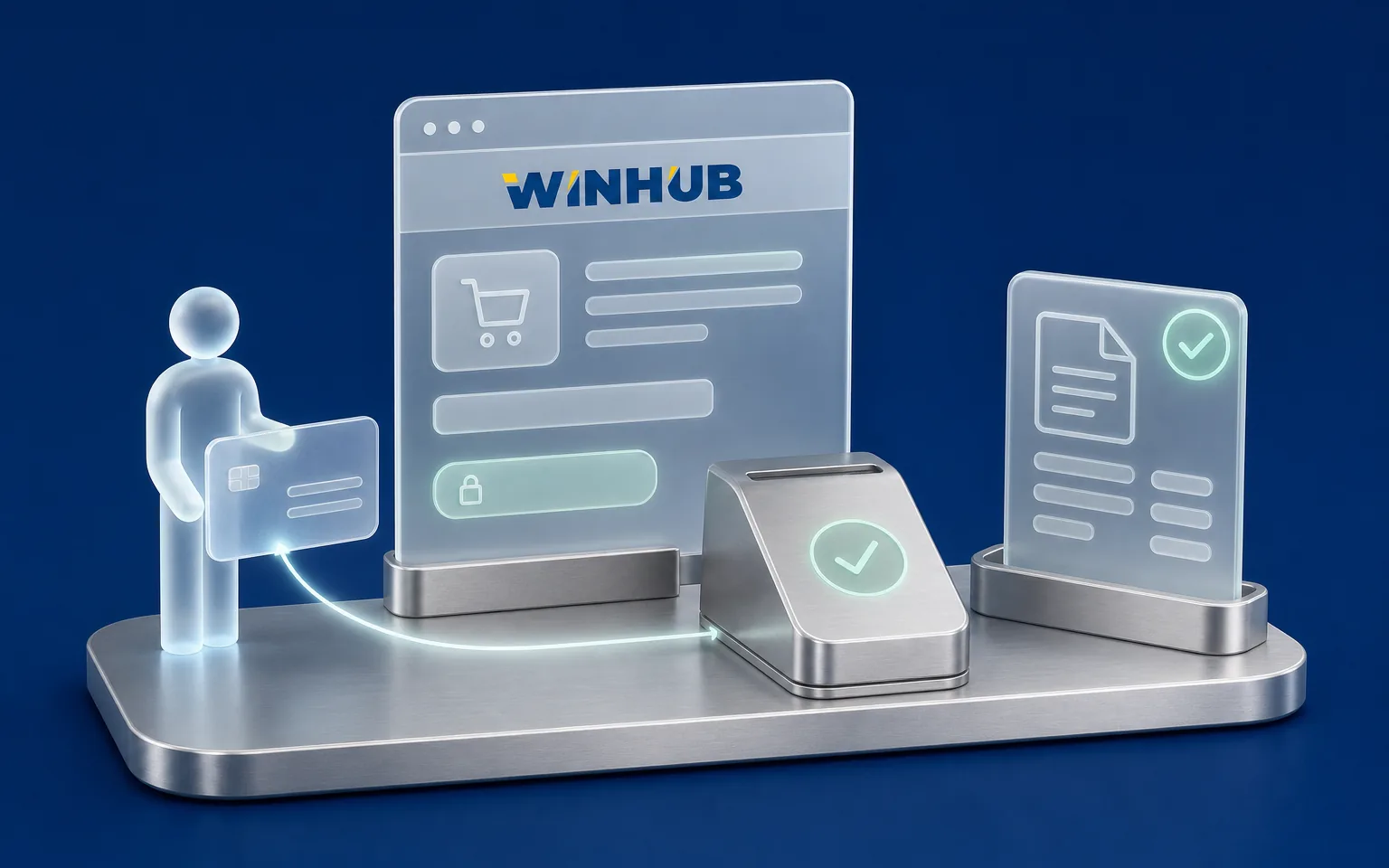
We also connected Skippo's agent to its support tool, so it creates tickets itself, and integrated a payment gateway for Winhub.
- Shipment emails
- Data from their systems
Shipment view
Approvals board
A connection depends on the tools it links.
If a vendor changes its API, the connection has to be adapted, which is part of follow-up. So we document each connection, with its sources, its mapping rules and the expected behaviour on error, and agree with you who keeps an eye on it.

Case Studies

Skippo
Mobile app, Sweden
- Challenge
- Passing the requests that need a person on to the support team.
- What Claro built
- Automatic ticket creation in their support tool, with the conversation history.
Winhub
Accounting software
- Challenge
- Taking payments online.
- What Claro built
- A payment gateway integration.
FAQ
Frequently asked questions
How much does a systems integration project cost?
The investment depends on the number of tools to link, the quality of their APIs, the data volume and how complex the mapping rules are. A read-only connection takes less work than a two-way sync. So we set the amount after checking the APIs with you.
How long does an integration project take?
It mostly depends on API access and on the vendors' documentation. We start by checking what each tool really allows, then give you a schedule connection by connection.
Can you connect Sage, Odoo and our spreadsheets?
We connect any software that offers a usable API or export. What's possible varies between vendors and versions, so we check what your version allows before committing. Spreadsheets can be imported on a regular schedule.
Do we have to replace our existing systems to integrate them?
No, integration exists precisely so you can keep the tools that work. We link them together, and only recommend replacing one if it allows no usable exchange.
What happens if a connected application changes?
A vendor update can change its API. The connection then has to be adapted, which a maintenance scope agreed with you covers. Each connection is documented, so another team can step in too.
Let's discuss your priorities
Let's connect your systems.
Tell us about the tools you use, the information your teams copy by hand and the exchanges that matter most. We'll work out together which connections to set up first.
- The call lasts thirty minutes, by video.
- You speak directly with a Claro expert.
- Afterwards, we email you the next step we recommend.