
AI Chatbots & Virtual Assistants
Answer your customers in their language, from your own content.
An AI chatbot understands questions asked in people's own words and answers them from your own content, such as your help centre, product sheets or procedures. When a request goes beyond what it should handle alone, it passes it to your team with the conversation history, so nobody has to ask the question again.
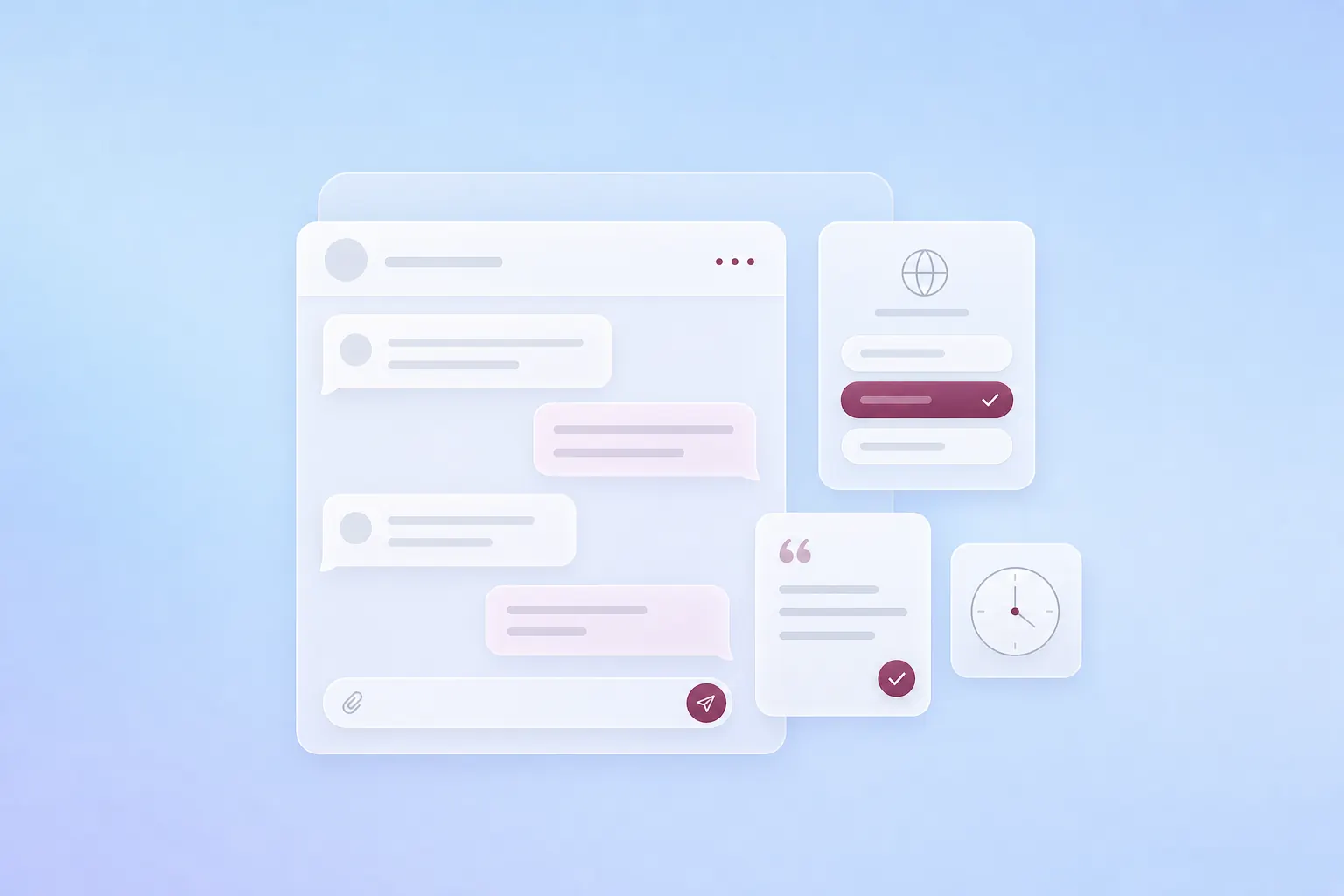
Requests a chatbot can answer.
Customer support
Common questions, such as tracking an order or how a service works, get an immediate answer, including outside office hours, and the rest go to your team.
Qualifying requests
The chatbot asks the right questions, then passes your sales team a summary of the conversation with the need expressed.
Knowledge base
Fed with your internal documents, product sheets and procedures, it answers from those sources instead of improvising.
A chatbot suits questions that come up often and whose answer already exists in writing. When the answer depends on data that changes all the time, such as stock levels or a balance, an agent connected to your systems is a better fit.
Illustrative example
From the question asked to the request handed over.
Take a customer who asks whether they can still change the delivery address of an order. The chatbot finds the rule in your help centre and answers in their language, with a link to the article. The customer then says the parcel has already left. That case falls outside the agreed scope, so the chatbot promises nothing and hands the request to your team with the conversation history and a summary, so nobody has to ask again.
Step 01
Ask
The customer asks in their own words, in their language.
Step 02
Search
The chatbot searches the content you have approved.
Step 03
Answer
It answers in the customer's language and links to its source.
Step 04
Recognise
It spots a request it should not handle alone.
Step 05
Hand over
The request goes to your team, with the history and a summary.
| Action | Allowed? |
|---|---|
| Read the help-centre articles | Yes |
| Answer the customer, with the source | Yes |
| Look up an order's status | Yes, read-only |
| Hand the request to the team | Yes, with the history |
| Change an order or an address | No |
What we deliver to put a chatbot into service.
Content inventory
We list with you the articles, product sheets and procedures to use, with their owner and language. Outdated versions stay out.
Connections to your tools
We connect the chatbot to your support tool, your CRM or your internal databases, with only the access it needs.
Handover rules
They set out the requests the chatbot handles alone and those it passes to your team, with the history and a summary.
The chat window
It fits into your website, your app or WhatsApp, and answers in the language of each message.
Admin portal
Your team changes answers there, approves new content and spots poorly answered questions, without a developer.
After go-live, monitoring and adjustments fall under our Maintenance & Evolution offer, per ticket or as a monthly arrangement with a written report.
Your team stays in control of what the chatbot says.
The chatbot only answers from the content you have approved, and every answer ends with a link to its source. When a request falls outside that scope, it doesn't handle it alone and passes it to your team with the conversation history. Conversations are logged, so your owner can reread an answer and fix the content it came from. Data, access and hosting choices are set with you, according to how sensitive each piece of content is.
Our work

Boating app, Sweden
Skippo
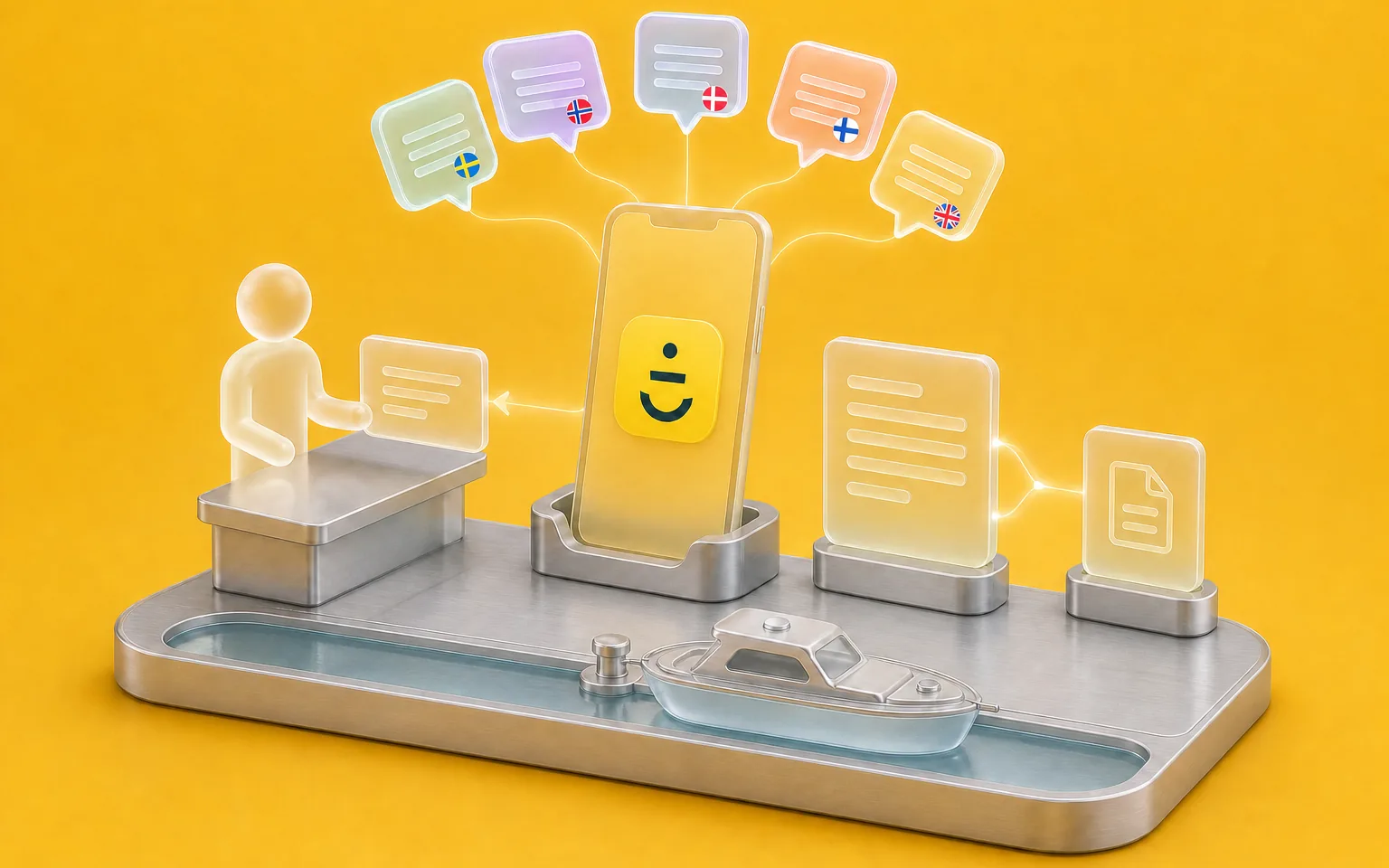
Skippo, a Swedish boating app publisher, supports its users in five languages. We built an agent that answers from its help centre and passes the questions that need a person to the team, in its support tool. An admin portal lets the team manage it all.
Further reading
- Does Your AI Assistant See More Than Your Users?

Why an AI assistant has to respect the same access rights as your staff.
- Controlling Agentic AI Costs: A Complete Business Guide

Why the AI bill keeps rising while model prices fall, and how to keep it under control.
FAQ
Frequently asked questions
What is an AI chatbot and how does it differ from a classic chatbot?
A classic chatbot follows scripts set in advance and only understands the buttons or keywords it was given. An AI chatbot relies on a language model, so it understands a question asked freely, even rephrased, and answers it from your own content rather than a script. It still stays within limits, because it only answers from the sources you have approved.
On which channels can an AI chatbot be deployed in Morocco?
The chatbot can answer on your website, in your app, in your internal tools or on WhatsApp, and its logic stays the same from one channel to another. WhatsApp also requires the official WhatsApp Business API and message templates approved by Meta, which our WhatsApp chatbot page covers.
Could the chatbot make up answers?
That's the main risk of a badly built chatbot. Ours only answers from your approved content, ends its answers with a link to the source, and passes the requests it shouldn't handle alone to your team. We test it before go-live on real questions from your customers, because that's where the cases no document covers show up.
Where does conversation data go?
Data, access and hosting choices are covered on our AI Security & Governance page.
Let's discuss your priorities
Ready to build something that lasts?
Let's talk about your project. We become partners who grow with you.
- The call lasts thirty minutes, by video.
- You speak directly with a Claro expert.
- Afterwards, we email you the next step we recommend.