Change Management
Prepare your teams for their new tools.
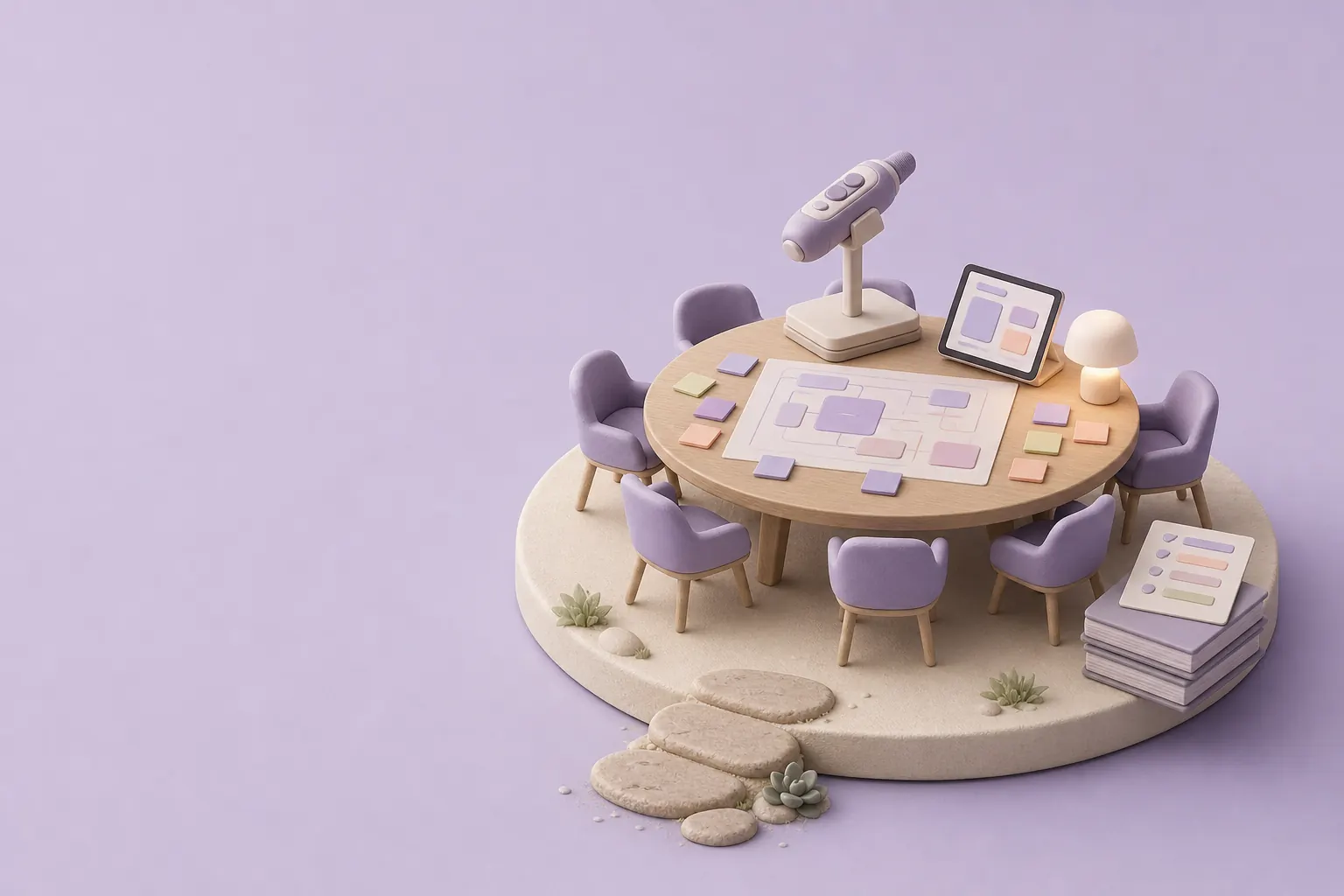
A delivered tool only makes a difference if people use it. We involve your teams from the design stage, then support them at rollout with on-site sessions and guides written for them.
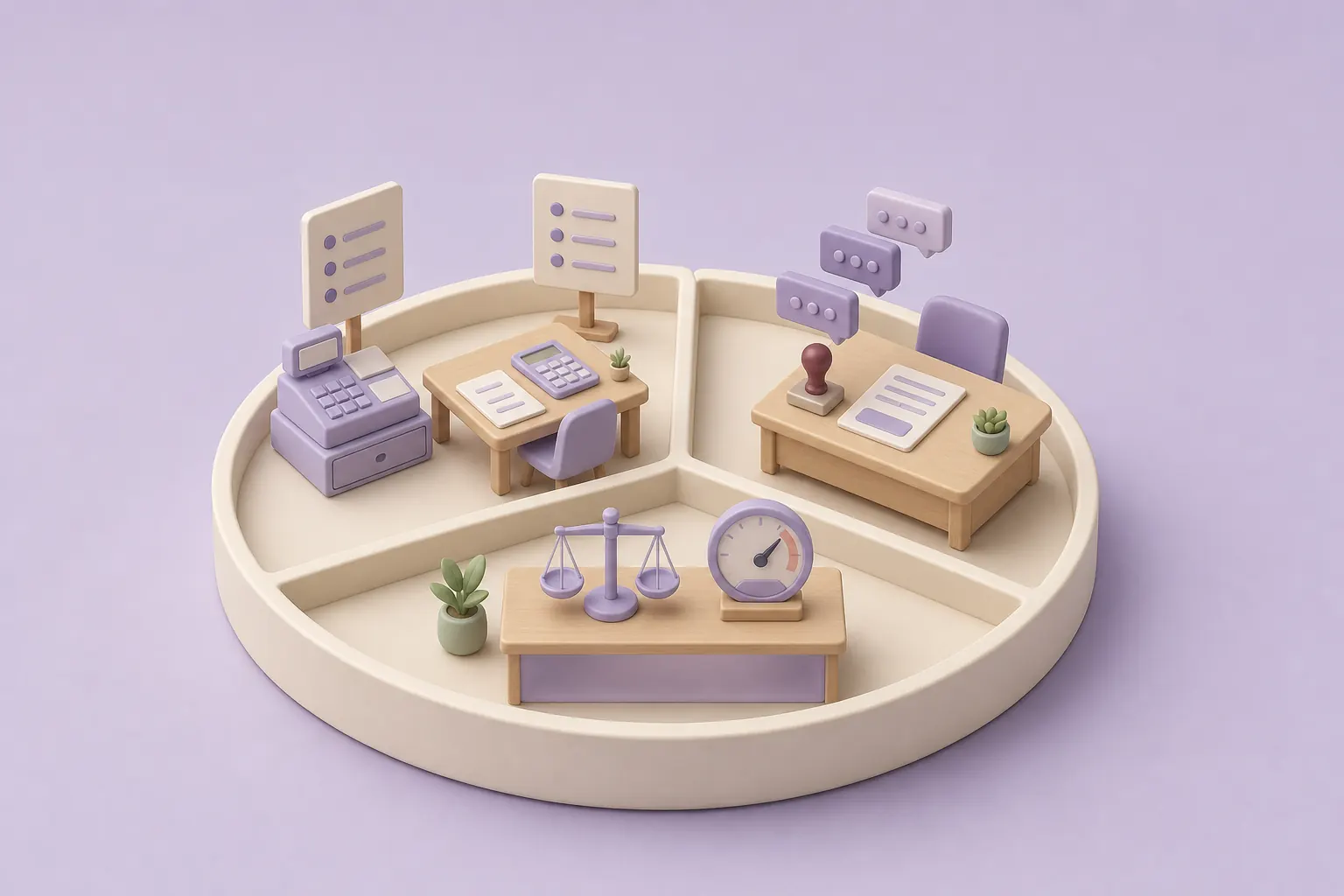
Each role changes in its own way.
Day-to-day users
Cashiers or accountants change how they work, and they need simple, step-by-step instructions.
Team leads
They approve the new rules and answer their teams' questions during the first weeks.
Management
Management settles process changes and follows how much the new tool is really used.
Spot the barriers before rollout.
Barriers are usually concrete: a tool that adds a step, a rule people misunderstand, someone who wasn't consulted. We find them during the workshops, because the people doing the work know the exceptions nobody wrote down.
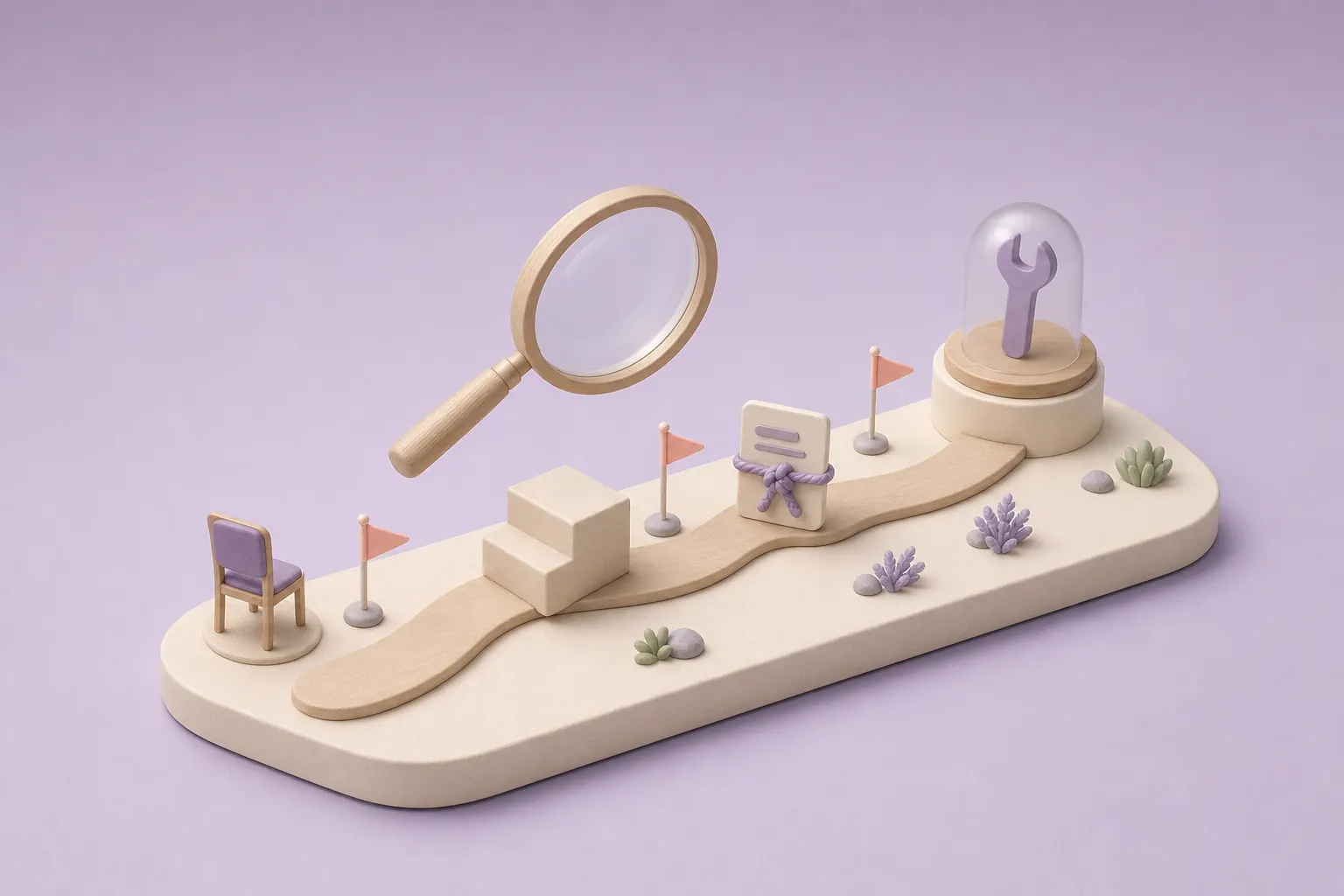
Involve the teams, then support them.
We involve the teams from the moment the rules are written, in workshops prepared with an agenda and worksheets. Their feedback changes the tool before it's built.
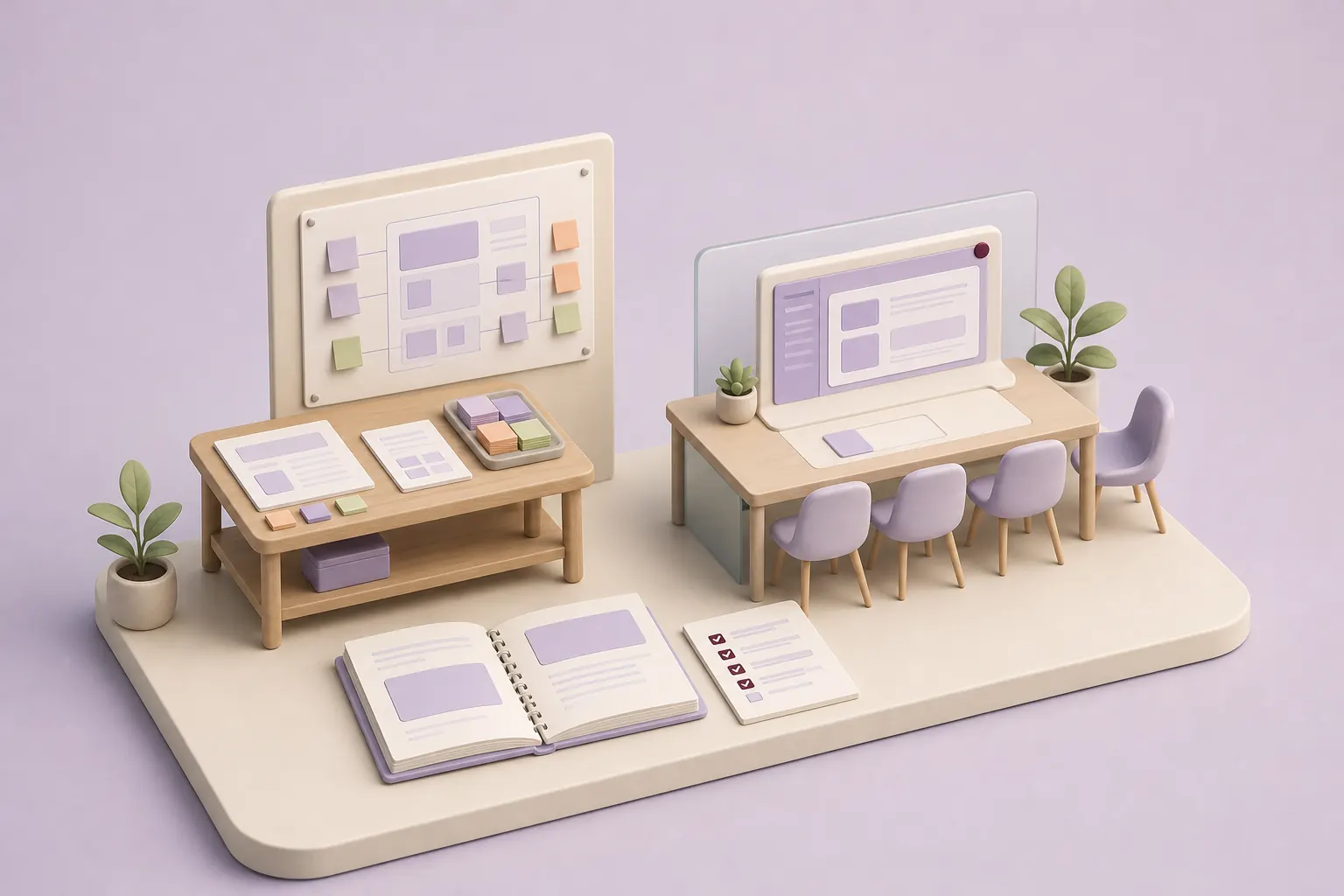
At rollout, we run on-site sessions to install the tool and go through the first tasks with the teams. Each user also receives a getting-started guide written for them, with one step per page, screenshots of the real tool and a printable checklist.
Getting-started guide
Step 3Checklist
Who does what.
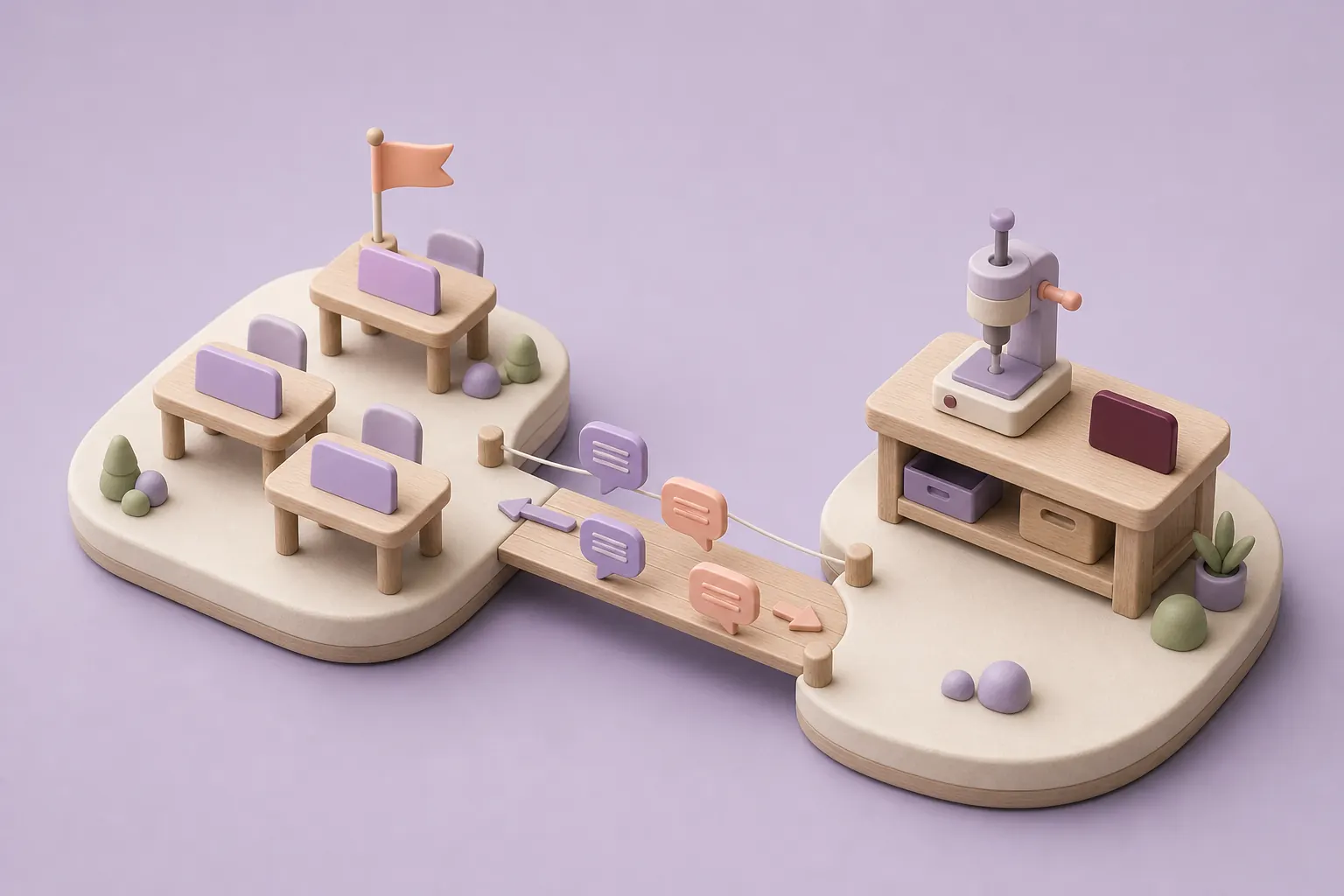
On your side, one contact per team
They pass on questions, approve the rules for their area and flag problems as soon as they appear.
At Claro, the team that built the tool
The people who designed and built the tool run the workshops and answer users' questions.
Track real usage.
Before rollout, we agree with you on the usage indicators to follow, such as the number of active users or the tasks still done outside the tool. These readings show where the guide or the sessions need to be expanded.
Usage report
Week 2| Team | Active users | Tasks outside the tool | To expand |
|---|---|---|---|
| Team A | Up to date | ||
| Team B | Session | ||
| Team C | Guide |
Part of the project, from the first workshop to follow-up.
Change management is part of our deployment projects. It starts at the first workshops, accompanies go-live and continues into follow-up, so users' questions feed the next changes.
- First workshops
- Build
- Go-live
- Follow-up
Change management
The next changes
FAQ
Frequently asked questions
Why does adoption of a new tool so often fail?
Tools are often designed without the people who will use them, so they miss exceptions those people handle every day. Sometimes they also add a step with no visible benefit for the user. Involving the teams in workshops and giving them a guide that fits their role reduces both risks.
What method do you use?
We work in three stages: workshops during design, on-site sessions at rollout, then usage tracking with indicators agreed with you. Each user receives a getting-started guide written for their role.
Do you offer stand-alone training, without a deployment project?
Our support is designed for the tools we deploy, because it relies on the real tool and your rules. For AI training that isn't tied to a project, see our AI Training page.
How much does change management support cost?
The investment depends on the number of teams and sites involved, the number of on-site sessions and the guides to write. When the support is part of a project we run, it's planned in the scope from the start.
Let's discuss your priorities
Let's prepare your teams for adoption.
Tell us about the tool you're rolling out, the teams involved and the habits it will change. We'll work out together which workshops and guides will help.
- The call lasts thirty minutes, by video.
- You speak directly with a Claro expert.
- Afterwards, we email you the next step we recommend.