
Automate operations
Automate the operations your teams still handle by hand.
An order re-keyed into a second tool, a file forwarded by email, a check done from memory: these steps take time and let errors through. We automate the whole process, from the event that starts it to the final check.

Before
The same information entered twice
Sales, logistics or accounts teams copy an order or a file from one tool to another, and every copy can introduce an error.
Work waiting in inboxes
A request stays on hold because the person who should handle it is busy elsewhere or out that day.
Exceptions handled case by case
When information is missing, everyone improvises, and nobody knows how many files are stuck.



Illustrative example: a customer's question about their file.
A customer writes to ask where their file stands. The person who gets the email has to find it among the others, check the file in the ERP and then write the reply, so each request waits its turn.

After
Illustrative exampleThe same process, automated step by step.
Intake
The system reads each incoming email and identifies the file it belongs to.
Matching
It matches the email with the file's information, drawn from the ERP.
Drafting
A reply is drafted from the email and the file.
Approval
A team member reviews the reply on an approvals board, corrects it if needed and approves it.
Sending
The approved reply goes to the customer, and the approval is recorded with the approver's name.

On every project, we agree with you which cases the automation doesn't handle on its own, such as a file that can't be found or missing information. Those cases go back to a person, along with whatever the system has already found.
Here, AI drafts the reply because it has to read a freely written email. Many other processes only need rules and a connection between two tools, and we only bring in AI when a step calls for it.
Our work, from diagnosis to adoption.

Diagnosis
We walk through the process with the people who run it, from the trigger to the final check, and note every entry, hand-off and exception.
Design
We decide with you what gets automated, what stays with a person for sign-off, and what happens when a case falls outside the rules.
Build
We connect your tools, build the automation and test it on real files before go-live.
Adoption
We train the team on the new way of working and stay close for the first few weeks while the rules settle.
What you need to bring.
An automation reproduces the rules it's given, inconsistencies included. So if your teams handle the same file in different ways, we align those practices with you before building anything.

A process owner
Someone who knows the process and decides when two practices coexist.
Access to your tools
An API, an export or read access, depending on what each tool allows. We check this during the diagnosis.
Real examples
Real files, orders or emails, so we build and test on your actual business.
Time to review
For the first few weeks, the team reviews more, while the rules settle.
How we measure the result.
Before go-live, we record the starting point with you on four indicators: the time to process a file, the time spent on data entry, the number of errors and the share of cases that fall outside the rules. We then track the same indicators, so you can tell the measured result from the target set at the start.
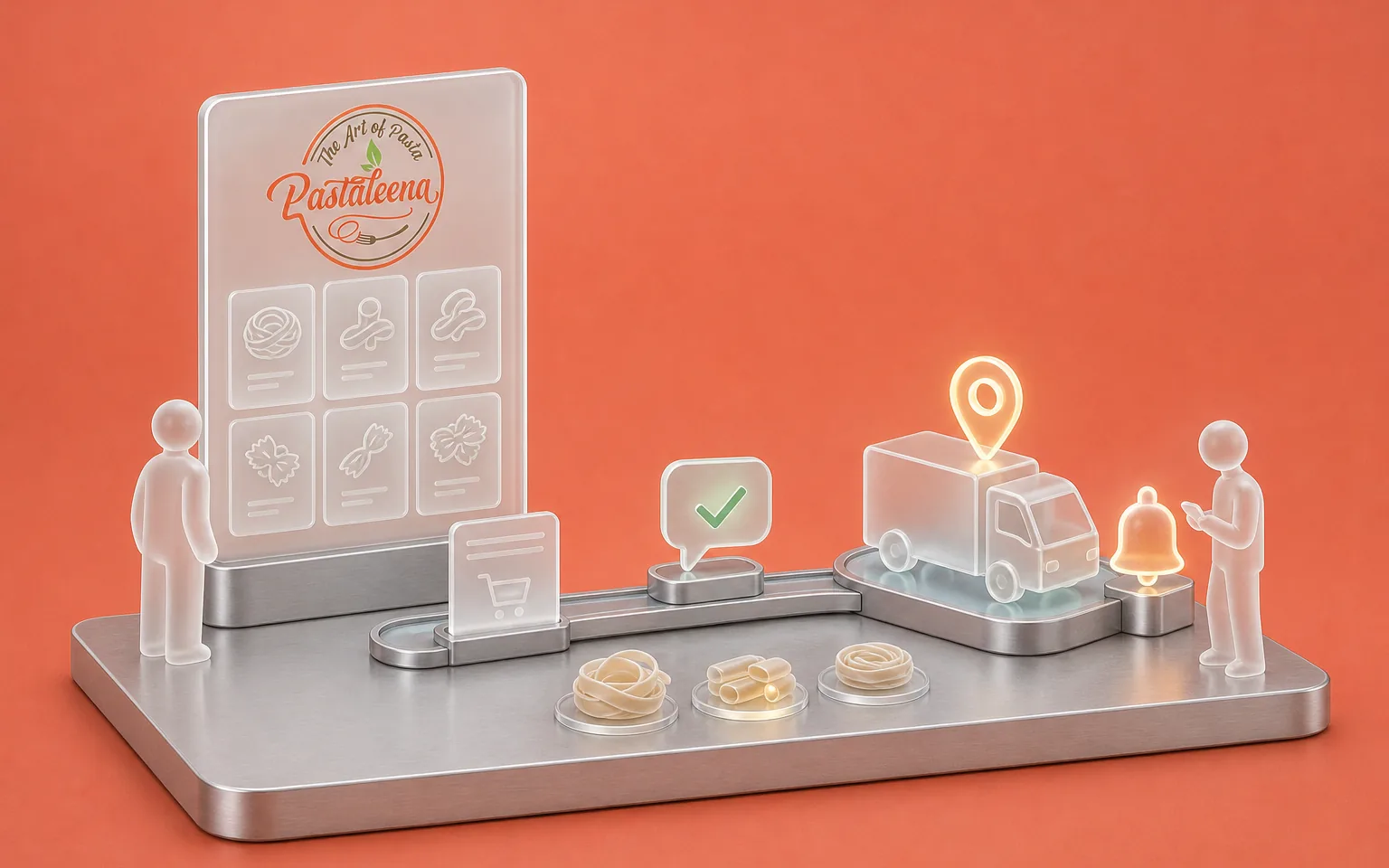
Pastaleena
Artisan pasta, online sales
- Challenge
- Confirming orders and organising deliveries without adding to the team's workload.
- What Claro built
- The online store, and order automation configured in their order management tool: confirmation on WhatsApp, hand-off to the courier with a tracking number, a reminder before delivery.
FAQ
Frequently asked questions
Which process should we start with?
We recommend a frequent process with fairly stable rules, whose cost already shows in hours of data entry, delays or errors your customers point out. A well-chosen first project then serves as a model, because the access, the approval rules and the team's habits are already in place for the next ones.
Do we need AI to automate a process?
Many processes can be automated without AI, with rules and a connection between two tools, like Pastaleena's order confirmations. AI becomes useful when a step means reading free text, an email or a document, and drawing information or a reply from it. So we choose the approach step by step.
Do we have to change our current tools?
In most cases you keep your tools, because we connect them through their APIs or exports. If one of them allows no usable exchange, we flag it during the diagnosis and look at the options with you, from the lightest fix through to replacement.
Who keeps control of decisions?
You decide with us which steps go through a human sign-off. An action that commits the company, such as sending something to a customer or making a payment, can require approval, and every approval is recorded with the name of the person who gave it.
How much does it cost to automate a process?
The investment depends on the number of steps and tools involved, the quality of their APIs, how much free text there is to handle and the volume of cases. A rules-based process takes less work than one where AI reads emails. So we set the amount after the diagnosis, and AI model usage, where there is any, is billed by the providers, either in your name or recharged at cost.
What happens when a case falls outside the rules?
It goes back to a person, along with whatever the system has already found, so nobody has to start the file from scratch. We define those cases with you at the design stage. Their number is also one of the indicators we track, because it shows where the rules need to change.
Let's discuss your priorities
Let's look at one of your processes.
Pick a process that takes up your teams' time today, and tell us its steps, the tools involved and the cases that cause trouble. We'll work out together what can be automated and what would need preparing.
- The call lasts thirty minutes, by video.
- You speak directly with a Claro expert.
- Afterwards, we email you the next step we recommend.